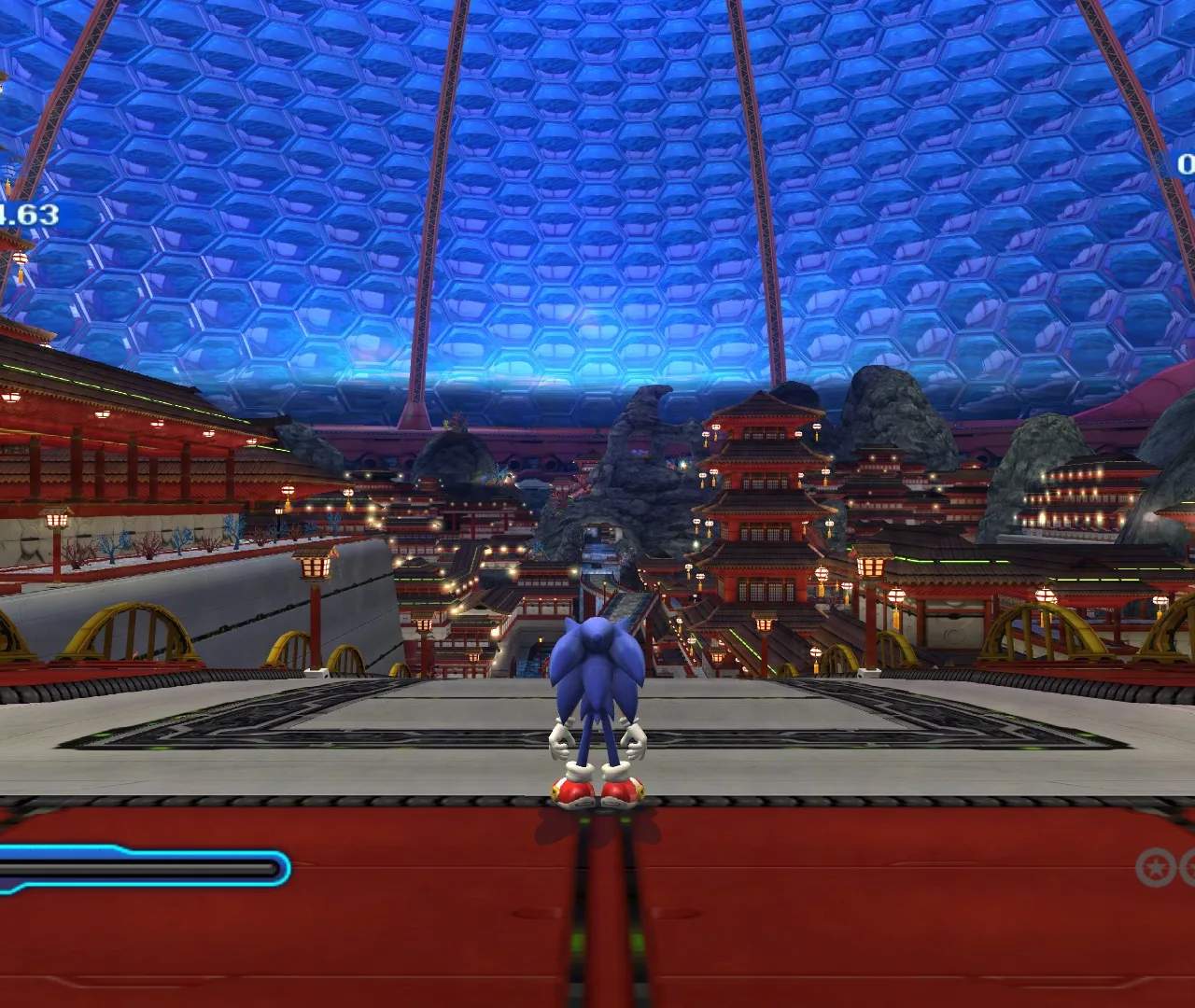
The User Interface in Sonic Colors provides vital information during gameplay. Understanding each element will help you track your progress and make informed decisions.

- Score: Located at the top-left of the screen, this displays your current score. Collecting rings, defeating enemies, and maintaining speed contribute to your score. Higher scores lead to better stage ranks.
- Rings: Displayed next to your score, this shows the number of rings Sonic currently possesses. Rings act as Sonic's health; if he takes damage, he loses all his rings. If he takes damage without rings, he loses a life. Collecting 100 rings grants an extra life.
- Boost Gauge: Positioned at the bottom-left, this gauge fills up as you collect White Wisps, perform tricks, or defeat enemies. Each segment allows for one Boost. Maximize this to maintain high speeds.
- Lives: Usually found at the top-right, this indicates how many extra lives Sonic has. Losing all rings and taking damage consumes one life. Game Over occurs when all lives are lost.
- Time: Located at the top-center, this timer tracks how long you've been playing the current stage. Faster clear times contribute significantly to your stage rank.
- Wisp Icon: When you've absorbed a Wisp, its icon will appear near the Boost Gauge, indicating which Wispon ability is currently active and ready for use.
Keeping an eye on these elements, especially your Boost Gauge and Ring count, is crucial for survival and achieving high scores.