
The User Interface (UI) and Heads-Up Display (HUD) in Sonic Forces provide crucial information during gameplay, helping you track your progress, health, and available abilities. Familiarizing yourself with these elements will allow you to make informed decisions on the fly and react quickly to threats and opportunities. While the HUD is generally clean and unobtrusive, knowing where to look for specific details can be the difference between a perfect run and a frustrating defeat.
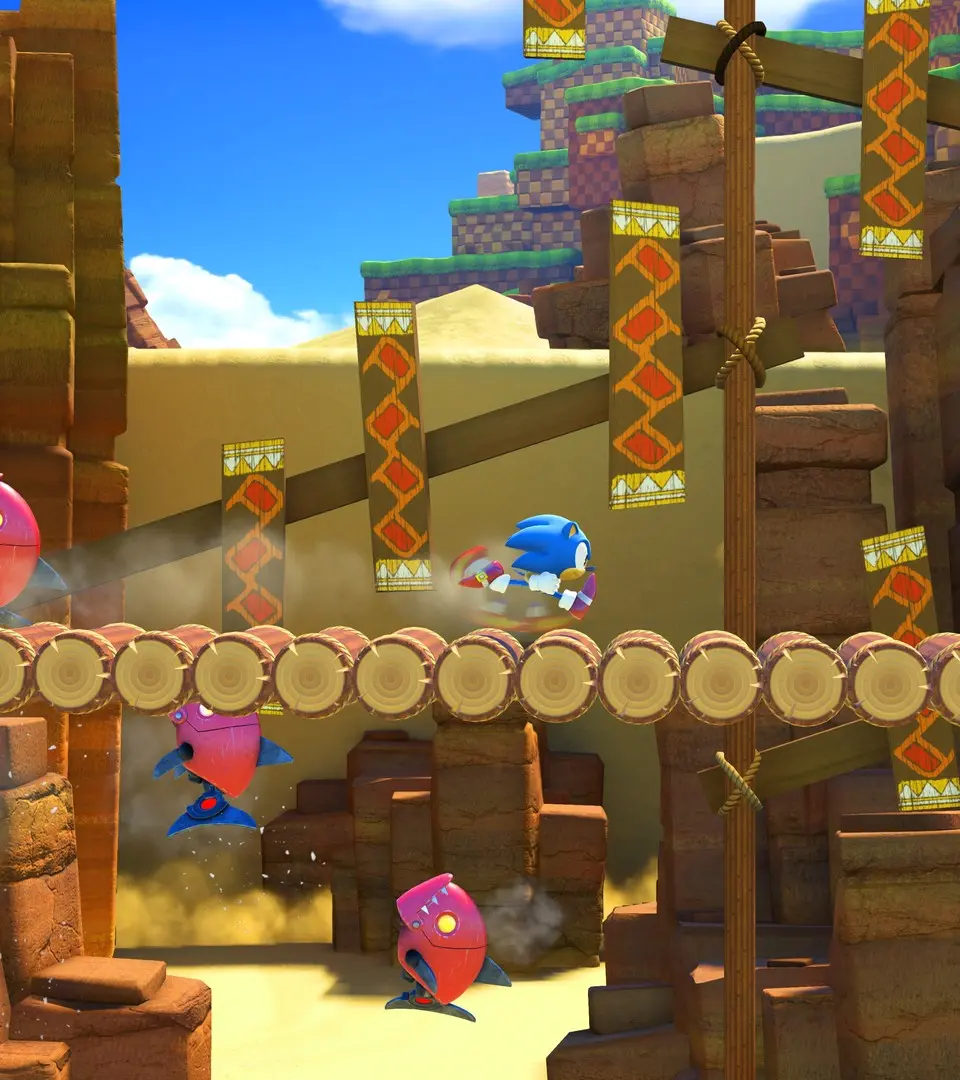
Key HUD Elements:
- Rings Counter: Located in the top-left corner, this displays the number of rings you currently possess. Rings act as your health; taking damage with rings causes you to lose them, but you'll survive. If you take damage with zero rings, you're defeated.
- Score: Typically in the top-right, this tracks your current score for the stage. Higher scores are awarded for speed, defeating enemies, and collecting rings.
- Boost Gauge (Modern Sonic/Avatar): A bar usually found near the bottom-center or bottom-right. This gauge fills as you collect rings, defeat enemies, and perform tricks. It's consumed when you use the Boost ability.
- Wispon Gauge (Avatar): For your Avatar, a separate gauge might appear for your equipped Wispon's special ability, indicating its charge or availability.
- Time: In the top-center, this shows the elapsed time for the current stage. Faster times contribute to higher ranks.
- Lives: While not a traditional 'lives' system, some stages might show a counter for retries or specific mission objectives.
- Enemy Health Bars: For larger enemies and bosses, a health bar will appear, usually at the top of the screen, indicating their remaining HP.
- Quick Step Prompts: During certain sections, on-screen prompts might appear to indicate when to use Quick Step to avoid obstacles.
Pay attention to your ring count, especially in challenging sections. Managing your Boost Gauge effectively is also vital for maintaining speed and overcoming obstacles. The UI is designed to be intuitive, but a quick review ensures you won't miss any critical information during the heat of battle.