
Debug Mode is a hidden feature that allows players to manipulate the game environment, spawn objects, and even fly. It's a powerful tool for exploration and experimentation. To activate Debug Mode:
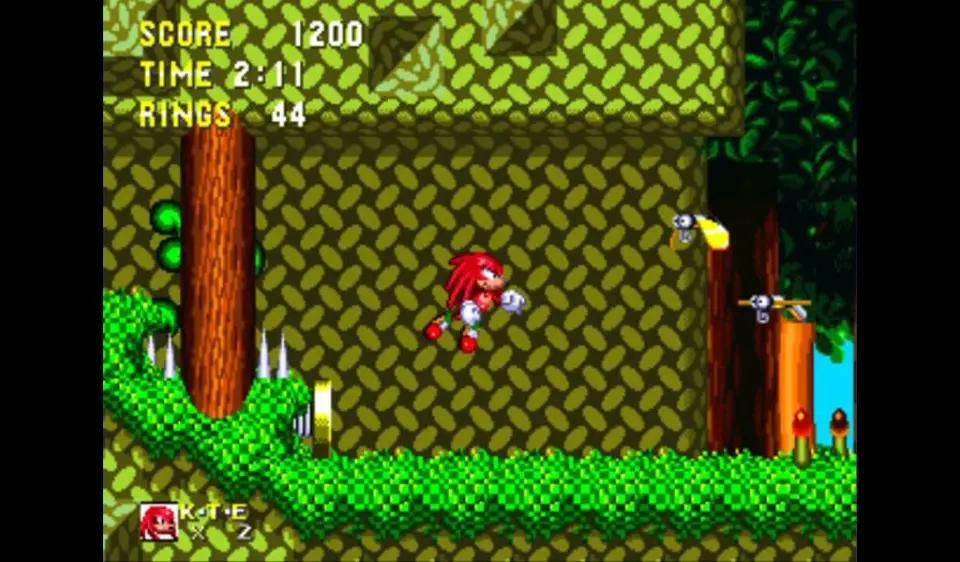
- On the title screen, go to 'Options'.
- Highlight 'Sound Test'.
- Play sounds 03, 02, 01, 0C, 04, 07, 00, 08 (03, 02, 01, 12, 04, 07, 00, 08 in hex). You should hear a ring sound.
- Exit to the title screen and select 'No Save' or 'Load Game'.
- Hold A and press Start on the character select screen.
Once in Debug Mode, you can press B to switch between character and object placement mode. In object placement mode, use the D-Pad to select an object, C to place it, and A to cycle through objects. Press B again to return to character mode. Pressing A in character mode allows you to fly. This mode is excellent for finding hidden areas, practicing difficult sections, or simply having fun with the game's mechanics.