
Saving your progress in Spyro 2 is straightforward and crucial to avoid losing valuable playtime. The game features both automatic and manual saving options:
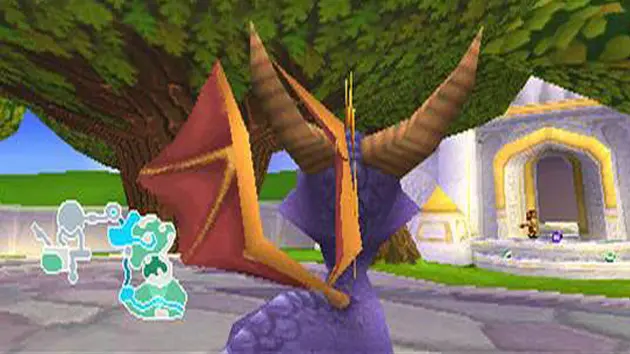
- Automatic Saves: The game automatically saves your progress whenever you enter a new realm or a new level within a realm. This means that if you complete a level and return to the homeworld, your progress for that level (gems, orbs, completed challenges) will be saved.
- Manual Saves: You can manually save your game at any time by pausing the game (press Start) and selecting the 'Save Game' option. It's highly recommended to save manually before attempting challenging sections or after collecting a significant amount of gems or orbs. This provides a safety net in case you make a mistake or need to quit the game unexpectedly.
Always ensure you see the 'Game Saved' confirmation message before turning off your console. While the auto-save feature is convenient, manual saves give you more control and peace of mind, especially when aiming for 100% completion across multiple play sessions.