
Understanding the controls is your first step to shredding. SSX 3 features intuitive controls that are easy to learn but offer depth for advanced maneuvers. Here's a breakdown of the default controller layout:
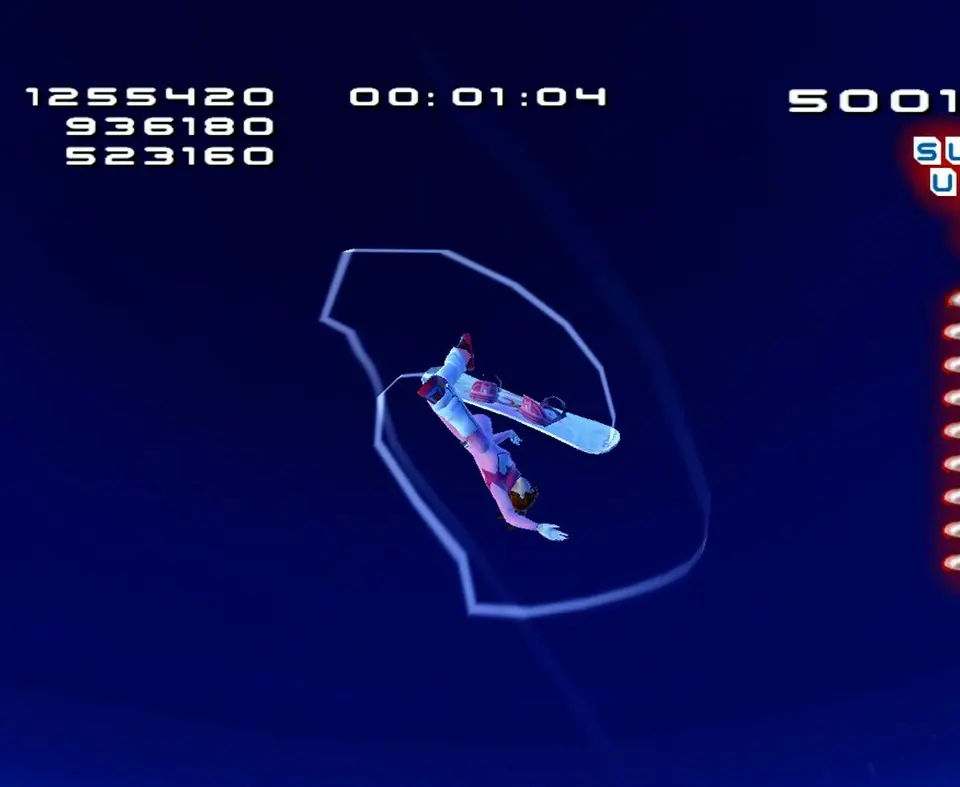
- Left Analog Stick: Steer your rider, control air rotation.
- Right Analog Stick: Initiate and modify grabs. Push in any direction while airborne to grab.
- X (PlayStation) / A (Xbox): Jump/Ollie. Hold for higher jumps.
- Square (PlayStation) / X (Xbox): Tweak/Modify Grabs. Hold while grabbing to tweak for more points.
- Circle (PlayStation) / B (Xbox): Boost. Consumes your Boost Meter.
- Triangle (PlayStation) / Y (Xbox): Grind/Rail Slide. Approach a rail and press to grind.
- L1/R1 (PlayStation) / LB/RB (Xbox): Edge/Carve. Use for tighter turns and setting up jumps.
- L2/R2 (PlayStation) / LT/RT (Xbox): Uber Tricks. When your Boost Meter is full and glowing, press both L2/R2 (or LT/RT) and a grab button to perform an Uber Trick.
Practice these controls in the Freeride mode to get a feel for your rider's movement and responsiveness before diving into events.