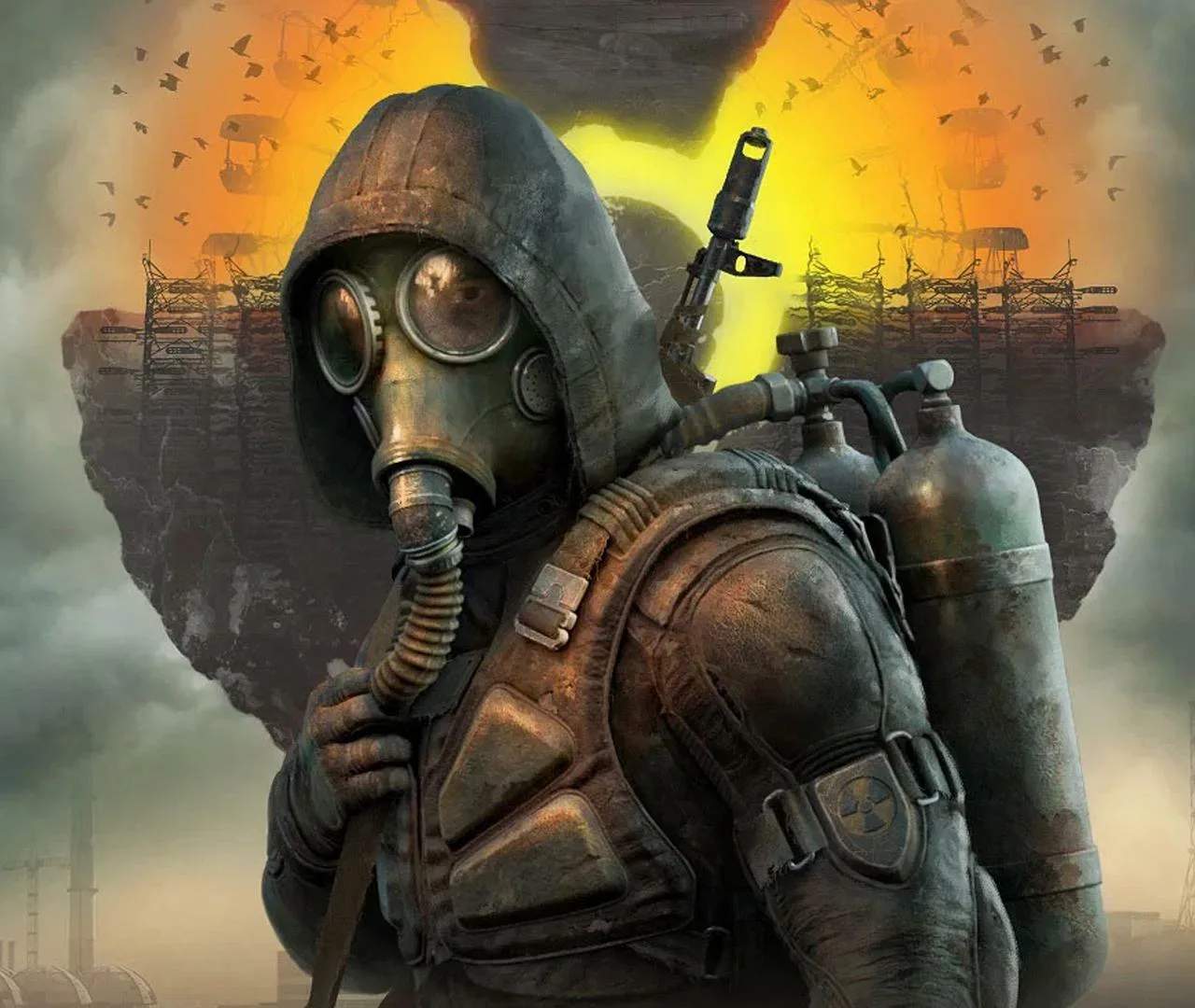
Mastering the controls and understanding the User Interface (UI) are fundamental to your survival and success in S.T.A.L.K.E.R. 2: Heart of Chornobyl. The Zone is a hostile environment, and efficient navigation, combat, and inventory management are paramount. This section breaks down the essential inputs and on-screen information you'll need to master.
Movement and Interaction
Standard WASD keys control your character's movement. Shift for sprinting, Ctrl for crouching, and Spacebar for jumping. Interacting with objects, opening doors, and picking up items is typically done with the 'E' key. Pay attention to context-sensitive prompts that appear when you are near an interactable object.
Combat Controls
Aiming down sights is usually done with the right mouse button (RMB), while firing is with the left mouse button (LMB). Reloading is typically handled by the 'R' key. Weapon switching is often done with the mouse wheel or number keys (1-9). Grenades can be selected with a dedicated key (e.g., 'G') and thrown with LMB.
The Heads-Up Display (HUD)
The HUD is your primary source of real-time information:
| Element | Description |
|---|---|
| Health Bar | Indicates your current health. Depletes when taking damage. |
| Stamina Bar | Used for sprinting and other strenuous actions. Regenerates over time. |
| Hunger Meter | Decreases over time. Eating food replenishes it. Low hunger impacts stamina. |
| Radiation Meter | Indicates your current radiation level. High levels cause damage and debuffs. |
| Minimap | Shows your immediate surroundings, quest markers, and nearby threats. |
| Weapon/Ammo Display | Shows your currently equipped weapon and available ammunition. |
Inventory and PDA Management
Pressing 'Tab' typically opens your inventory screen. Here you can manage weapons, armor, consumables, artifacts, and quest items. The PDA (often 'M' or 'P') provides access to your quest log, maps, character information, and lore entries. Efficient inventory management is key to survival, as you'll need to balance carrying essential supplies with valuable loot.
Quick Slots and Hotkeys
Utilize quick slots (often mapped to number keys 1-9) for fast access to your most frequently used items, such as medkits, bandages, and grenades. Assing items to these slots in your inventory screen will sificantly speed up your response time in critical situations.
Settings and Customization
Take time to explore the game's settings menu. You can often customize keybindings, adjust graphics for optimal performance, and fine-tune audio levels. Understanding these options can greatly enhance your gameplay experience and tailor the controls to your preferences.