
The UI provides critical information about your character's status and the surrounding environment. In the bottom-left, you'll find your health bar, stamina bar, and radiation level. Keep a close eye on these; red indicates danger. The bottom-right displays your current weapon, ammo count, and equipped grenades.
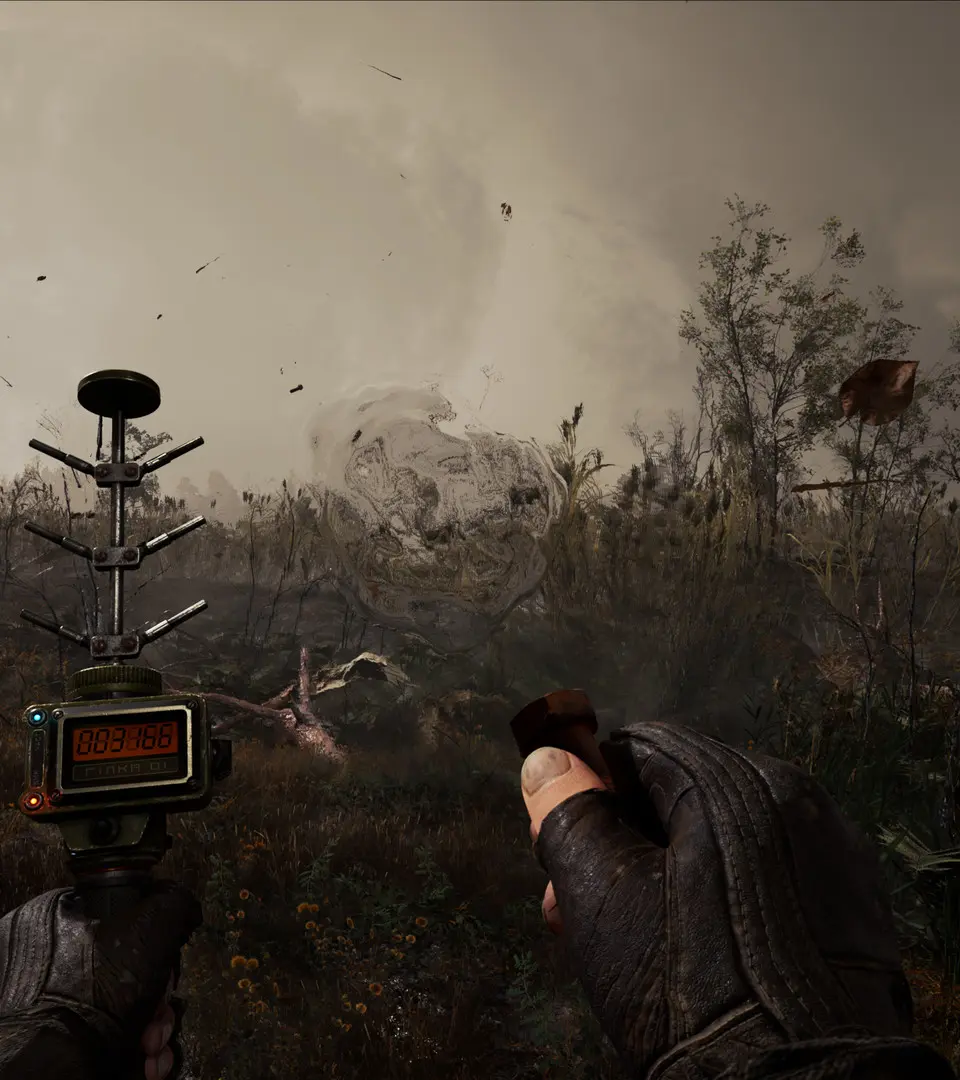
Your PDA (P) is your most important tool. It contains your map, quest log, inventory, and encyclopedia. Regularly check your map for quest markers and known anomaly locations. The inventory screen allows you to manage your equipment, use consumables, and apply weapon modifications. Understanding the UI is key to making informed decisions and staying alive in the Zone's unforgiving landscape. check your quick-slot bar for easy access to medkits and anti-rads.