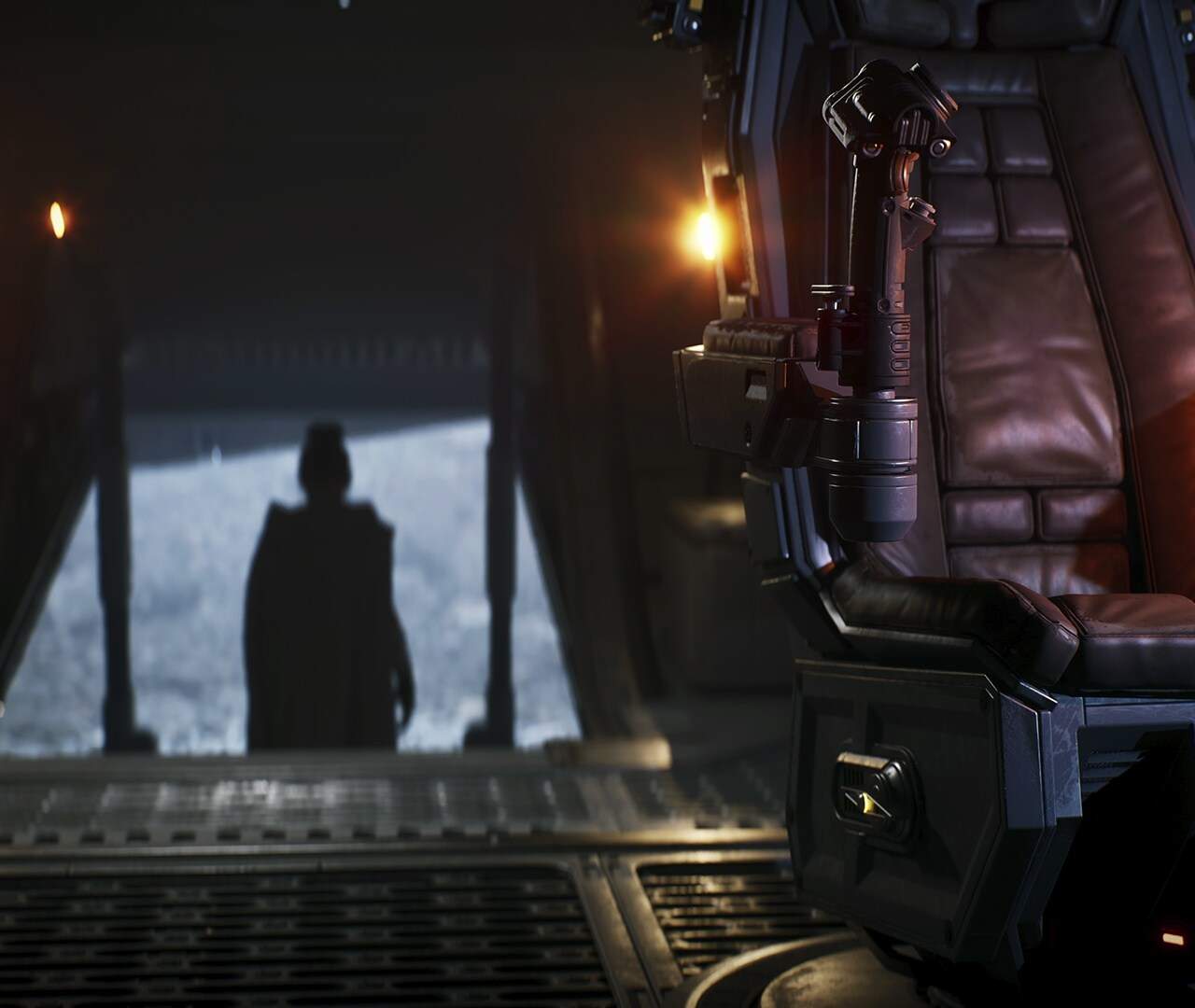
The galaxy of Star Wars: Fate of the Old Republic is vast and filled with secrets, making exploration a core component of the gameplay experience. From bustling cityscapes on Coruscant to the desolate wastes of Tatooine, each planet offers unique environments to discover. Your ability to navigate these diverse locales efficiently and thoroughly will not only lead to uncovering hidden lore and valuable loot but also to discovering new quests and engaging with the rich tapestry of the Star Wars universe. Mastering movement and exploration is key to truly appreciating the scope of the game.
Beyond simply reaching your destination, exploration in Fate of the Old Republic encourages you to look beyond the obvious paths. Secret areas, hidden passages, and environmental puzzles often reward the curious player. Your character's abilities, such as Force jumps or Force speed, can open up new avenues of exploration. Furthermore, understanding your map and compass is vital for orienting yourself and planning your routes. This section will delve into the mechanics of movement and exploration, ensuring you can traverse the galaxy with confidence and uncover all its wonders.
Character Movement
Your character's movement is controlled by the standard WASD keys on PC or the left analog stick on a gamepad. You can walk, run, and sprint (often by holding a modifier key like Shift or pressing the analog stick further). Crouching (Ctrl key or B button) allows you to move more quietly, avoid detection, and access smaller spaces. Jumping (Spacebar or A button) is essential for traversing gaps and reaching higher ledges.
Navigating Environments
Environments in Fate of the Old Republic are designed with multiple paths and hidden areas. Always be on the lookout for:
- Crates and Barrels: These can often be destroyed to reveal items or open new pathways.
- Vents and Small Openings: Some characters might be able to crawl through these for shortcuts or to reach secret areas.
- Climbable Ledges: Look for highlighted ledges or areas where your character can automatically climb.
- Force Abilities: Certain Force powers, like Force Jump, can grant access to areas otherwise unreachable.
Using the Map and Compass
The in-game map (typically accessed by pressing 'M') provides an overhead view of your current location and surrounding areas. It will display quest markers, points of interest, and your current objective. The compass at the top of your HUD (Heads-Up Display) provides directional guidance towards your active quest marker. Pay attention to the compass to stay on track during your explorations.
Fast Travel
As you discover new locations, you'll often unlock fast travel points. These allow you to quickly traverse long distances across planets or between them, saving significant travel time. Look for desated terminals or beacons on your map to activate these points. Fast travel is usually accessed through the galaxy map or a dedicated menu.