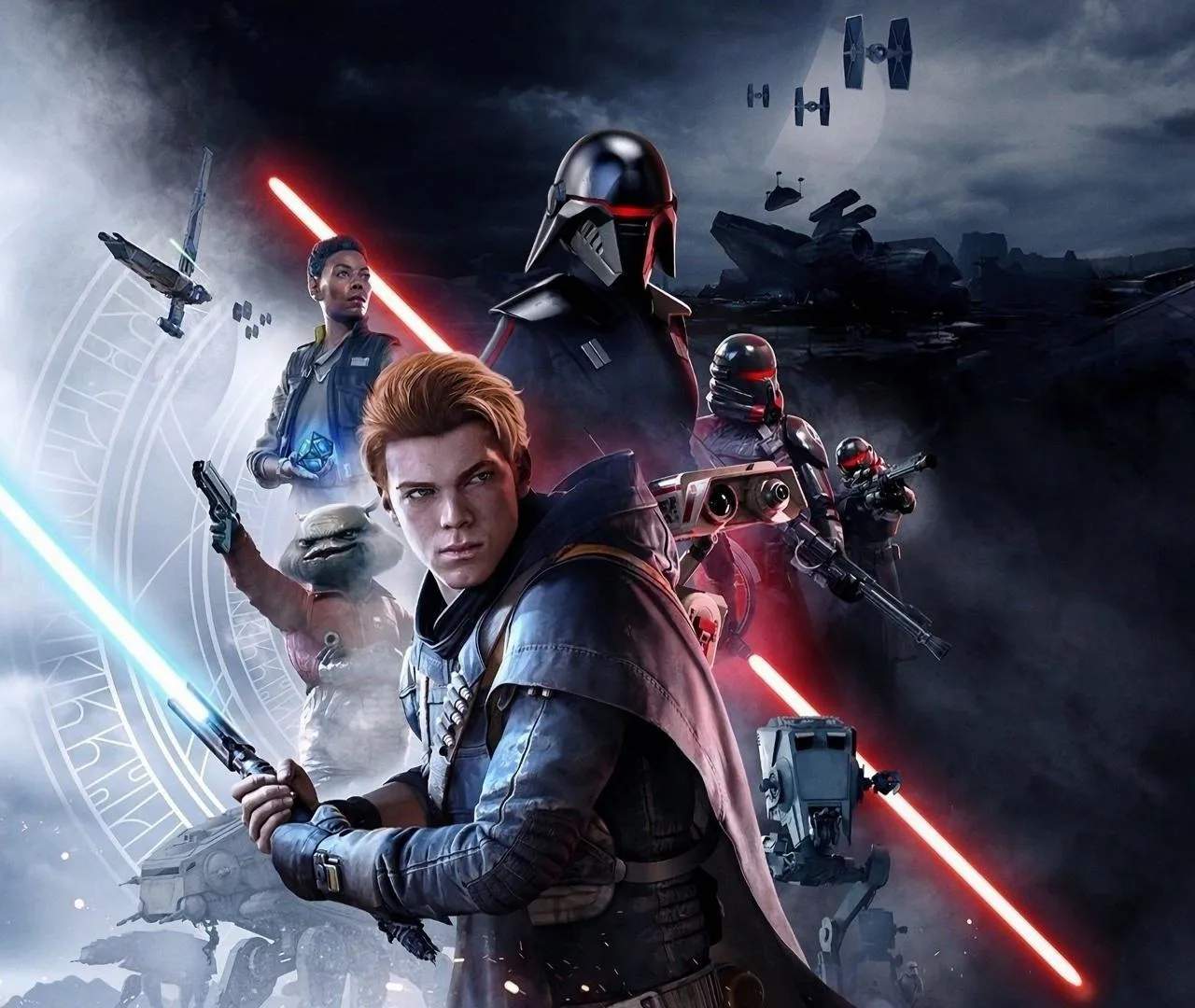
Photo Mode Guide
Capture the epic moments of your Jedi journey with Star Wars Jedi: Fallen Order's robust Photo Mode. This guide will walk you through its features, allowing you to frame the perfect shot of Cal Kestis in action, the stunning environments, and memorable characters.
Photo Mode in Star Wars Jedi: Fallen Order offers a suite of tools to unleash your inner photographer. To activate it, simply pause the game and select the Photo Mode option. Once activated, you'll have complete control over the camera. You can freely move the camera around the scene, zoom in and out, and adjust its rotation to achieve the desired perspective. This freedom allows you to capture dynamic action shots during combat, serene vistas of alien landscapes, or intimate character portraits.
Beyond basic camera manipulation, Photo Mode provides a range of filters and effects to enhance your images. You can adjust exposure, contrast, saturation, and apply various color grading presets to give your photos a unique aesthetic. Depth of field controls allow you to blur the background, drawing focus to your subject, while vette effects can add a cinematic touch. For those who want to fine-tune every detail, advanced options like chromatic aberration and film grain are available.
- Activation: Pause the game and select 'Photo Mode'.
- Camera Controls: Free movement, zoom, rotation, and focus adjustment.
- Visual Adjustments: Exposure, contrast, saturation, color grading, filters.
- Effects: Depth of field, vette, chromatic aberration, film grain.
- Character Poses: Select from various stances and expressions.
One of the most engaging features is the ability to pose Cal Kestis. You can select from several stances, from combat-ready poses to more contemplative ones, and even adjust his facial expressions. This allows for highly personalized and dramatic shots. BD-1 and other characters can also be included in your shots, adding life and context to your compositions. When framing your shot, consider the rule of thirds, leading lines, and the overall narrative you want to convey. Experiment with different angles and lighting conditions to create truly memorable images. Whether you're capturing a lightsaber duel against a fiery backdrop or a quiet moment of reflection on a distant planet, Photo Mode provides the tools to immortalize your Star Wars saga.