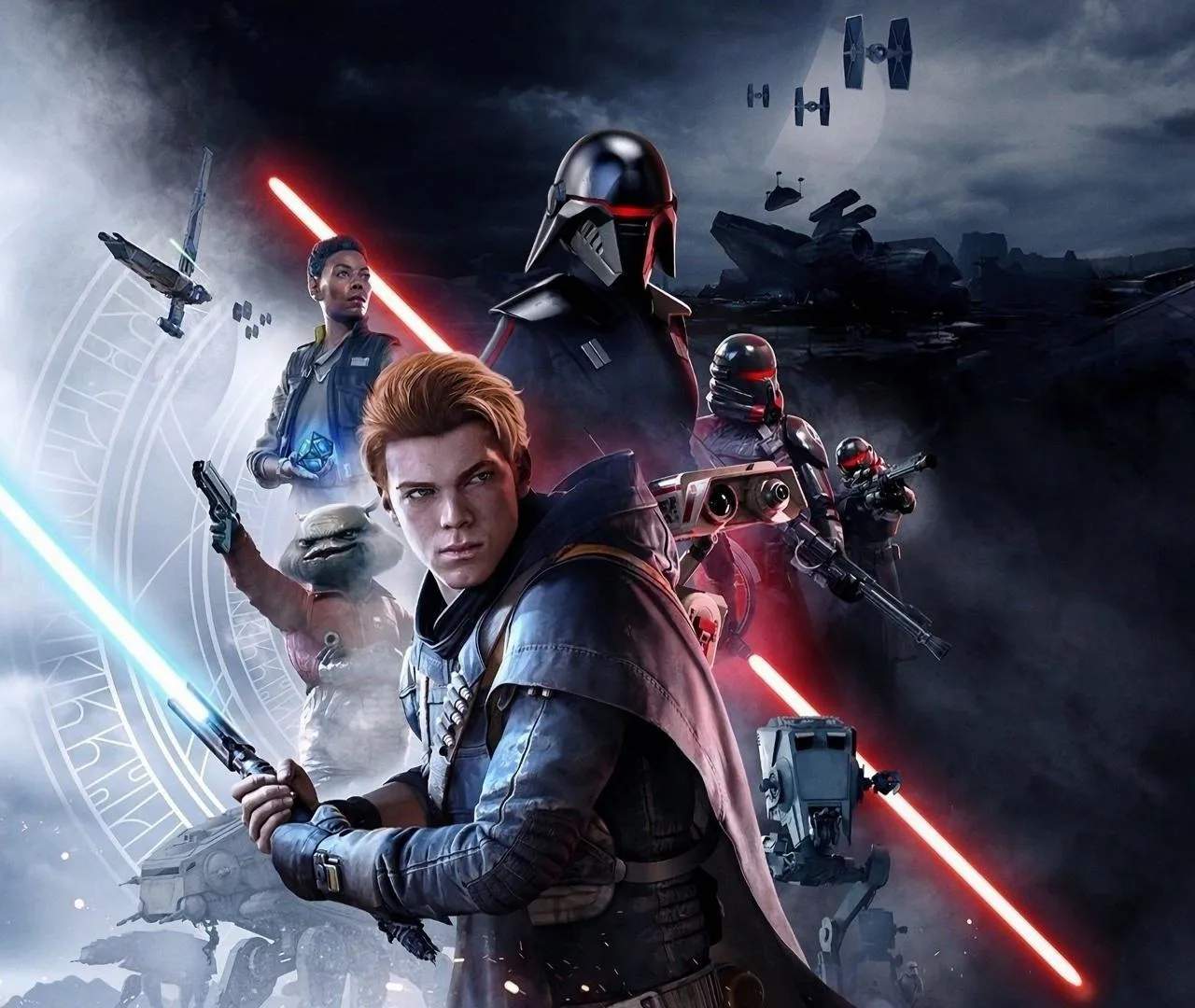
Ensure a smooth and visually appealing experience on your console while playing Star Wars Jedi: Fallen Order with these performance tips. While the game is generally well-optimized, minor adjustments and understanding your console's capabilities can sificantly improve gameplay, especially during intense combat scenarios.
Understanding Console Performance Modes
Most modern consoles (PS5, Xbox Series X/S) offer a choice between prioritizing frame rate or graphical fidelity. In Fallen Order, this typically means:
- Performance Mode: Targets a higher frame rate (often 60 FPS) for smoother gameplay, crucial for combat. Visuals might be slightly reduced in resolution or detail.
- Quality Mode: Focuses on higher resolution and graphical detail (often 30 FPS), offering a more visually rich experience at the cost of fluidity.
Recommended Settings for Optimal Play
- For Combat Enthusiasts: If you prioritize responsive combat and fluid movement, select Performance Mode. This is generally the preferred option for action-adventure games like Fallen Order.
- For Visual Aficionados: If you prefer to soak in the detailed environments and cinematic presentation, Quality Mode might be your choice, provided your system can maintain a stable 30 FPS.
- Dynamic Resolution: Many games utilize dynamic resolution scaling, especially in Performance Mode. This means the resolution can fluctuate to maintain the target frame rate. This is usually a good compromise.
General Console Optimization Tips
- Keep System Software Updated: Ensure your console's operating system is always up-to-date. Developers often release patches that improve game performance.
- Close Background Applications: Before launching the game, close any unnecessary applications running in the background on your console, as they can consume valuable system resources.
- Check Game Updates: Make sure Star Wars Jedi: Fallen Order itself is updated to the latest version. Patches often address performance issues.
- Storage Drive: If playing from an external drive, ensure it meets the recommended specifications for your console. An SSD is always preferable for faster loading times and smoother asset streaming.
- Display Settings: If you have a 120Hz capable display and your console supports it, ensure your console's output is set to the highest refresh rate possible.
Troubleshooting Common Issues
- Stuttering or Frame Drops: If you experience sificant stuttering, try switching between Performance and Quality modes. If the issue persists, it might be a game-specific bug that a patch could resolve.
- Input Lag: While less common on consoles, ensure your TV is in 'Game Mode' to minimize input lag.
- Loading Times: If loading times are excessively long, ensure the game is installed on your console's internal SSD or a compatible external SSD.
By applying these tips, you can sificantly enhance your experience with Star Wars Jedi: Fallen Order on consoles, ensuring a more immersive and enjoyable adventure.