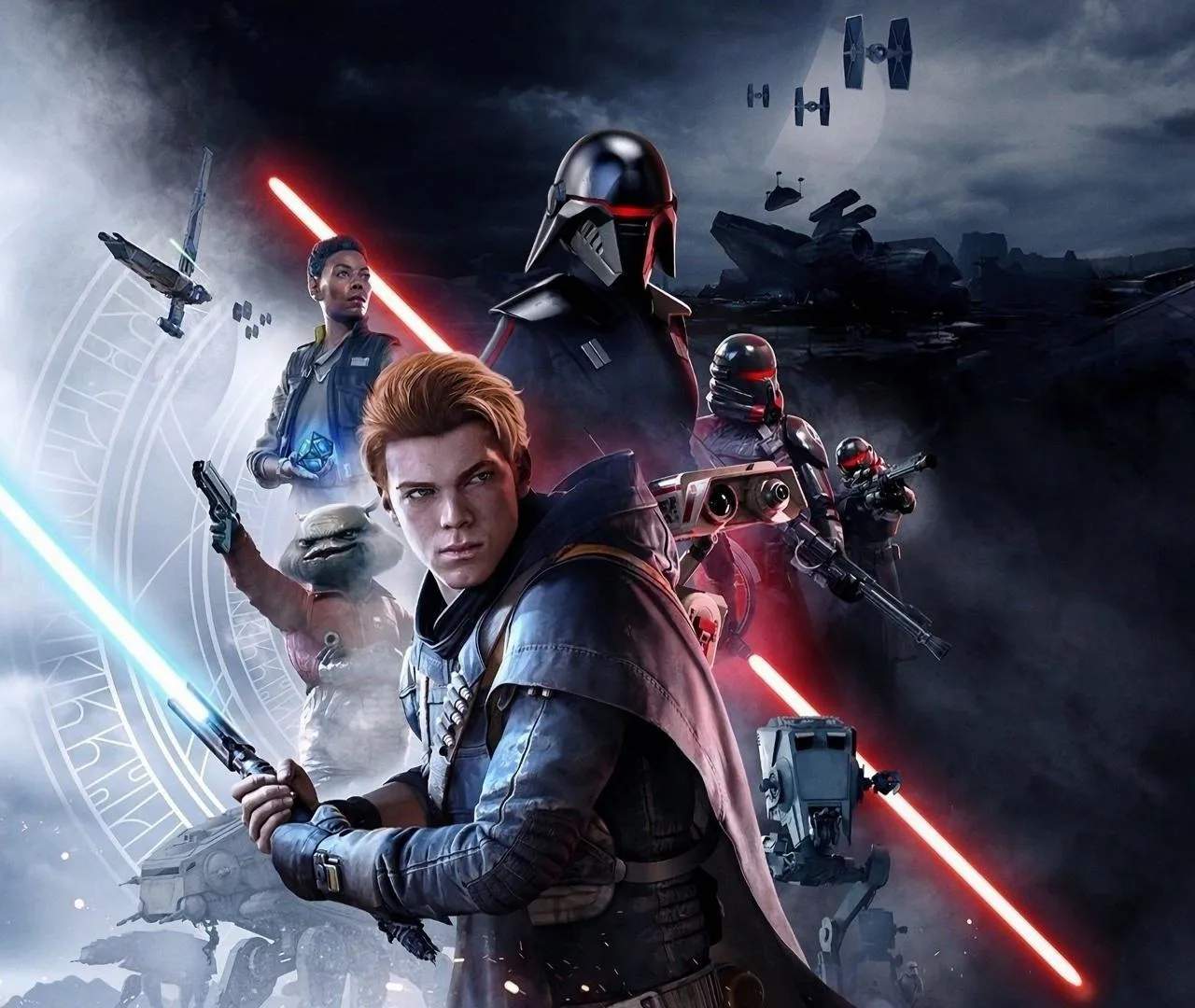
Installation & Setup
Embark on your Jedi journey by ensuring Star Wars Jedi: Fallen Order is properly installed and set up on your platform. This section provides essential guidance on the initial installation process, system requirements, and any necessary configurations to get you playing smoothly. A correct setup is the first step towards an immersive experience.
The installation process is generally straightforward across all platforms. For PC users, understanding the recommended system specifications is crucial for optimal performance. This guide will help you navigate any potential hurdles, from downloading the game to launching it for the first time, ensuring you're ready to face the Empire.
System Requirements (PC):
Before installing on PC, ensure your system meets the minimum or recommended specifications:
| Component | Minimum Requirements | Recommended Requirements |
|---|---|---|
| OS | Windows 7 64-bit | Windows 10 64-bit |
| Processor | AMD FX-6300 / Intel Core i3-3220 | AMD Ryzen 5 1400 / Intel Core i7-6700 |
| Memory | 8 GB RAM | 16 GB RAM |
| Graphics | Nvidia GeForce GTX 650 / AMD Radeon HD 7750 | Nvidia GeForce GTX 970 / AMD Radeon R9 290 |
| DirectX | Version 11 | Version 11 |
| Storage | 45 GB available space | 45 GB available space |
Installation Steps:
- Digital Purchase: If you purchased the game digitally, navigate to your platform's store (Steam, Origin, PlayStation Store, Microsoft Store) and initiate the download.
- Physical Disc: For disc-based versions, insert the game disc into your console or PC's optical drive. The installation should begin automatically. You may need to download additional updates.
- Installation Location (PC): Choose your preferred installation directory. Ensure the drive has sufficient free space.
- Updates: Once the initial installation is complete, the game will likely prompt you to download and install the latest patches and updates. It's highly recommended to install all available updates for the best experience and to fix any known issues.
First Launch and Configuration:
- Launch the Game: After installation and updates, launch Star Wars Jedi: Fallen Order.
- Graphics Settings (PC): Upon first launch, you may be prompted to configure graphics settings. Adjust these based on your system's capabilities to achieve a balance between visual fidelity and performance. Options include resolution, texture quality, anti-aliasing, and shadow detail.
- Controller Setup: Ensure your controller is connected and recognized by the game. The game supports both gamepad and keyboard/mouse controls.
- Account Linking: You may be prompted to link accounts (e.g., EA Account) for online features or cloud saves.
Troubleshooting Common Issues:
- Game Crashing: Ensure your graphics drivers are up to date. Verify the integrity of game files through your platform's launcher (e.g., Steam's 'Verify integrity of game files').
- Performance Issues: Lower graphics settings, close background applications, and ensure your system meets the recommended requirements.