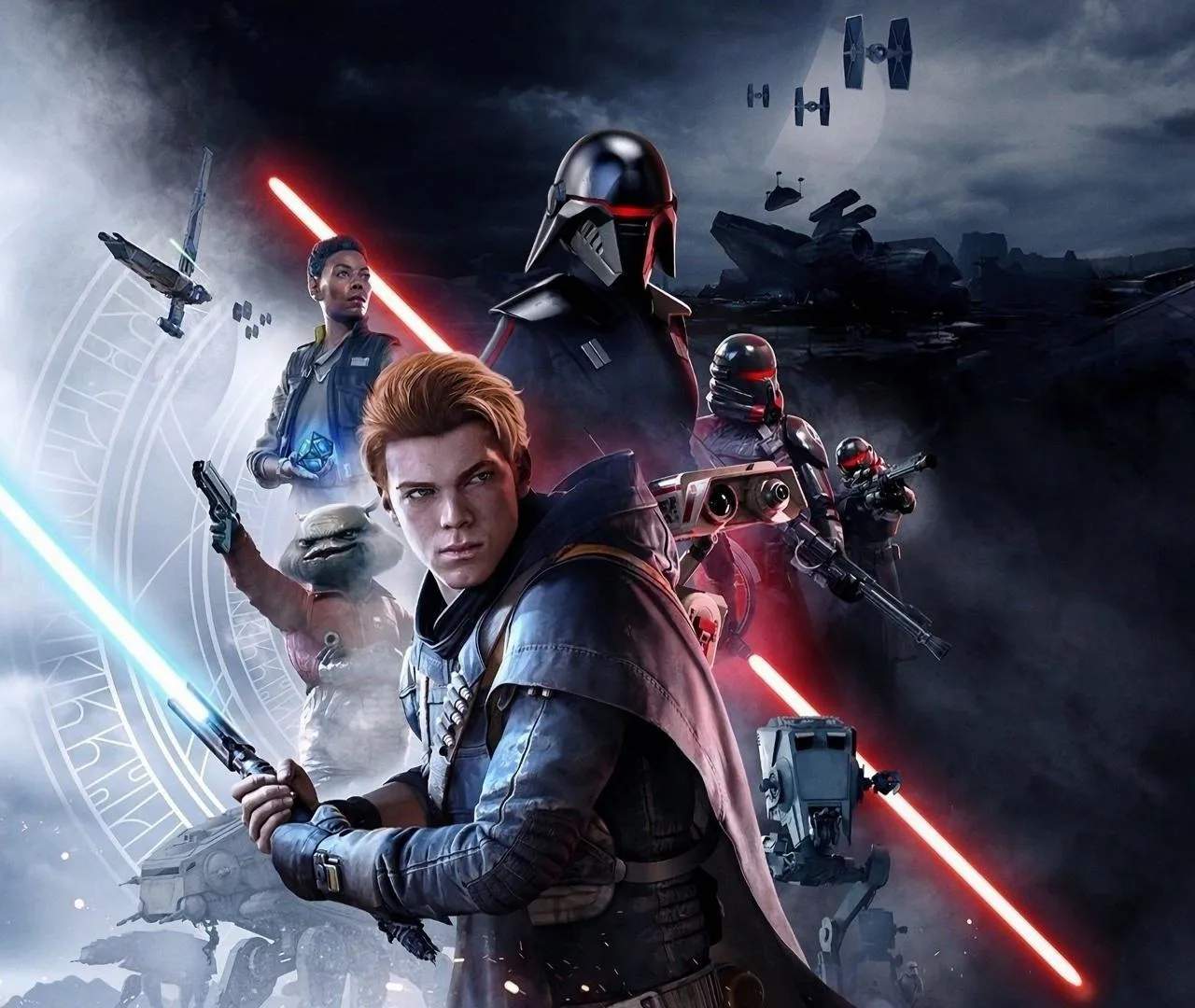
Known Bugs & Glitches
While Star Wars: Jedi Fallen Order is a critically acclaimed title, players may occasionally encounter known bugs and glitches that can affect gameplay. These issues are typically minor and often addressed in subsequent patches, but awareness can help players navigate them.
Some of the more commonly reported bugs and glitches include:
- Environmental Clipping: Cal may sometimes clip through geometry, especially in complex environments or during rapid movement. This can occasionally lead to falling out of the world or getting stuck in unintended areas.
- Enemy AI Quirks: Enemies might occasionally get stuck on terrain, fail to react to Cal's presence, or exhibit unusual pathfinding behavior. This can sometimes make combat encounters easier but can also be immersion-breaking.
- Animation Stuttering: In certain situations, character animations might stutter or freeze momentarily, particularly during intense combat or when loading new areas.
- Save File Corruption: Though rare, there have been isolated reports of save files becoming corrupted, requiring players to reload an earlier save or restart a section. Regular manual saving is always recommended.
- Quest Objective Not Triggering: In some instances, a quest objective might fail to register as completed, preventing progression. This is often resolved by reloading a save or leaving and re-entering the area.
- Controller Input Lag: Some players have reported intermittent input lag, especially on PC, which can affect combat timing and responsiveness. Ensuring up-to-date drivers and closing background applications can sometimes mitigate this.
Mitigation and Troubleshooting:
If you encounter a bug, consider the following steps:
- Reload Your Last Save: This is often the quickest and most effective solution for many minor glitches.
- Restart the Game: A full game restart can sometimes clear temporary issues.
- Verify Game Files (PC): If playing on PC, use your platform's file verification tool (e.g., Steam's 'Verify integrity of game files') to ensure all game assets are intact.
- Update Graphics Drivers: Outdated drivers can cause performance issues and visual glitches.
- Check for Game Patches: Ensure your game is updated to the latest version, as patches frequently address known bugs.
- Consult Online Resources: If a bug is persistent or preventing progress, searching online forums or communities for specific solutions can be helpful.
While these bugs can be inconvenient, they rarely prevent players from completing the game. Developers have released numerous patches to improve stability and address many of these issues since the game's launch.