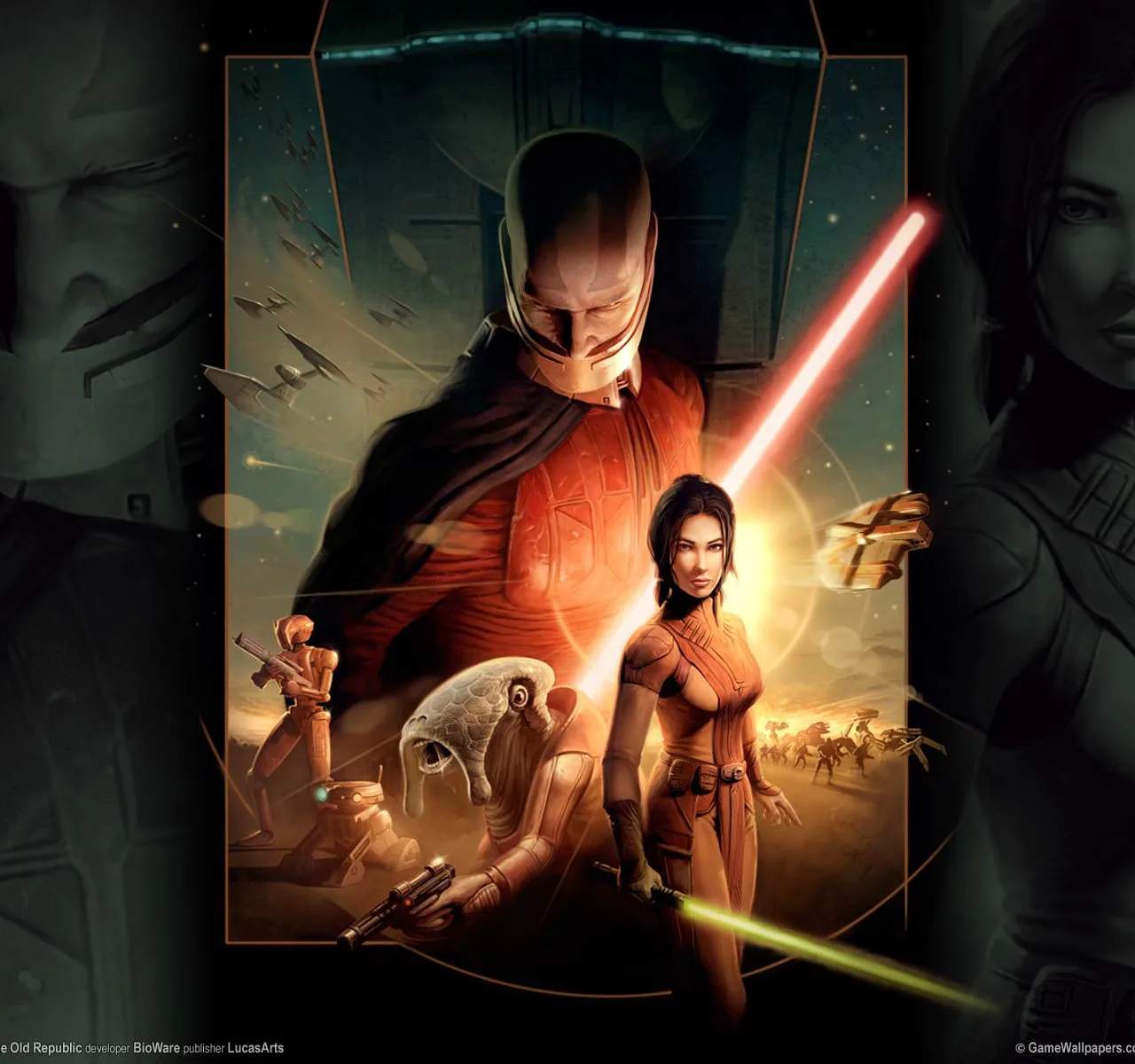
For players who own the physical release of Star Wars: Knights of the Old Republic, the DVD-ROM is the primary means of installation and accessing the game. Understanding its role and any associated requirements is essential for a smooth gaming experience.
Installation Process
The DVD-ROM contains the core game files. Upon inserting the disc into your computer's DVD drive, an autorun executable typically initiates the installation process. You will be guided through a series of prompts to select installation directories and agree to the End User License Agreement (EULA).
- System Requirements Check: Ensure your computer meets the minimum system requirements for the game before proceeding with installation. This includes processor speed, RAM, graphics card capabilities, and available hard drive space.
- Installation Directory: Choose a location on your hard drive where the game files will be stored. It's generally recommended to install games on your primary drive (usually C:) for optimal performance, unless you have a specific reason to choose otherwise.
- Component Installation: The installer may also prompt you to install necessary supporting software, such as DirectX or specific drivers, if they are not already present on your system.
Disc Authentication
In some cases, the DVD-ROM may be used for disc authentication each time you launch the game. This process verifies that you own a legitimate copy of the game. Ensure the correct disc is in the drive when attempting to play.
Potential Issues and Solutions
While generally straightforward, installation from DVD-ROM can sometimes encounter issues:
- Disc Read Errors: If the disc is scratched or damaged, the installer may fail to read certain files. Try cleaning the disc gently with a soft, lint-free cloth. If the problem persists, the disc may be unreadable.
- Compatibility Issues: Older games like KOTOR may sometimes face compatibility issues with modern operating systems. Running the installer in compatibility mode for an older version of Windows (e.g., Windows XP or Windows 7) can often resolve these problems.
- Missing Files: If the installation completes but the game fails to launch, it's possible that some files were not copied correctly. Reinstalling the game might be necessary.
Digital vs. Physical
It's worth noting that many modern digital distribution platforms (like Steam or GOG) offer versions of KOTOR that do not require a physical disc for installation or authentication. These digital versions often come pre-patched and optimized for newer systems, potentially bypassing some of the compatibility issues associated with the original DVD-ROM release.
For those who possess the physical DVD-ROM, ensuring the disc is in good condition and your system is configured correctly are the keys to successfully installing and enjoying this classic RPG.