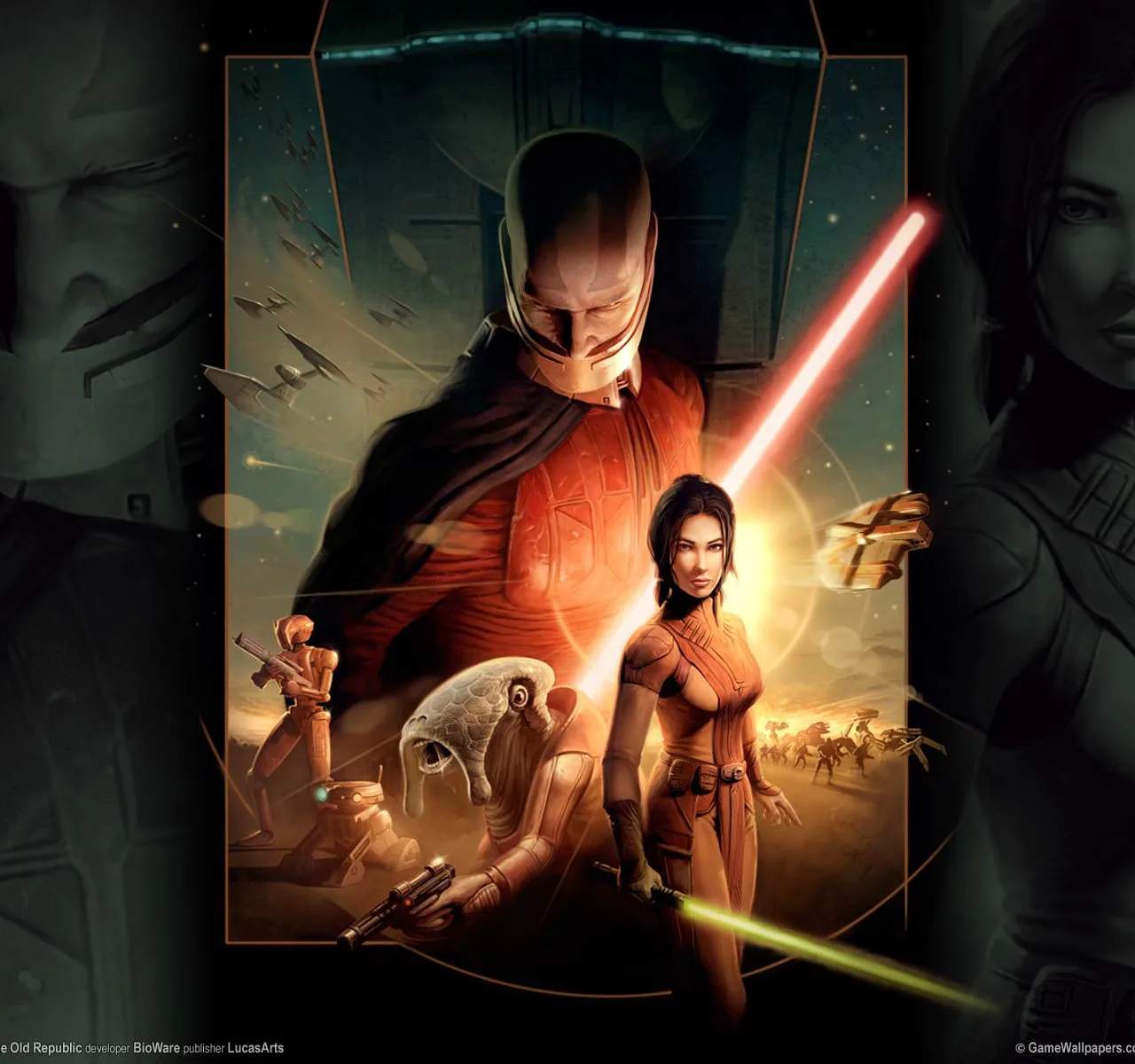
Ensuring your game runs smoothly requires meeting the minimum system requirements, and the video card is a critical component. While older games might be less demanding, a capable graphics card is still essential for rendering the game's environments and effects. Understanding the recommended specifications can help you troubleshoot performance issues and optimize your gaming experience.
Understanding Video Card Requirements
For Star Wars: Knights of the Old Republic, the demands on your video card are not excessively high by modern standards. However, specific details regarding the exact models or chipsets recommended were often provided by the developers to ensure compatibility and optimal performance. These recommendations typically focused on the amount of video memory (VRAM) and the DirectX compatibility of the card.
Recommended Specifications (General)**
- DirectX Compatibility: The game utilizes DirectX, so a card supporting at least DirectX 8.1 or higher is generally recommended.
- VRAM: While specific amounts can vary, having at least 32MB of VRAM was often considered a baseline for many games of this era. For smoother performance and better texture handling, 64MB or more would be preferable.
- Chipset: Graphics cards from manufacturers like NVIDIA (GeForce series) and ATI (Radeon series) were common during the game's release. Specific models like the NVIDIA GeForce 2 or ATI Radeon 7500 were often cited as capable.
Troubleshooting and Optimization
If you're experiencing graphical glitches, stuttering, or low frame rates, consider the following:
- Update Drivers: Always ensure your video card drivers are up-to-date. Manufacturers frequently release driver updates that improve performance and compatibility with older games.
- In-Game Settings: Adjust the in-game graphics settings. Lowering resolution, texture detail, or disabling certain visual effects can sificantly improve performance on less powerful hardware.
- Compatibility Mode: If running on a modern operating system, try running the game in compatibility mode for Windows XP or an earlier version.
- Resolution: Experiment with different screen resolutions. Sometimes, a lower resolution can yield a more stable frame rate.
Beyond Minimums
While the game might run on very basic hardware, investing in a slightly more capable video card can enhance the visual fidelity, allowing you to appreciate the game's art style more fully. Modern integrated graphics solutions on many laptops and desktops can often handle Knights of the Old Republic without issue, but dedicated graphics cards will always provide a superior experience.