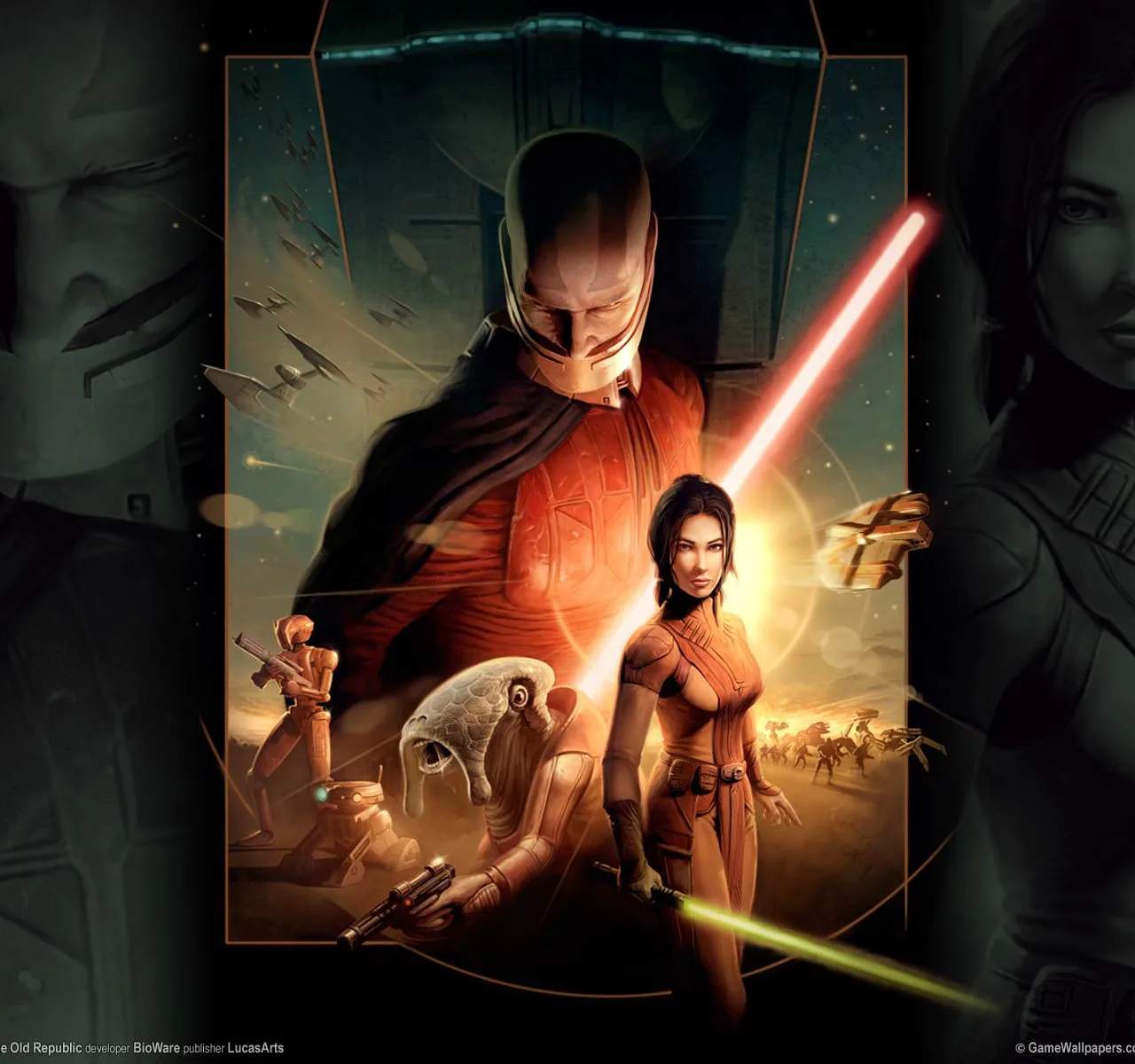
Encountering technical difficulties or needing assistance with Star Wars: Knights of the Old Republic can be frustrating. Knowing how to contact support or find solutions is crucial for resolving issues and ensuring a smooth gaming experience.
Seeking Support for KOTOR
While Knights of the Old Republic is a beloved classic, players may occasionally encounter technical issues, bugs, or gameplay-related questions. Knowing where to turn for help is essential for resolving these problems.
Official Support Channels (Historical Context):
For the original release of Knights of the Old Republic, official support was typically provided by BioWare and LucasArts. This often included:
- Official Websites: The official game websites (now largely archived) would have sections for customer support, FAQs, and patch notes.
- Customer Service Hotlines/Email: Direct contact with customer service was available for technical issues.
- Forums: Official game forums were a place where players could seek help from support staff and the community.
Note: As the game is older, direct official support channels may no longer be actively maintained. However, the information below focuses on community-driven solutions and general troubleshooting.
Community-Driven Support:
The enduring popularity of Knights of the Old Republic means that a wealth of community-driven support is available:
- Fan Wikis and Forums: Websites like Wookieepedia and various gaming forums (e.g., Reddit's r/kotor) are invaluable resources. Players often share solutions to common bugs, glitches, and gameplay questions. Searching these platforms for your specific issue is highly recommended.
- Troubleshooting Guides: Many fan-made guides exist online that detail common technical problems and their solutions, particularly for PC versions of the game (e.g., issues with resolution, frame rates, or compatibility).
- Modding Communities: For PC players, the modding community often develops patches or fixes for known issues that may not have been officially addressed. Exploring reputable modding sites can sometimes provide solutions.
Common Technical Issues and Troubleshooting Steps:
- Game Crashes: Ensure your system meets the game's minimum requirements. Try running the game in compatibility mode for older Windows versions. Verifying game file integrity (if playing on a platform like Steam) can also help.
- Graphical Glitches: Update your graphics card drivers. Adjust in-game graphics settings, such as resolution and anti-aliasing.
- Sound Problems: Check your audio drivers and in-game sound settings.
- Save File Corruption: Regularly use multiple save slots and back up your save files if possible.
- Performance Issues (Lag/Stuttering): Lower graphical settings, close unnecessary background applications, and ensure your system is not overheating.
When to Seek Help:
If you encounter a persistent bug that prevents you from progressing, a graphical issue that makes the game unplayable, or a question about game mechanics not covered in guides, seeking help from the community is your best course of action.
By leveraging the collective knowledge of the Knights of the Old Republic fanbase, you can often find solutions to most technical and gameplay-related challenges.