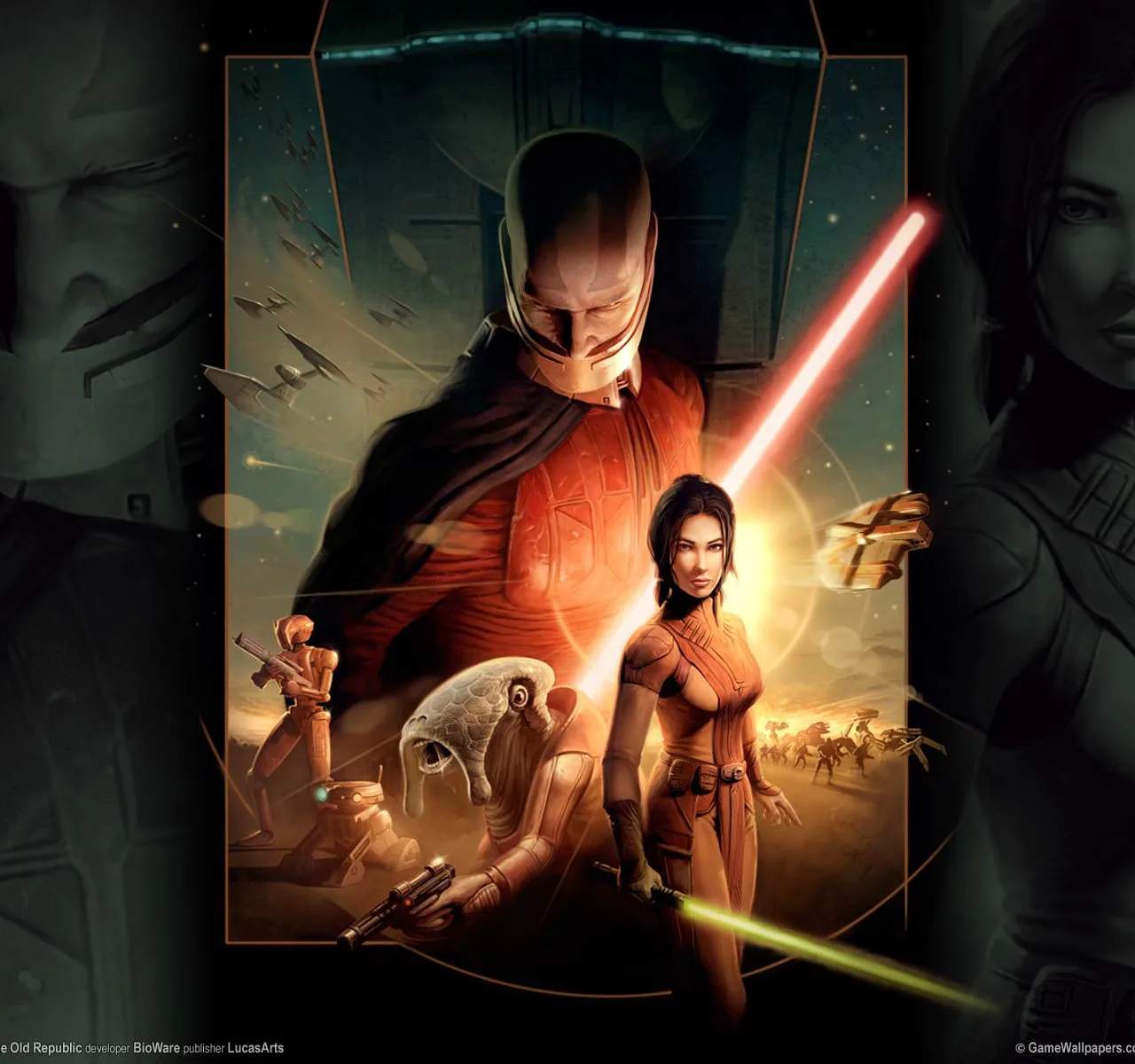
Ensure a smooth and immersive experience in Star Wars: Knights of the Old Republic by optimizing your game's performance. These tips will help you achieve better frame rates, reduce loading times, and resolve common technical issues, allowing you to fully enjoy the epic adventure without interruption.
System Requirements Check
Before diving into optimization, ensure your system meets the minimum requirements:
- Processor: Athlon 64 X2 Dual-Core 4000+ or Intel Core 2 Duo 2.0 GHz or better.
- Operating System: Windows XP or later.
- RAM: 3GB for Windows XP, 5GB for Vista/7. PCs with integrated graphics may need 2GB.
- Video Card: Minimum 256MB VRAM, supporting Shader 3.0 (e.g., ATI X1800, nVidia 7800 or better).
In-Game Graphics Settings
Adjusting the in-game graphics options can have a sificant impact on performance:
- Resolution: Lowering the resolution can provide a substantial performance boost, especially on older hardware. Experiment to find a balance between visual clarity and frame rate.
- Texture Quality: Reducing texture quality can decrease VRAM usage.
- Shadows: Shadows are often performance-intensive. Try setting them to 'Low' or disabling them if possible.
- Anti-Aliasing: While it improves visual smoothness, anti-aliasing can be demanding. Consider turning it off or using a lower setting.
- Vertical Sync (V-Sync): Enabling V-Sync can prevent screen tearing but may introduce input lag. Test with it on and off.
Driver Updates
Ensure your graphics card drivers are up-to-date. Manufacturers like NVIDIA and AMD regularly release driver updates that include performance optimizations for various games.
Background Applications
Close any unnecessary background applications before launching the game. Programs like web browsers, media players, or other demanding software can consume valuable CPU and RAM resources.
Game File Integrity
If you are experiencing persistent issues, verifying the integrity of your game files through your game launcher (e.g., Steam, GOG Galaxy) can help resolve corrupted or missing files.
Configuration File Tweaks (Advanced)
For more advanced users, editing the game's configuration files (e.g., `swkotor.ini`) can unlock further graphical options or performance tweaks. However, proceed with caution and back up files before making any changes.
- Example Tweak: You might find settings related to draw distance or shadow quality that can be manually adjusted.
Community Patches and Mods
The dedicated KOTOR community has developed unofficial patches and mods that can improve performance, fix bugs, and enhance compatibility with modern systems. Research reputable sources for these tools.