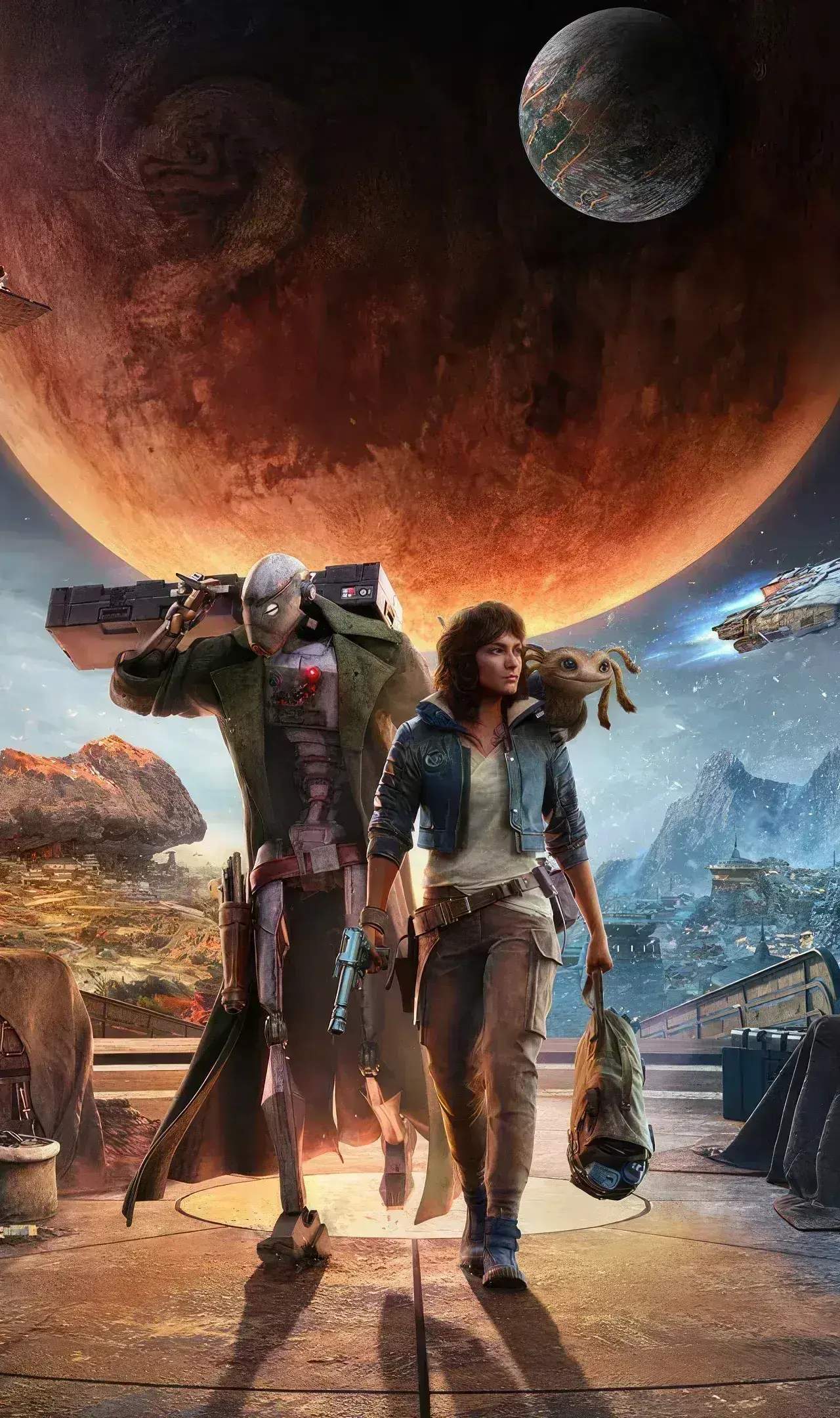
Even the most anticipated games can encounter technical hiccups. While Star Wars Outlaws is designed for a smooth experience, players might occasionally run into bugs or errors. Here's what to expect and how to handle them.
Anticipating Potential Bugs and Errors
Game development is a complex process, and despite extensive testing, some issues can slip through. For Star Wars Outlaws, potential bugs could range from minor visual glitches to more impactful gameplay disruptions. These might include:
- Visual Glitches: Textures not loading correctly, character models appearing distorted, or graphical artifacts.
- Audio Issues: Sound effects cutting out, dialogue not playing, or audio desynchronization.
- Quest Progression Bugs: Objectives not triggering, NPCs not appearing, or quest items becoming unobtainable.
- AI Behavior Issues: Enemies getting stuck, behaving erratically, or not reacting as intended.
- Physics Glitches: Objects or characters behaving unnaturally due to physics engine errors.
- Crashes: The game unexpectedly closing to the desktop or console's home screen.
- Save File Corruption: Though rare, issues with saving progress can occur.
Common Causes of Bugs
Bugs can arise from a multitude of factors:
- Software Conflicts: Issues with drivers, background applications, or operating system versions.
- Hardware Limitations: Running the game on hardware that doesn't meet or exceed the recommended specifications.
- Game Code Errors: Flaws in the game's programming that were not caught during testing.
- Corrupted Installation Files: Issues during the download or installation process.
- Save Data Issues: Problems with how the game stores and loads player progress.
Troubleshooting Steps
If you encounter a bug or error in Star Wars Outlaws, here are some general troubleshooting steps you can take:
- Restart the Game: Often, a simple restart can resolve temporary glitches.
- Restart Your System: Rebooting your PC or console can clear out temporary memory issues.
- Check for Game Updates: Developers frequently release patches to fix bugs. Ensure your game is updated to the latest version.
- Verify Game Files (PC): If playing on PC via platforms like Steam or Epic Games Store, use the 'Verify Integrity of Game Files' option. This checks for and repairs any corrupted or missing game files.
- Update Graphics Drivers (PC): Outdated graphics drivers are a common cause of visual bugs and performance issues.
- Lower Graphics Settings: If experiencing performance issues or crashes, try reducing graphical settings to see if it resolves the problem.
- Check System Requirements: Ensure your hardware meets the minimum or recommended specifications for the game.
- Clear Cache (Consoles): On PlayStation or Xbox, clearing the console's cache can sometimes resolve persistent issues.
- Reinstall the Game: As a last resort, if none of the above work, uninstalling and then reinstalling the game can fix issues caused by corrupted installation files.
Reporting Bugs
If you encounter a persistent or game-breaking bug, it's crucial to report it to the developers. This helps them identify and fix the issue for future patches. Look for official bug reporting channels on the game's website or through the platform you are playing on.
What to Expect from Patches
Developers will likely release patches post-launch to address bugs and improve game performance. These patches can:
- Fix specific quest progression blockers.
- Improve AI behavior and combat balance.
- Resolve graphical and audio glitches.
- Optimize performance for various hardware configurations.
- Address stability issues leading to crashes.
While the goal is a flawless experience, being prepared for potential technical issues and knowing how to address them will ensure you can get back to your scoundrel adventures in the Outer Rim as quickly as possible.