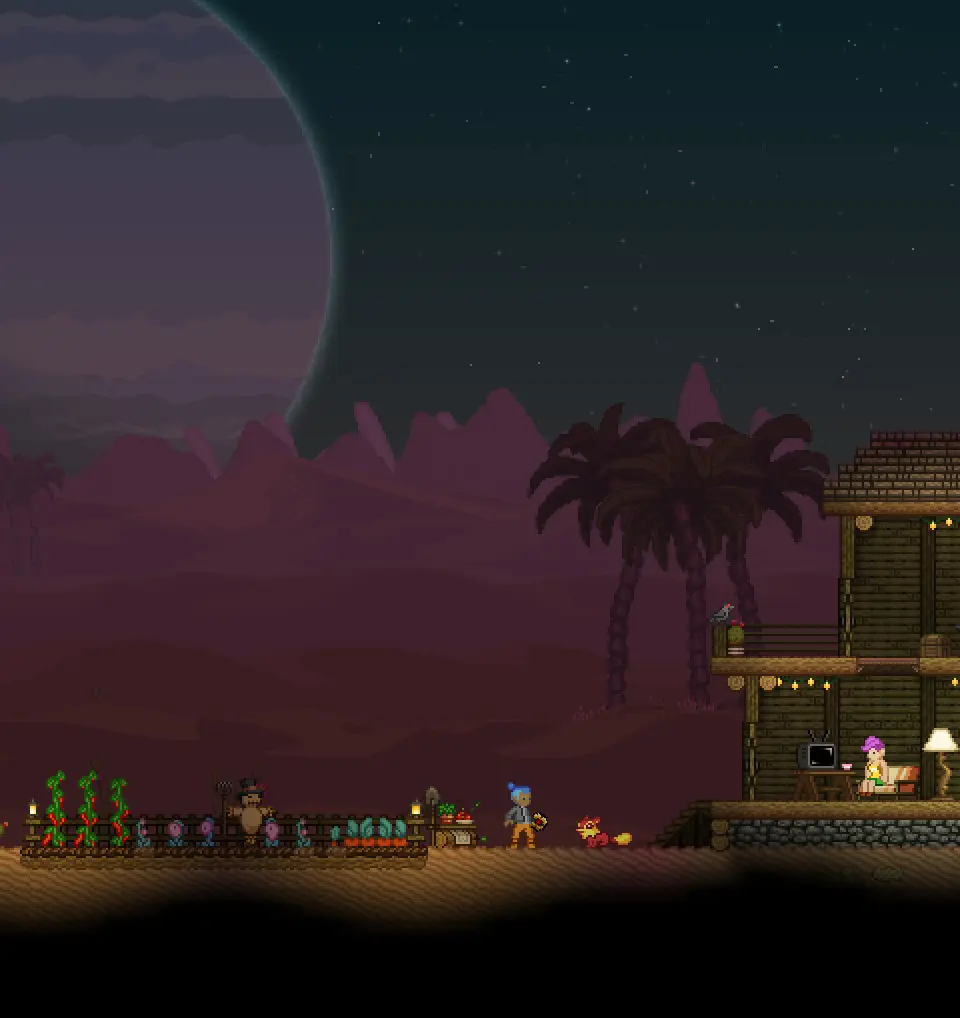
The UI provides vital information. Your Health Bar is at the top left. The Energy Bar (for tools and abilities) is below it. Your Hotbar (1-0) displays equipped items. The Inventory (I) manages all your collected items. The Crafting Menu (C) is where you create new items. The Quest Log (J) tracks your missions. The Codex (N) stores lore and discoveries. Familiarize yourself with these elements to efficiently manage your resources and progress.