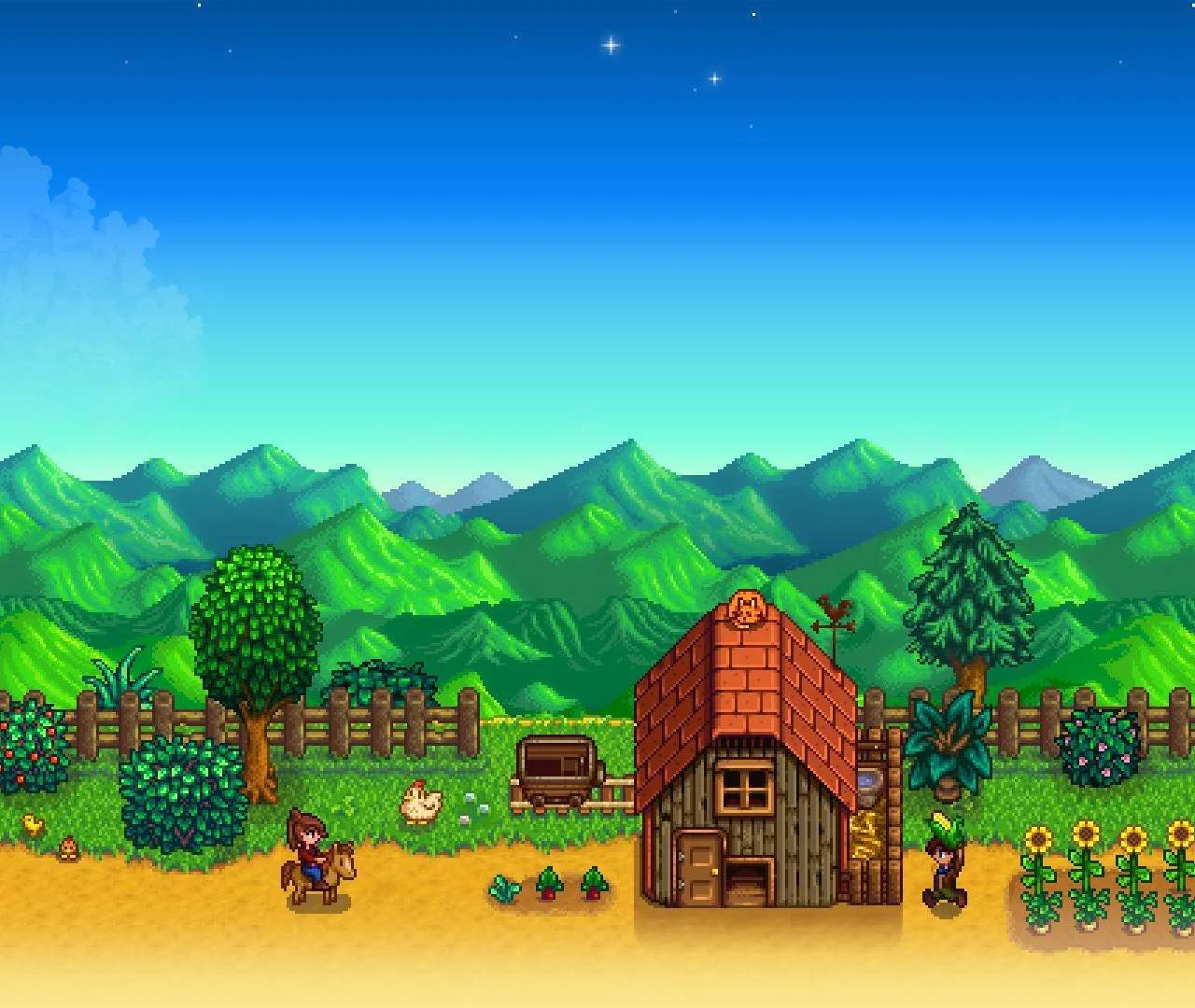
Upon launching Stardew Valley, you'll encounter various intro screens and tip messages designed to help new and returning players. These messages offer valuable advice on gameplay mechanics, social interactions, and special events. Pay attention to these tips for a smoother start to your farming life.
First Launch Tips
When you first launch Stardew Valley, you may see several tip messages that provide useful information:
- Welcome back! (Appears on 2nd launch)
- Plug in an Xbox One or Xbox 360 controller to activate game pad mode. (Appears on 3rd launch)
- Tip: Giving gifts is a good way to make friends with the residents of Stardew Valley. (Appears on 4th launch)
- Tip: Shift-click to purchase 5 items at a time. (Appears on 5th launch)
- After upgrading your hoe or watering can, hold down the tool button to increase the area of effect! (Appears on 6th launch)
- Tip: Right-click to use a weapon's special move. (Appears on 7th launch)
- Watch TV shows to learn useful tips, cooking recipes, and more! (Appears on 8th launch)
- The traveling merchant visits Stardew Valley twice a week. She sells a wide variety of goods, often at exorbitant prices! (Appears on 9th launch)
- Thanks for playing! (Appears on 10th launch)
- Elliott's latest sentence: (randomly constructed sentence - Appears on 15th launch)
- ♡ (Appears on 20th launch)
- Challenge: Beat Journey Of The Prairie King without dying. (Appears on 30th launch)
- You've started the game 100 times. (Appears on 100th launch)
- You've started the game 1000 times! (Appears on 1,000th launch)
- You've started the game 10,000 times! I'm impressed. -Ape (Appears on 10,000th launch)