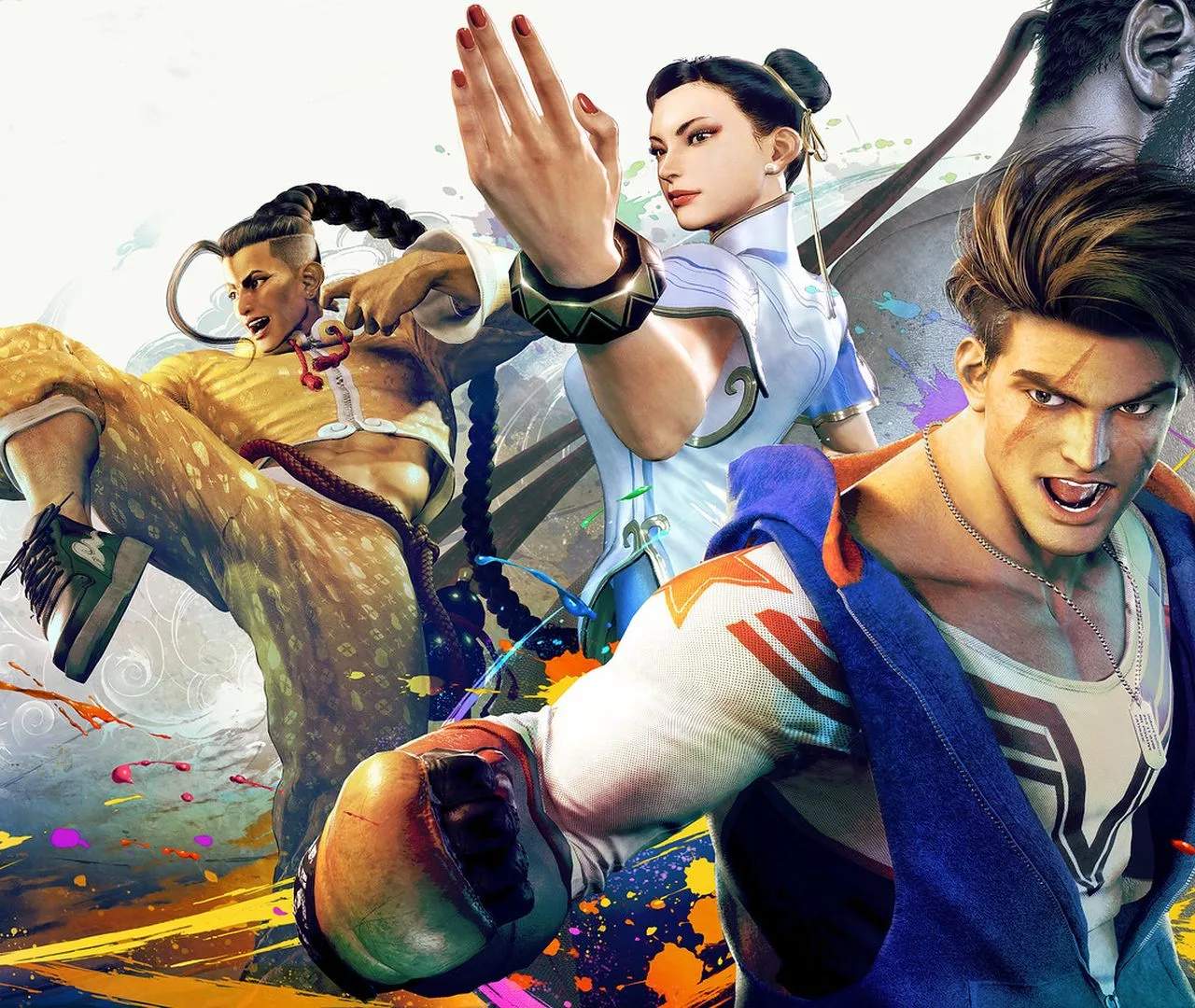
Capture your most epic moments with Street Fighter 6's Photo Mode. This guide will help you utilize its features to create stunning in-game screenshots and preserve your fighting game memories.
Preserving Your Victories
Photo Mode in Street Fighter 6 allows you to pause the action and frame the perfect shot, whether it's a dramatic Super Art finisher, a stylish combo, or a character's unique expression. It's a fantastic way to appreciate the game's visuals and your own gameplay achievements.
Accessing and Using Photo Mode:
- During a Match: While in a match (in most modes), you can typically access Photo Mode via a dedicated button or menu option. The game will pause, allowing you to freely adjust the camera.
- Camera Controls:
- Movement: Move the camera freely around the scene.
- Rotation: Rotate the camera horizontally and vertically.
- Zoom: Zoom in or out to get close-up shots or wider perspectives.
- Depth of Field: Adjust the focus to blur the background or foreground, highlighting your subject.
- Filters and Effects:
- Filters: Apply various visual filters (e.g., black and white, sepia, vibrant colors) to alter the mood and aesthetic of your photo.
- Stickers and Overlays: Add thematic stickers or graphical overlays to enhance your images.
- Brightness/Contrast: Fine-tune the lighting and color balance.
- Character Poses: Some Photo Modes allow you to adjust character poses or expressions for more dynamic shots.
- Saving Your Photos: Once you've captured your desired image, you can save it to your console or PC's media gallery.
Tips for Great Photos:
- Timing is Key: Capture the most impactful moments, like the start or end of a Super Art, or a perfectly executed combo.
- Experiment with Angles: Don't be afraid to try unusual camera angles to create unique perspectives.
- Utilize Depth of Field: Use it to draw attention to your character or a specific detail.
- Consider the Background: Ensure the background complements your subject and doesn't distract from it.
- Play with Filters: Filters can dramatically change the feel of a photo; experiment to find what works best.
Photo Mode is a creative outlet that adds another layer of enjoyment to Street Fighter 6, allowing you to immortalize your most memorable moments in the ring.