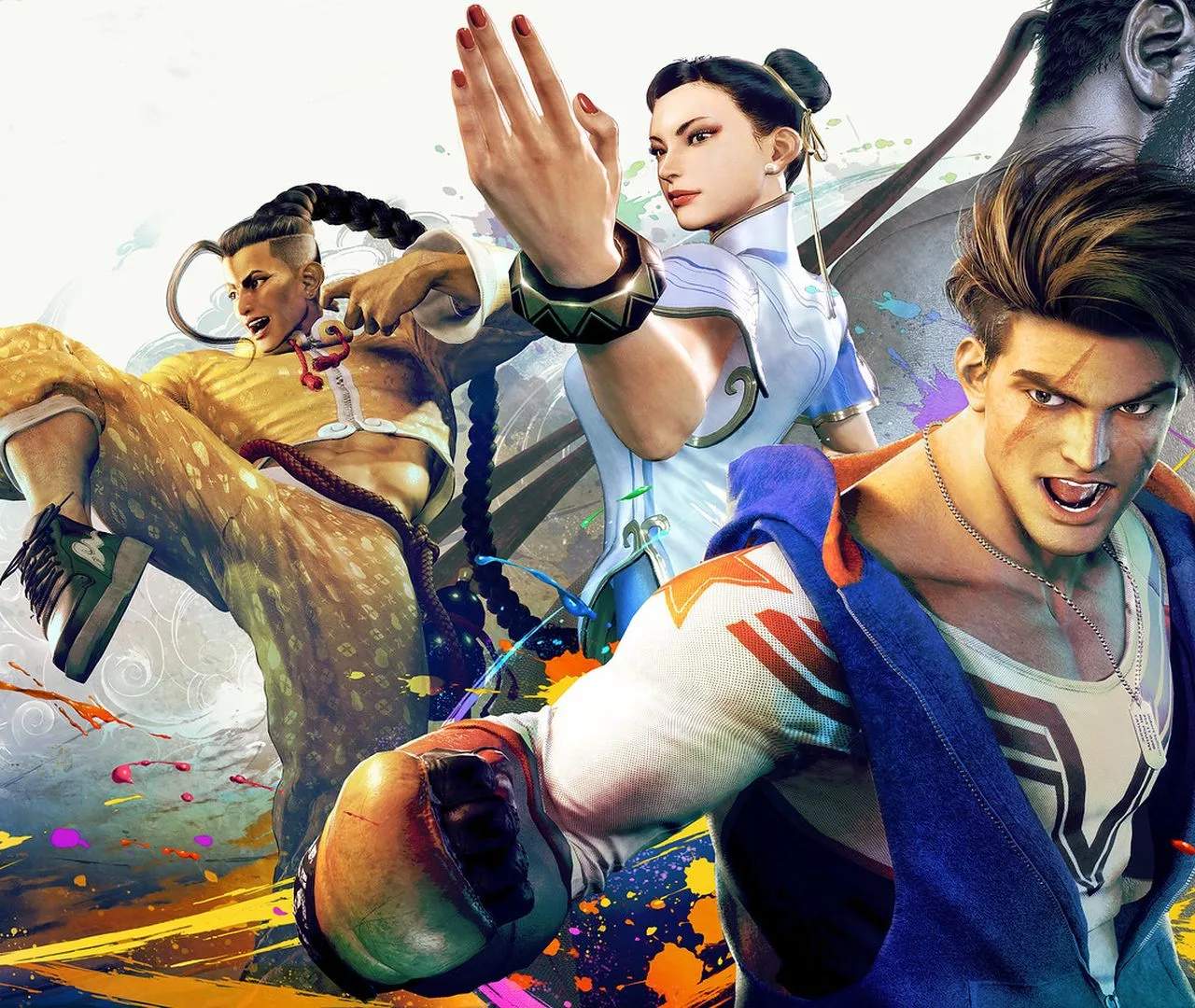
Modern vs. Classic Controls: Choosing Your Style
Street Fighter 6 introduces two distinct control schemes: Classic and Modern. This choice sificantly impacts gameplay accessibility and execution, allowing players of all skill levels to enjoy the game in a way that best suits them. Understanding the differences is key to finding your preferred playstyle.
Choosing between Modern and Classic controls is one of the first major decisions you'll make in Street Fighter 6. Whether you're a seasoned veteran or a complete newcomer, this section breaks down each control type to help you make an informed choice for your fighting game journey.
Classic Controls
Classic controls are the traditional six-button layout that has been the standard for Street Fighter for decades. This scheme offers the most depth and control but requires more precise execution.
- Button Layout:
- Light Punch (LP)
- Medium Punch (MP)
- Heavy Punch (HP)
- Light Kick (LK)
- Medium Kick (MK)
- Heavy Kick (HK)
- Execution: Special moves are performed by inputting directional commands followed by a specific button (e.g., Down, Down-Forward, Forward + Punch for Hadoken). Combos often require precise timing and linking of normal and special moves.
- Pros:
- Full access to all move properties and nuances.
- Greater control over timing and execution for advanced techniques.
- The standard for competitive play and traditional Street Fighter experience.
- Cons:
- Steeper learning curve for newcomers.
- Requires more precise input execution, which can be challenging for some.
Modern Controls
Modern controls are desed to make Street Fighter 6 more accessible to new players by simplifying special move execution and combo inputs.
- Button Layout:
- Special Move Button (e.g., hold to cycle through specials)
- Assisted Combo Button (e.g., mash for simple combos)
- Heavy Attack Button
- Light Attack Button
- Medium Attack Button
- Drive Parry Button
- Execution: Special moves are performed by holding the Special Move button and pressing a direction (e.g., hold Special Move + Forward for Hadoken). Combos can often be initiated by repeatedly pressing the Assisted Combo button. Drive Impact is often mapped to a single button.
- Pros:
- Sificantly easier execution of special moves and basic combos.
- Lower barrier to entry for players new to fighting games.
- Allows players to focus more on strategy and spacing rather than complex inputs.
- Cons:
- Limited access to certain move properties (e.g., some moves might have different startup or recovery).
- Less granular control over combo timing and specific move variations.
- Some players feel it detracts from the traditional fighting game skill expression.
Which Control Type is Right for You?
- New to Fighting Games? Start with Modern controls. They will allow you to experience the core gameplay and start learning fundamental concepts like spacing and strategy without being overwhelmed by complex inputs.
- Returning Player or Seeking Depth? Classic controls offer the full Street Fighter experience and are generally preferred by competitive players who want maximum control and execution potential.
- Hybrid Approach: It's possible to switch between control types. Some players might use Modern for certain characters or situations and Classic for others. The game allows you to set controls on a per-character basis.
Ultimately, the 'best' control type is the one that allows you to have the most fun and perform at your best. Don't be afraid to experiment with both to see which one clicks for you.