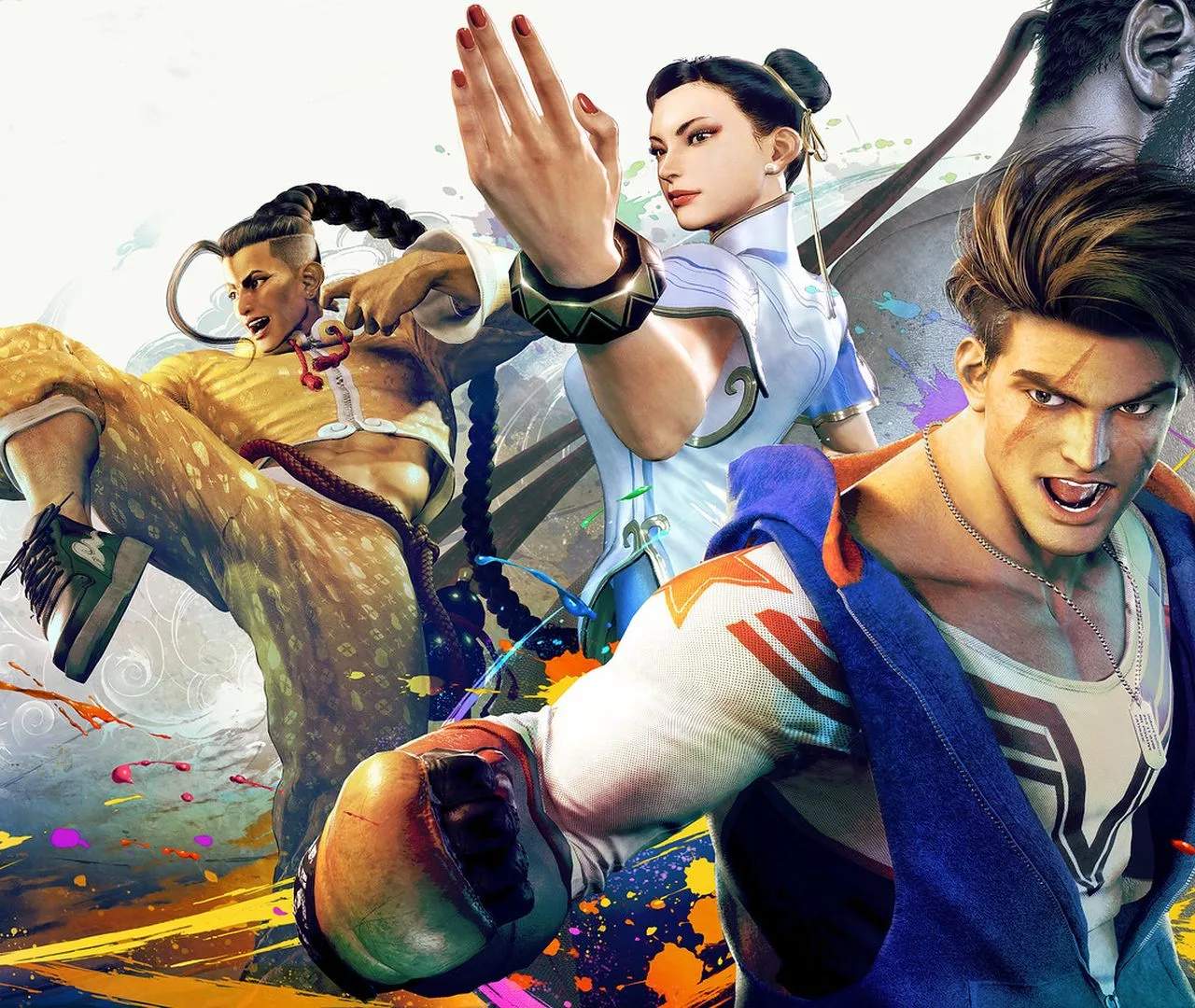
Getting Started: Installation & Setup
Embarking on your Street Fighter 6 journey begins with a smooth installation and setup process. Whether you're playing on PC, PlayStation, or Xbox, ensuring your game is properly installed and configured will allow you to jump into the action without delay. the essential steps to get you up and running.
Proper installation and initial setup are crucial for a seamless Street Fighter 6 experience. This guide will walk you through the necessary steps for each platform, ensuring you can quickly access the game's exciting modes and features. From downloading the game to configuring basic settings, we'll cover it all.
Installation Steps:
- Digital Purchase: If you purchased Street Fighter 6 digitally, navigate to your platform's store (Steam, PlayStation Store, Microsoft Store). Locate the game in your library and select 'Download' or 'Install'. Ensure you have sufficient storage space.
- Physical Purchase: For disc-based versions, insert the game disc into your console or PC's optical drive. The installation process should begin automatically. You may be prompted to download a Day 1 patch, which is highly recommended for the best experience.
- Updates: Once installed, the game will likely require updates. Ensure your console or PC is connected to the internet and allow all necessary patches to download and install. These updates often include bug fixes, balance adjustments, and new content.
Initial Setup & Configuration:
- Account Linking: You may be prompted to link your Capcom account. This is beneficial for online play, saving progress across devices (if applicable), and accessing certain features.
- Controller Setup: Before diving into matches, it's essential to configure your controller. Navigate to the 'Controller Settings' menu. Here you can ass button layouts, adjust stick sensitivity, and test your inputs. (See Section 18 for more details on customization).
- Graphics & Audio Settings: On PC, adjust your graphics settings for optimal performance and visual quality. On consoles, you can typically choose between performance modes (higher frame rate) and quality modes (higher resolution). Adjust audio settings to your preference.
- Network Settings: For online play, ensure your internet connection is stable. The game will guide you through network tests to confirm connectivity.
Taking a few minutes to ensure your installation and initial setup are correct will prevent potential frustration and allow you to focus on mastering the game's mechanics and enjoying the fight.