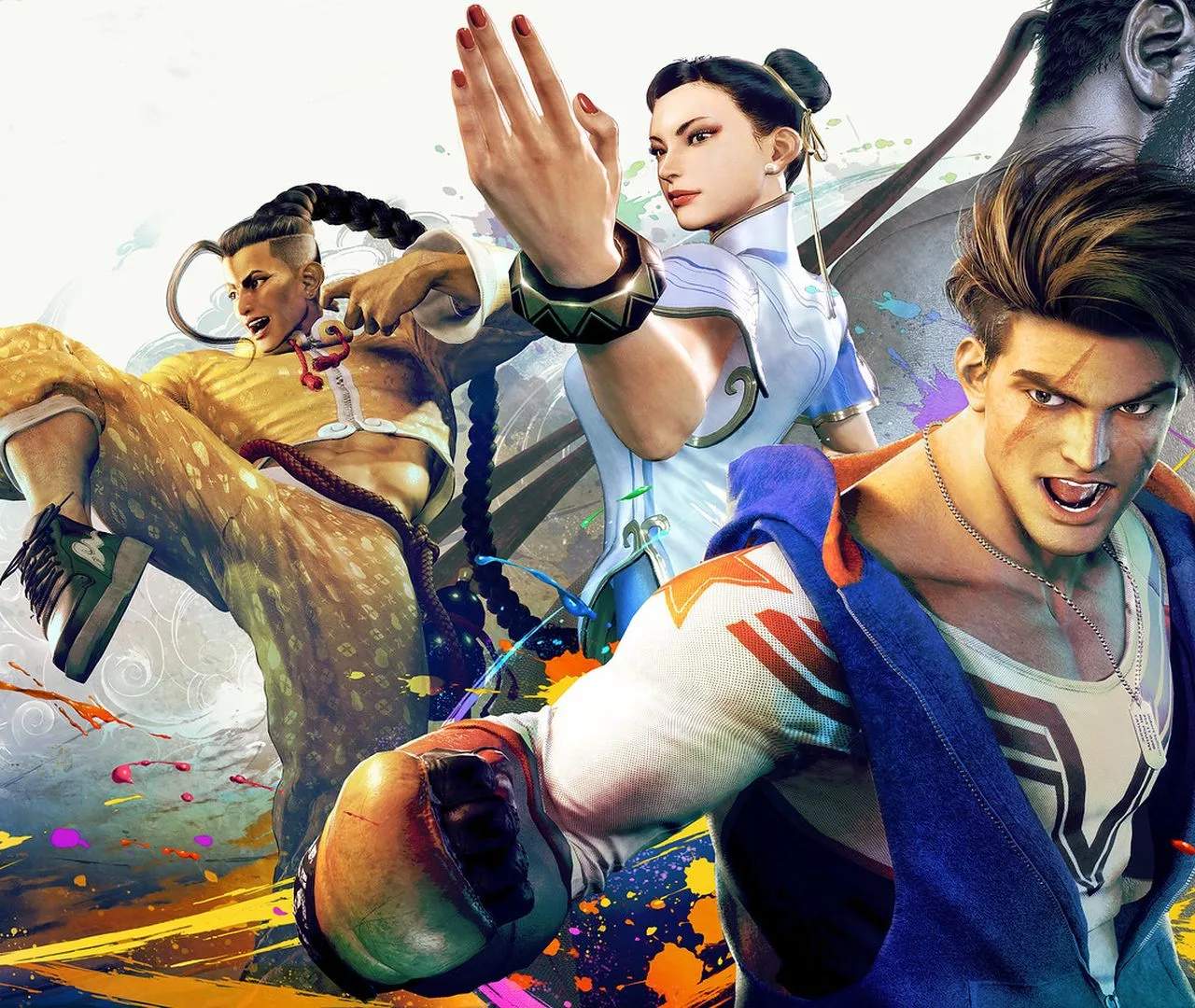
Troubleshooting and Support for Street Fighter 6
Encountering technical issues or needing assistance with Street Fighter 6 can be frustrating. This section provides guidance on common troubleshooting steps and where to find official support to resolve any problems you might face, ensuring a smooth gaming experience.
While Street Fighter 6 is a polished product, like any complex software, it can sometimes present technical challenges. Whether you're experiencing crashes, performance issues, network connectivity problems, or issues with game features, there are systematic steps you can take to resolve them. For PC players, ensuring your system meets the minimum requirements and that your graphics drivers are up to date is paramount. Verifying the integrity of game files through your platform's launcher (like Steam) can often fix corrupted data. On consoles, simply restarting the console and the game can resolve many temporary glitches. Network-related issues are common in online games. Before contacting support, try basic network troubleshooting: restart your modem and router, ensure you're using a wired connection if possible, and check your internet speed. If you're consistently experiencing lag or disconnections, your Internet Service Provider (ISP) might be a factor. For in-game specific issues, such as a move not working as expected or a quest not progressing, consulting online communities and FAQs can often provide quick solutions from other players who have encountered similar problems. If all else fails, reaching out to official support channels is the next step. This section will guide you on how to effectively report issues and what information to provide to expedite the resolution process.
Common Troubleshooting Steps
- Restart Game & System: A simple restart can fix many temporary glitches.
- Update Drivers/Software: Ensure your graphics drivers (PC) and system software (console) are up to date.
- Verify Game Files (PC): Use your platform's launcher to check for and repair corrupted game files.
- Check System Requirements (PC): Ensure your hardware meets the game's minimum specifications.
- Network Troubleshooting: Restart modem/router, use wired connection, check internet speed.
When to Contact Support
- Persistent Crashes: If the game repeatedly crashes without a clear cause.
- Unresolvable Bugs: Issues that cannot be fixed by standard troubleshooting or community advice.
- Account Issues: Problems related to your Capcom account or online profile.
- Payment or Purchase Problems: Issues with buying the game or in-game content.
How to Contact Support
- Visit Official Capcom Support Website: Look for the dedicated support portal for Street Fighter 6.
- Provide Detailed Information: Include your platform (PC, PS5, Xbox Series X/S), operating system (if PC), a clear description of the issue, steps to reproduce it, and any error messages.
- Attach Screenshots/Videos: Visual evidence can greatly help support agents understand the problem.
- Be Patient: Support responses can take time, especially for complex issues.
Utilizing community resources alongside official support can often lead to the quickest resolution of any technical difficulties you may encounter.