
Mastering the basic controls is your first step to becoming a Street Fighter IV champion. The game utilizes a six-button layout: Light Punch (LP), Medium Punch (MP), Heavy Punch (HP), Light Kick (LK), Medium Kick (MK), and Heavy Kick (HK). Movement is controlled with the directional input (joystick or D-pad). Blocking is performed by holding back (for high/mid attacks) or down-back (for low attacks). Special moves are executed with specific directional inputs combined with a punch or kick button. For example, Ryu's Hadoken is Quarter-Circle Forward (QCF) + Punch. Practice these inputs in Training Mode to build muscle memory.
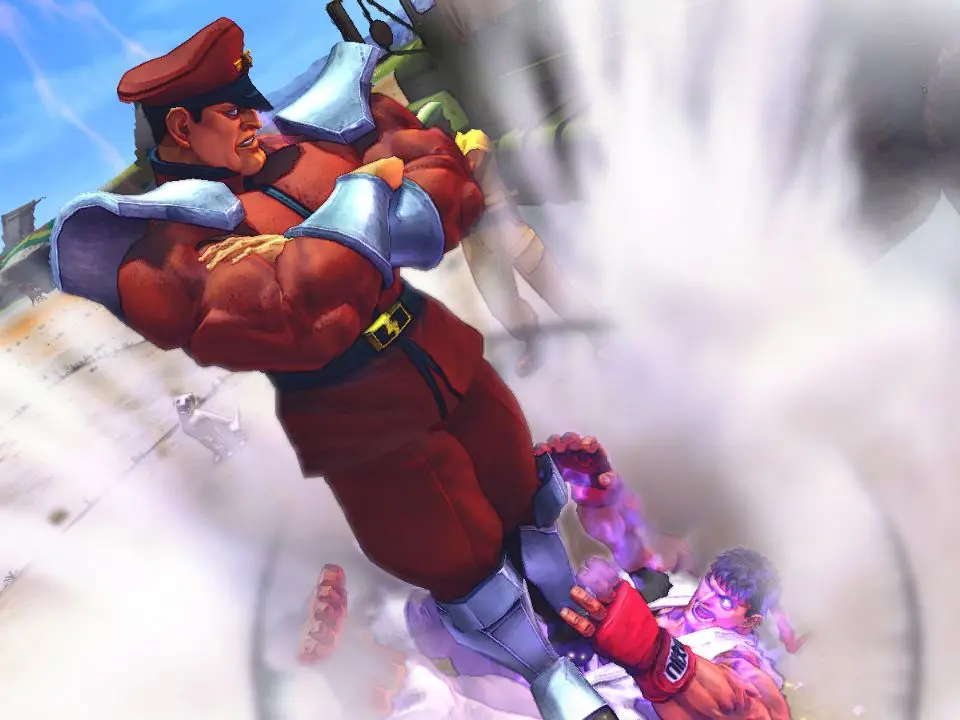
Common Inputs:
- Movement: Left/Right on D-pad/Joystick
- Jump: Up on D-pad/Joystick
- Crouch: Down on D-pad/Joystick
- Block (High/Mid): Hold Back
- Block (Low): Hold Down-Back
- Throw: LP + LK (when close to opponent)
- Focus Attack: MP + MK (hold to charge)
- EX Special Move: Special Move input + two punch/kick buttons (consumes 1 Super Meter segment)
- Super Combo: Specific input + three punch/kick buttons (consumes full Super Meter)
- Ultra Combo: Specific input + three punch/kick buttons (consumes full Revenge Meter)
Experiment with different characters to find a playstyle that suits you. Each character has unique special moves and attack properties.