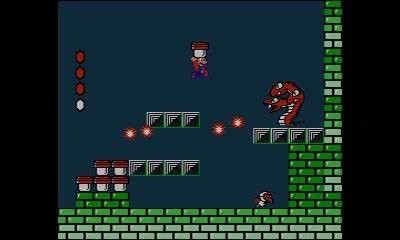
The Super Mario Bros. 2 user interface is straightforward and provides essential information at a glance. At the top of the screen, you'll find several key indicators. Your current Score is displayed, tracking your progress and achievements. Below that, you'll see the Coins collected, which are primarily used for the slot machine bonus game at the end of each world. The Cherries counter tracks the number of cherries you've collected; gathering five cherries will spawn a Starman, granting temporary invincibility. Your current Lives are also shown, indicating how many attempts you have left before a Game Over. Finally, the Health Meter, represented by small hearts, shows your character's remaining health. Each hit from an enemy or hazard reduces your health, and collecting a heart will restore one point. Understanding these elements will help you manage your resources and strategize effectively.