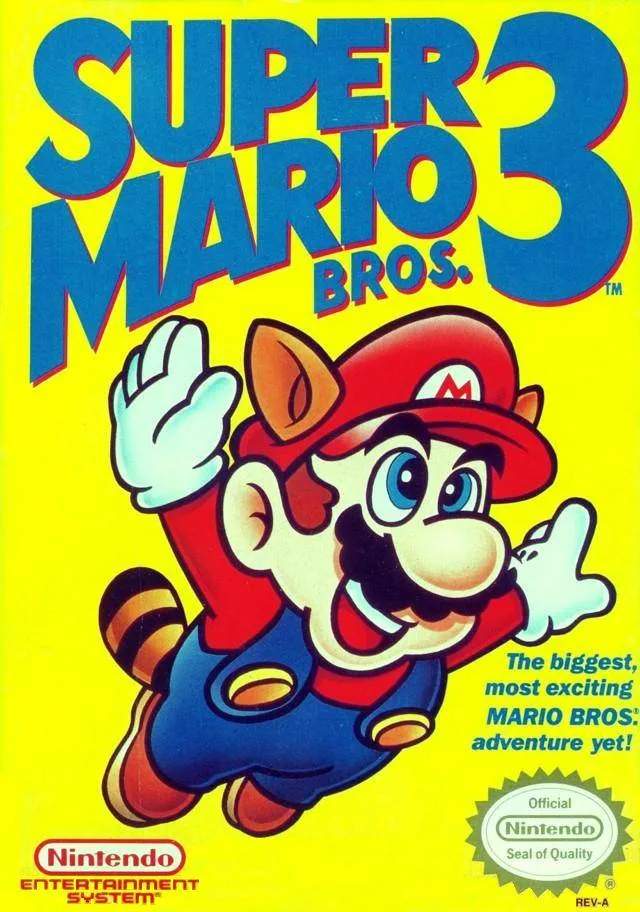
Mastering the controls is your first step to becoming a Super Mario Bros. 3 pro. The NES controller is simple, but its inputs allow for a surprising amount of nuanced movement. Here's a breakdown:
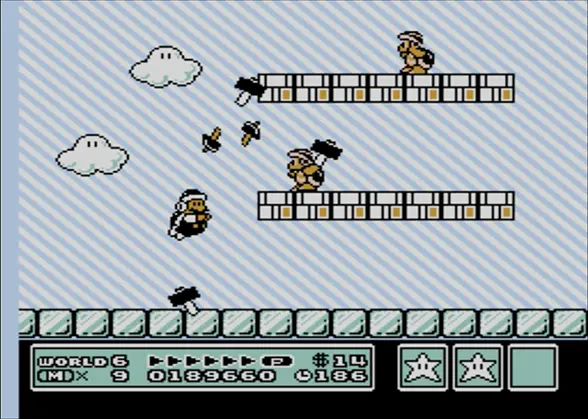
- D-Pad (Left/Right): Moves Mario/Luigi left or right. Holding a direction while running builds momentum.
- D-Pad (Down): Ducks, enters pipes (if applicable), or slides down slopes.
- A Button: Jumps. Holding the A button allows for a higher jump. In Raccoon Mario form, repeatedly pressing A after a running jump allows for flight.
- B Button: Runs (when held down). Also used to throw fireballs (as Fire Mario) or swing the Hammer (as Hammer Mario).
- Start Button: Pauses the game. Pressing Start again resumes gameplay.
- Select Button: On the World Map, this button allows you to select an item from your inventory to use before entering a stage.
Practice these movements in the early stages to get a feel for Mario's physics. The ability to precisely control your jumps and momentum is key to navigating the game's many hazards.
While Super Mario Bros. 3 relies on single-button jumps, Mario & Luigi: Superstar Saga later evolved this foundation by assigning dedicated action buttons to each brother simultaneously.