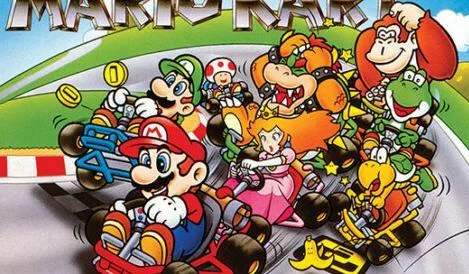
Mastering the controls is the first step to becoming a Super Mario Kart champion. The SNES controller offers a simple yet effective layout for precise driving and item usage. Here's a breakdown:
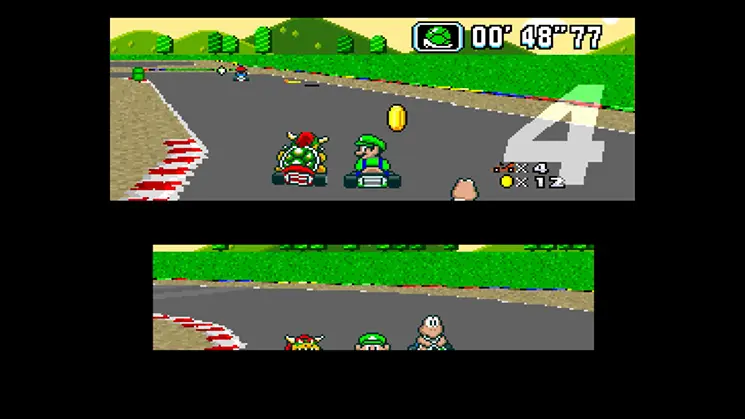
- D-Pad: Steer your kart left or right. Holding a direction will turn your kart, while tapping allows for minor adjustments.
- A Button: Accelerate. Hold this down to maintain speed. Releasing it briefly can help with sharp turns.
- B Button: Brake/Reverse. Tapping it will brake, holding it down will put your kart in reverse. Essential for recovering from spins or navigating tight corners.
- Y Button: Use Item. This is your primary button for deploying offensive or defensive power-ups. Timing is crucial for effective item usage.
- X Button: Hop. A quick tap of the X button will make your kart hop. This is incredibly useful for navigating small bumps, avoiding hazards, and initiating power slides.
- L/R Buttons: Power Slide. Hold down L or R while turning to initiate a power slide. This allows for tighter turns and can give you a small speed boost if executed correctly.
- Start Button: Pause Game/Access Menu.
Practice these controls in the Time Trial mode to get a feel for your kart's handling and the nuances of each button.