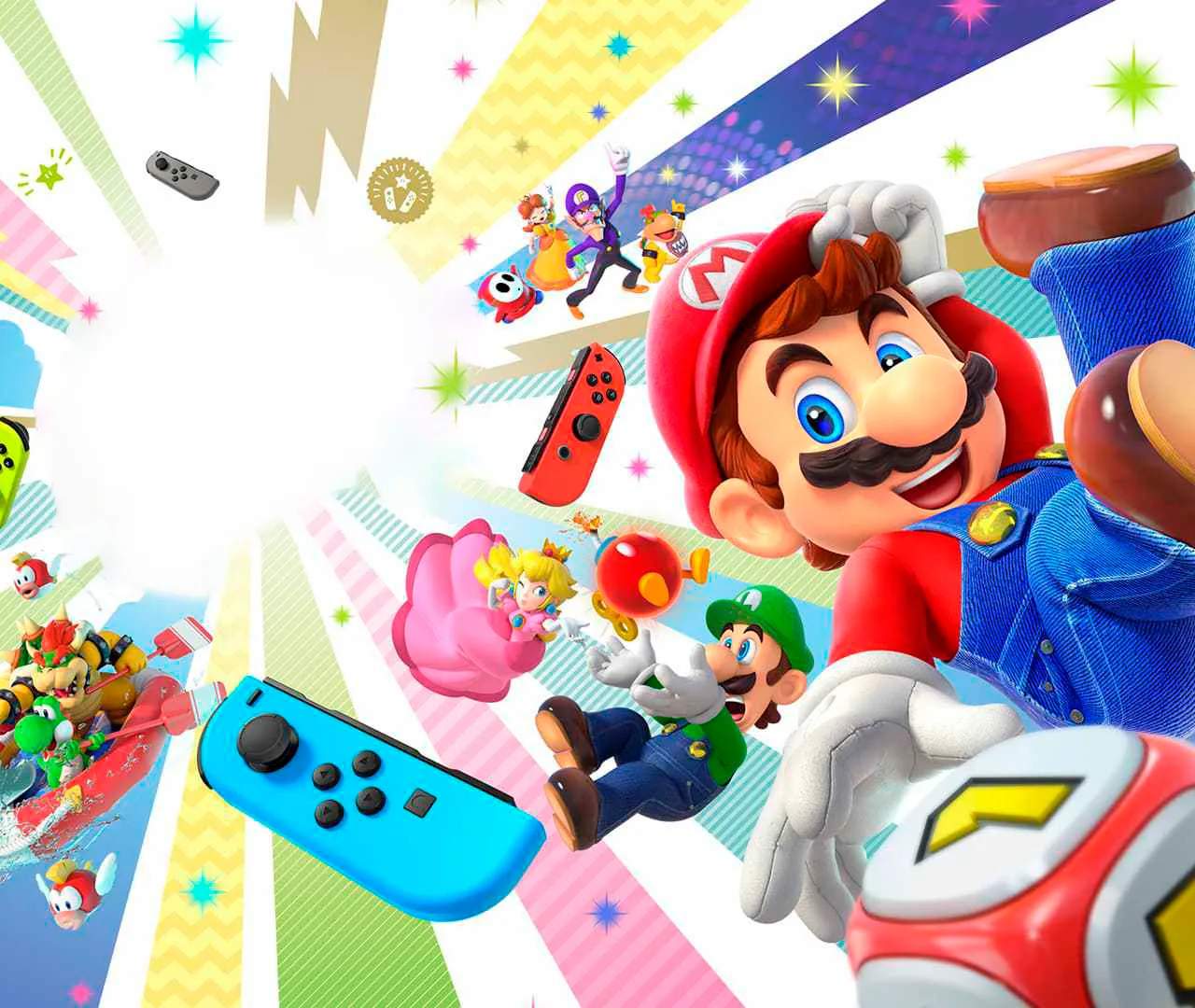
Super Mario Party primarily uses a single Joy-Con per player, offering intuitive motion controls and traditional button inputs. Familiarize yourself with these basic actions:
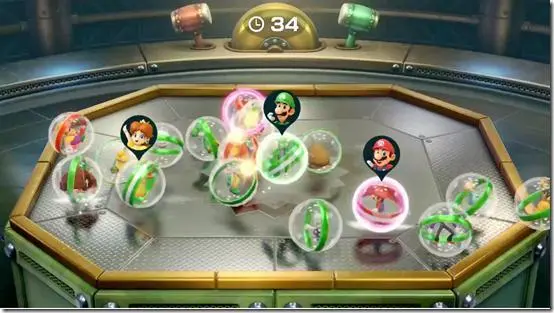
- Analog Stick: Move your character on the board and navigate menus.
- A Button: Confirm selections, interact with objects, and perform actions in minigames.
- B Button: Cancel selections, go back in menus.
- X/Y Buttons: Often used for specific minigame actions or to view information.
- ZR/ZL Buttons: Used for specific minigame actions or to view character stats.
- Motion Controls: Many minigames heavily rely on precise Joy-Con movements. Practice these in the 'Minigame House' to get a feel for them.
Understanding these controls is crucial for success in both board game mode and minigames.