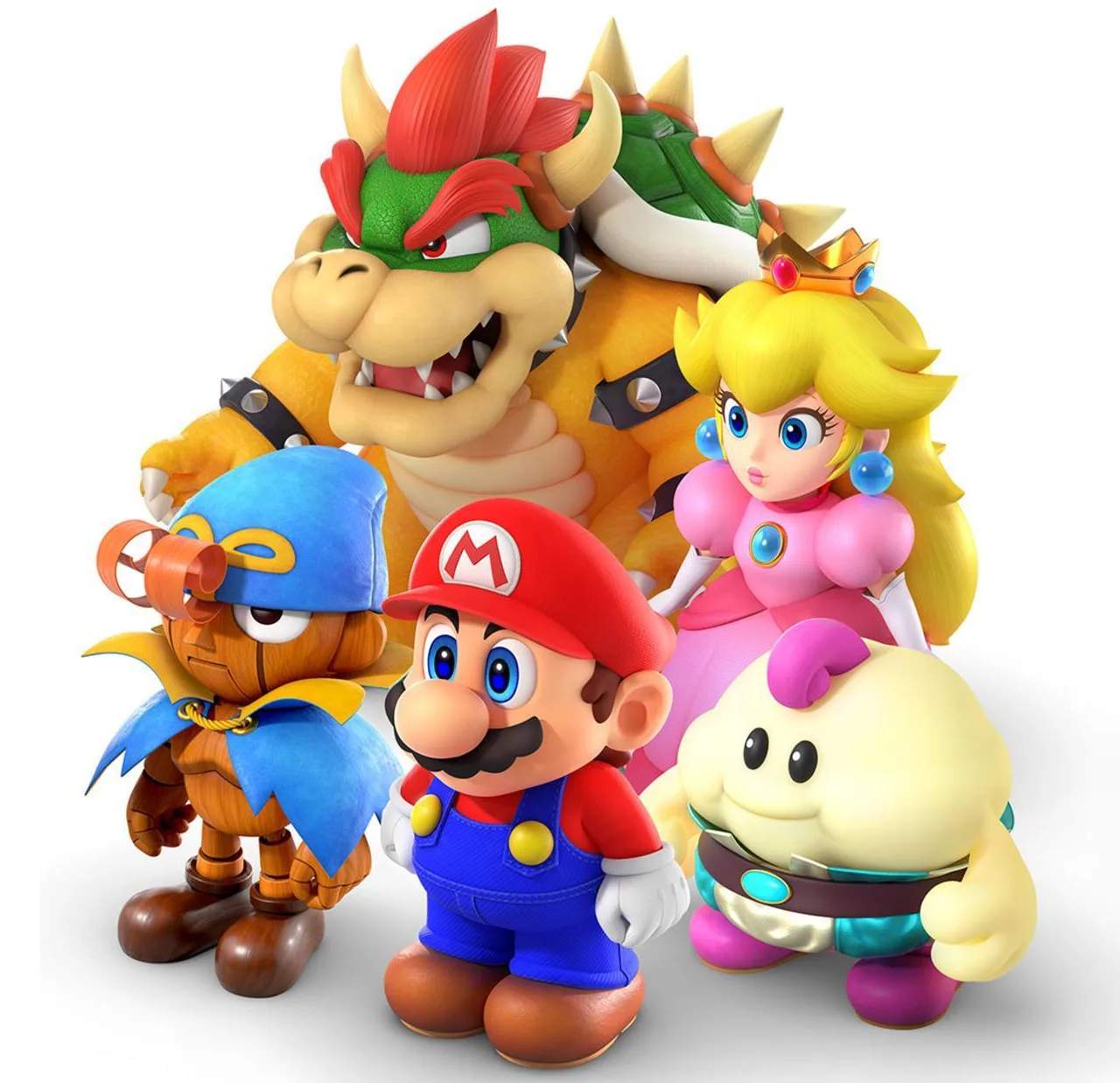
Battle Command Overview
Understanding the battle commands is crucial for mastering Super Mario RPG. Each command serves a distinct purpose, and knowing when and how to use them effectively can turn the tide of even the toughest encounters. This section will break down each command, offering actionable strategies and tips.
Attack
This is your standard physical attack. Every character has a unique attack animation and damage calculation. The key to maximizing damage with physical attacks is the Action Command. When you select "Attack," watch carefully for the precise moment to press the 'A' button again. This timing varies for each character and weapon:
- Mario: His jump attack requires pressing 'A' just as he lands on the enemy. With his Hammer weapons, press 'A' as the hammer connects.
- Mallow: His physical attack is a slap. Press 'A' just as his hand makes contact.
- Geno: For his punches, press 'A' right as his fist connects. With his Arm Cannon, hold 'A' until the crosshairs are perfectly centered on the enemy, then release.
- Bowser: His claw swipe requires pressing 'A' as his claws hit the target.
- Toadstool: Her slap attack's Action Command is similar to Mallow's; press 'A' on contact.
Successfully executing an Action Command can double your damage output or even hit multiple enemies depending on the weapon (e.g., Mario's Super Jump). Practice makes perfect!
Special
The "Special" command allows your characters to unleash their unique magical abilities or powerful techniques. These consume Flower Points (FP), which are shared across your party. Strategic FP management is vital.
- Mario:
- Jump: A basic single-target jump attack. Its power scales with Mario's Attack stat.
- Super Jump: A more powerful version of Jump that can hit multiple times if you time the Action Command correctly (press 'A' as Mario lands).
- Fire Orb: Deals fire damage to a single enemy.
- Super Fire Orb: A stronger fire attack that hits all enemies.
- Mallow:
- Thunderbolt: Deals lightning damage to a single enemy.
- Psychopath: Reveals an enemy's HP and weaknesses. Crucial for boss battles!
- HP Rain: Heals the entire party. Essential for sustained combat.
- Snowy: Deals ice damage to all enemies.
- Geno:
- Geno Beam: A powerful single-target beam attack. Hold 'A' to charge for increased damage.
- Geno Boost: Increases an ally's Attack and Defense. Use this on your primary damage dealers.
- Geno Whirl: Deals damage to a single enemy. If you time the Action Command perfectly (press 'A' as the star hits), it can deal 9999 damage!
- Geno Flash: A devastating attack that hits all enemies. Hold 'A' to charge.
- Bowser:
- Poison Gas: Deals damage and can inflict poison on all enemies.
- Terrorize: Attempts to inflict Fear on all enemies, reducing their stats.
- Crush: A powerful single-target physical attack.
- Toadstool:
- Therapy: Heals a single ally for a large amount.
- Group Hug: Heals the entire party.
- Come Back: Revives a fallen ally.
- Mute: Attempts to silence all enemies, preventing them from using special attacks.
Item
The "Item" command allows you to use consumables from your inventory. These can restore HP, FP, cure status ailments, or even deal damage. Always keep a healthy stock of essential items.
- Healing Items:
- Mushroom: Restores 30 HP to one ally. Easily found in shops like the Mushroom Kingdom Item Shop for 4 Coins.
- Super Mushroom: Restores 80 HP to one ally.
- Mega Mushroom: Restores all HP to one ally.
- Honey Syrup: Restores 10 FP to one ally. Purchase at most item shops for 10 Coins.
- Maple Syrup: Restores 40 FP to one ally.
- Royal Syrup: Restores all FP to one ally.
- Status Cure Items:
- Pick Me Up: Revives a fallen ally with 50% HP. Found early in the game, often dropped by enemies or bought for 50 Coins.
- Mid Mushroom: Cures Poison, Sleep, Fear, and Mute.
- Freshen Up: Cures all status ailments for one ally.
- Offensive Items:
- Fire Bomb: Deals fire damage to all enemies.
- Ice Bomb: Deals ice damage to all enemies.
- Fright Bomb: Attempts to inflict Fear on all enemies.
Remember that only one character can use an item per turn, so choose wisely!
Defend
Selecting "Defend" reduces the damage an ally takes from enemy attacks during that turn. This is particularly useful when anticipating a powerful boss attack or when a character is low on HP. The Action Command for defending is to press 'A' just as an enemy attack is about to hit. A successful block significantly reduces incoming damage.
Run
The "Run" command allows you to attempt to escape from battle. This is not always successful, especially against bosses or certain stronger enemies. If successful, you'll return to the map. If it fails, the character who attempted to run will lose their turn.
Switch
Once you have more than three party members, the "Switch" command becomes available. This allows you to swap an active party member with one from your reserve. This can be a game-changer for strategy, allowing you to bring in characters with specific abilities needed for the current situation (e.g., swapping in Toadstool for healing, or Bowser for raw physical power). You cannot switch during boss battles.