Game Modes & Options
Super Mario Sunshine, while primarily a linear adventure, offers several ways to experience the game and customize your playthrough. Understanding these modes and options is crucial for both new players and seasoned veterans aiming for 100% completion.
Main Story Mode
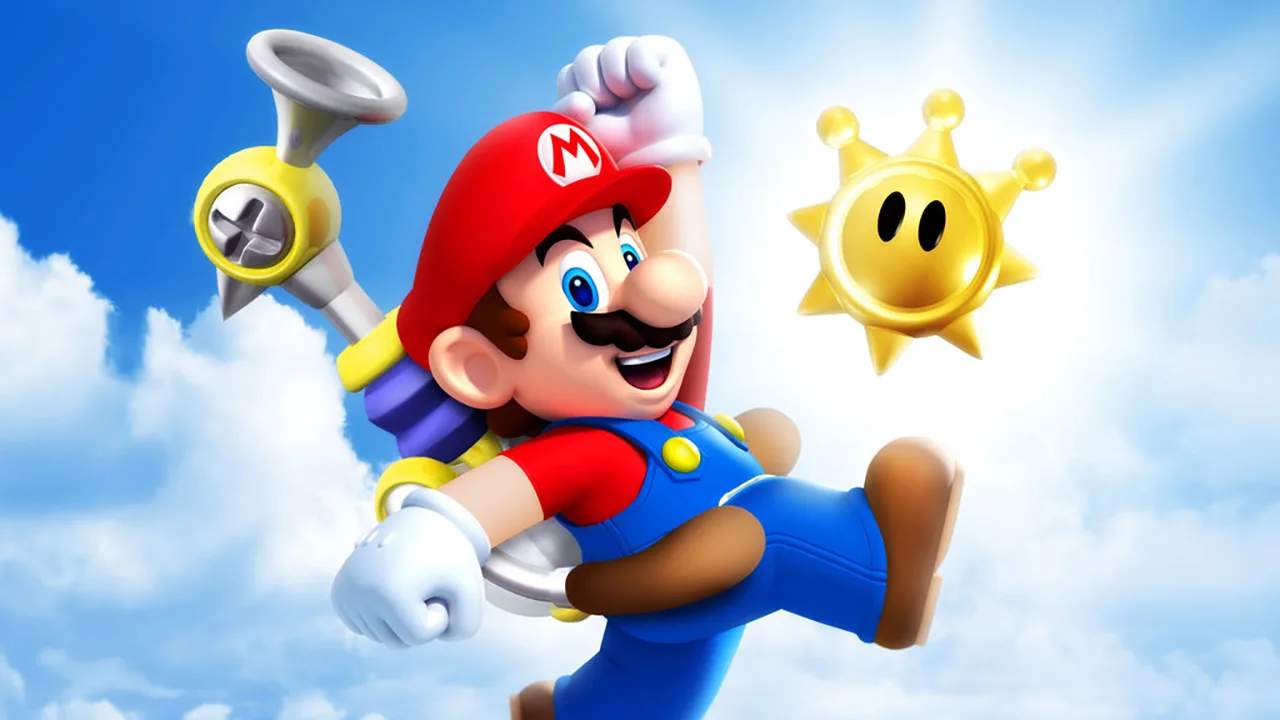
This is the core of your Super Mario Sunshine experience. You'll begin your adventure in Delfino Plaza, accused of a crime you didn't commit, and tasked with cleaning up the island. The main story progresses by collecting Shine Sprites, which are earned by completing various episodes within each of the game's distinct areas. To access new areas, you'll typically need to collect a certain number of Shine Sprites in previously unlocked locations.
- Progression: The game's narrative unfolds as you collect Shine Sprites. New areas like Bianco Hills, Ricco Harbor, Gelato Beach, Pinna Park, Sirena Beach, Noki Bay, and Pianta Village become accessible from Delfino Plaza as you gather more Shines.
- Episode Structure: Each major area features eight main episodes, each culminating in a Shine Sprite. Additionally, every area has two "Secret Shines" (often challenging platforming sections without FLUDD) and a "100 Coins" Shine, awarded for collecting 100 coins within a single episode.
- FLUDD Nozzles: As you progress, you'll unlock different FLUDD nozzles that are essential for solving puzzles and navigating environments:
- Hover Nozzle: Your starting nozzle, allowing for extended jumps and safe landings.
- Rocket Nozzle: Found in Ricco Harbor (Episode 3: "Wiggler's Big Stomp"), this nozzle propels Mario high into the air, reaching previously inaccessible areas.
- Turbo Nozzle: Acquired in Pinna Park (Episode 4: "The Wilted Sunflowers"), this nozzle grants incredible speed, allowing Mario to cross large gaps and break certain objects.
- Blue Coins: Scattered throughout every level and Delfino Plaza are 240 Blue Coins. Collecting these is vital for 100% completion, as every 10 Blue Coins can be exchanged for a Shine Sprite at the Boathouse in Delfino Plaza.
File Select Screen Options
Upon starting the game or returning to the title screen, you'll be presented with the File Select screen, offering several important options:
- New Game: Select an empty file slot to begin a fresh adventure. This will start Mario's journey from the very beginning, with no collected Shines, coins, or unlocked nozzles.
- Load Game: Choose an existing save file to continue your progress. Each file displays your current Shine Sprite count, allowing you to easily track your completion.
- Copy File: This option allows you to duplicate an existing save file into an empty slot. This is incredibly useful for experimenting with different strategies, attempting speedruns, or letting a friend play without affecting your main save.
- Erase File: Permanently delete a save file. Exercise caution when using this option, as all progress on the selected file will be lost.
Pause Menu Options
During gameplay, pressing the Start button will bring up the Pause Menu, providing access to essential settings and information:
- Resume Game: Return directly to your current gameplay.
- Map: Displays a detailed map of your current location. In Delfino Plaza, this shows all accessible areas and their current status. Within individual levels, it highlights key landmarks and objectives.
- Shine Sprites: This screen lists all the Shine Sprites available in the current area, indicating which ones you've collected and which remain. It's a vital tool for tracking your progress towards 100% completion.
- Blue Coins: Similar to the Shine Sprites screen, this section shows the total number of Blue Coins in the current area and how many you've found. A must-check for Blue Coin hunters!
- Options: Access various game settings:
- Camera Control: Adjust camera inversion (Y-axis and X-axis) to suit your preference. Experiment with both "Normal" and "Invert" settings to find what feels most comfortable for navigating the vibrant world of Isle Delfino.
- Rumble: Toggle the controller's rumble feature on or off. If you find the vibrations distracting or prefer a quieter experience, you can disable it here.
- Sound: Adjust the overall game volume.
- Exit Course: If you're in a specific level (e.g., Bianco Hills, Ricco Harbor), selecting this option will return you to Delfino Plaza. Any progress made within the current episode (like collecting coins or defeating enemies) will be saved, but you'll need to re-enter the level to continue that specific episode's objective.