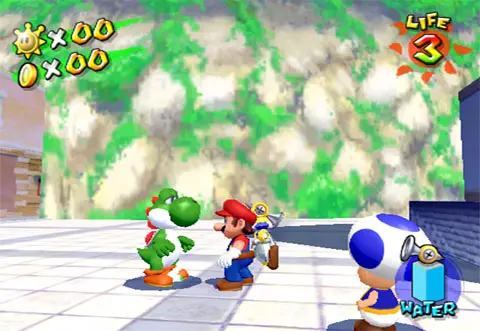
The UI provides vital information. In the top left, you'll see your coin count. In the top right, your remaining lives. The blue bar at the bottom indicates FLUDD's water level. When collecting a Shine Sprite, a counter will appear showing your progress. Pay attention to on-screen prompts and character dialogue for mission objectives and hints.