Amiibo Functionality
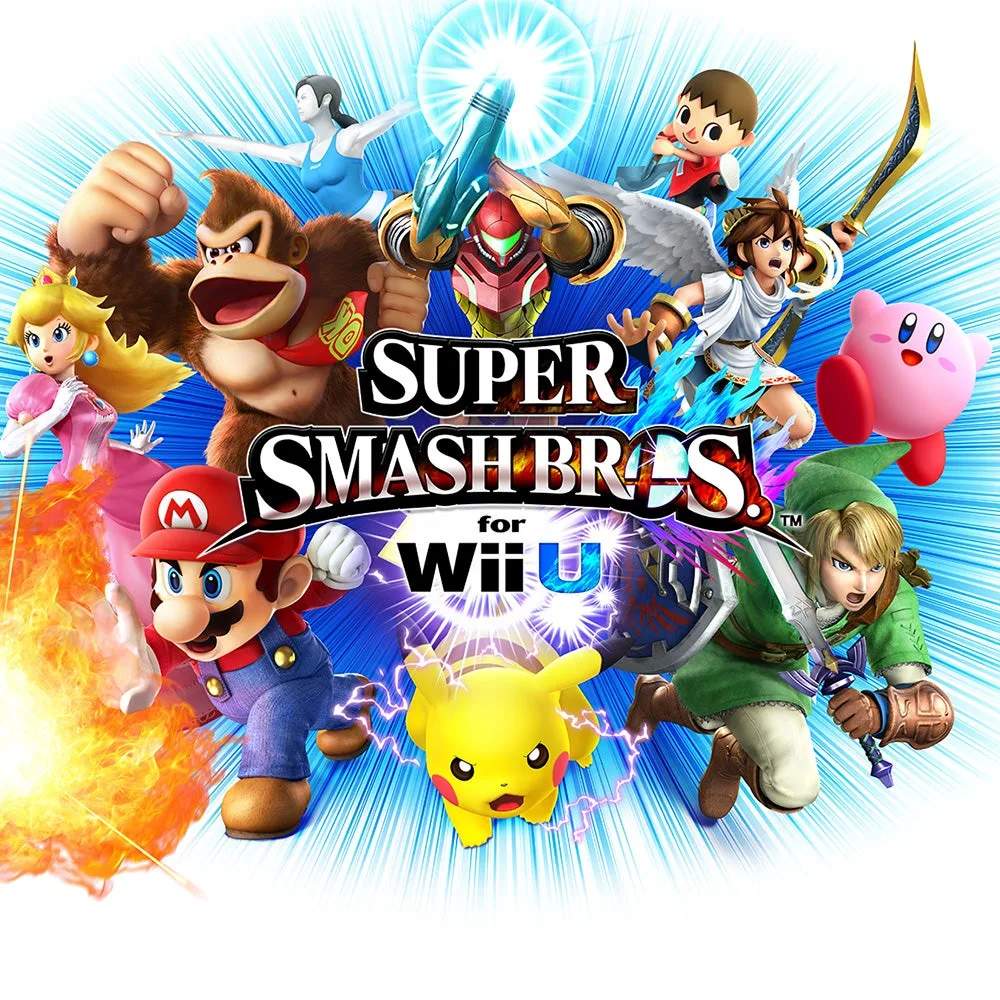
Super Smash Bros. for Wii U introduces robust amiibo functionality, allowing you to bring your favorite Nintendo characters into the fight as trainable AI opponents. These aren't just static figures; they learn, grow, and even develop unique personalities based on your interactions. This section will guide you through the process of setting up, training, and battling with your amiibo.
Getting Started with Amiibo
Before you can unleash your amiibo in the arena, you'll need to register them with your game. This process is straightforward and only takes a few moments.
- Access the Amiibo Menu: From the main menu of Super Smash Bros. for Wii U, navigate to the "Games & More" section.
- Select "Amiibo": Within "Games & More," you'll find the dedicated "Amiibo" option. Select this to enter the amiibo management screen.
- Place Your Amiibo: The game will prompt you to place your amiibo figure on the NFC touchpoint of your Wii U GamePad. Ensure the amiibo is centered on the NFC symbol for proper detection.
- Register Your Amiibo: Upon successful detection, you'll be asked to register the amiibo. This involves:
- Naming Your Amiibo: Give your amiibo a unique name (up to 10 characters). This name will appear in-game.
- Assigning an Owner: You can assign yourself or another player as the amiibo's owner.
- Selecting a Color: Choose a color scheme for your amiibo's in-game appearance.
- Confirm Registration: Once all details are entered, confirm the registration. Your amiibo is now ready to fight!
Training Your Amiibo: The Path to Greatness
The true magic of amiibo lies in their ability to learn. They start as Level 1 fighters and can grow all the way to Level 50. The more you fight against or alongside them, the smarter and more formidable they become. Here's how to effectively train your amiibo:
1. Battle Your Amiibo Regularly
The primary method of training is to simply fight against your amiibo. Each battle contributes to their experience and learning. Consider these strategies:
- One-on-One Training: Engage in 1-on-1 matches against your amiibo. This allows you to directly influence their behavior and teach them specific techniques.
- Team Battles: Team up with your amiibo against other AI opponents. This can teach them cooperative strategies and how to assist allies.
- Free-for-Alls: While less focused, Free-for-All matches can expose your amiibo to a wider range of combat scenarios and opponents.
2. Equip Equipment to Enhance Stats
Just like Mii Fighters, amiibo can be equipped with "Equipment" to boost their stats. This is crucial for customizing their playstyle and covering weaknesses.
- Accessing Equipment: From the "Amiibo" menu, select your amiibo and then choose "Customize." Here you'll find the "Equipment" option.
- Types of Equipment: Equipment comes in three main categories:
- Attack: Increases damage output.
- Defense: Reduces damage taken.
- Speed: Improves movement and attack speed.
- Stat Management: Each amiibo has a total of 120 stat points to distribute across Attack, Defense, and Speed. Each piece of Equipment has positive and negative stat modifiers. Aim for a balanced build or specialize in a particular area based on your amiibo's character and your desired playstyle. For example, a heavy hitter like Ganondorf might benefit from maximized Attack, while a nimble character like Fox could excel with high Speed.
- Obtaining Equipment: Equipment can be earned through various game modes, including Classic Mode, All-Star Mode, and by opening Trophy Boxes.
3. Feed Your Amiibo Custom Moves
Beyond stat boosts, you can also teach your amiibo "Custom Moves," altering their special attacks. This adds another layer of personalization and strategic depth.
- Accessing Custom Moves: In the "Customize" menu for your amiibo, select "Special Moves."
- Applying Custom Moves: You can swap out your amiibo's standard special moves for any custom moves you've unlocked for that character. For instance, if you have the "Exploding Flame Pillar" custom move for Mario, you can teach it to your Mario amiibo.
- Unlocking Custom Moves: Custom Moves are found randomly in Trophy Boxes, earned in Classic Mode, or unlocked through other challenges.
Amiibo in Battle: What to Expect
Once trained, your amiibo can participate in almost any battle mode, just like a regular player or AI opponent.
- Fighter Selection Screen: When selecting characters for a match, you'll see an amiibo icon. Select this, then tap your registered amiibo to the GamePad to bring them into the fight.
- Learning and Adapting: Pay close attention to your amiibo's behavior. They will mimic your playstyle, learn from your mistakes, and even adapt to your opponents' strategies. If you frequently use a certain combo, your amiibo might start using it too!
- Unique Personalities: Over time, your amiibo will develop a distinct personality. Some might become aggressive, others defensive, and some might even favor specific items or stages. This makes each amiibo truly unique.
Resetting Your Amiibo
If you feel your amiibo has learned some bad habits, or you simply want to start fresh with a new training regimen, you can reset its data.
- Navigate to the Amiibo Menu: Go to "Games & More" -> "Amiibo."
- Select Your Amiibo: Choose the amiibo you wish to reset.
- Choose "Reset": Within the amiibo's options, select the "Reset" command.
- Confirm Reset: The game will warn you that all training data, equipment, and custom moves will be erased. Confirm your decision to proceed. Your amiibo will return to Level 1.
By following these steps, you can transform your amiibo figures from static collectibles into dynamic, evolving fighters ready to challenge even the most seasoned Smash Bros. veterans!