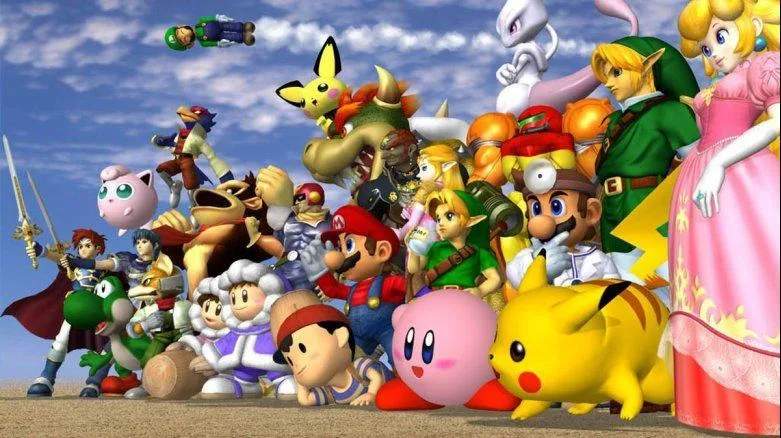
Understanding the core controls is paramount. Super Smash Bros. utilizes a simplified control scheme compared to traditional fighting games, focusing on directional inputs and a few action buttons. Here's a breakdown:
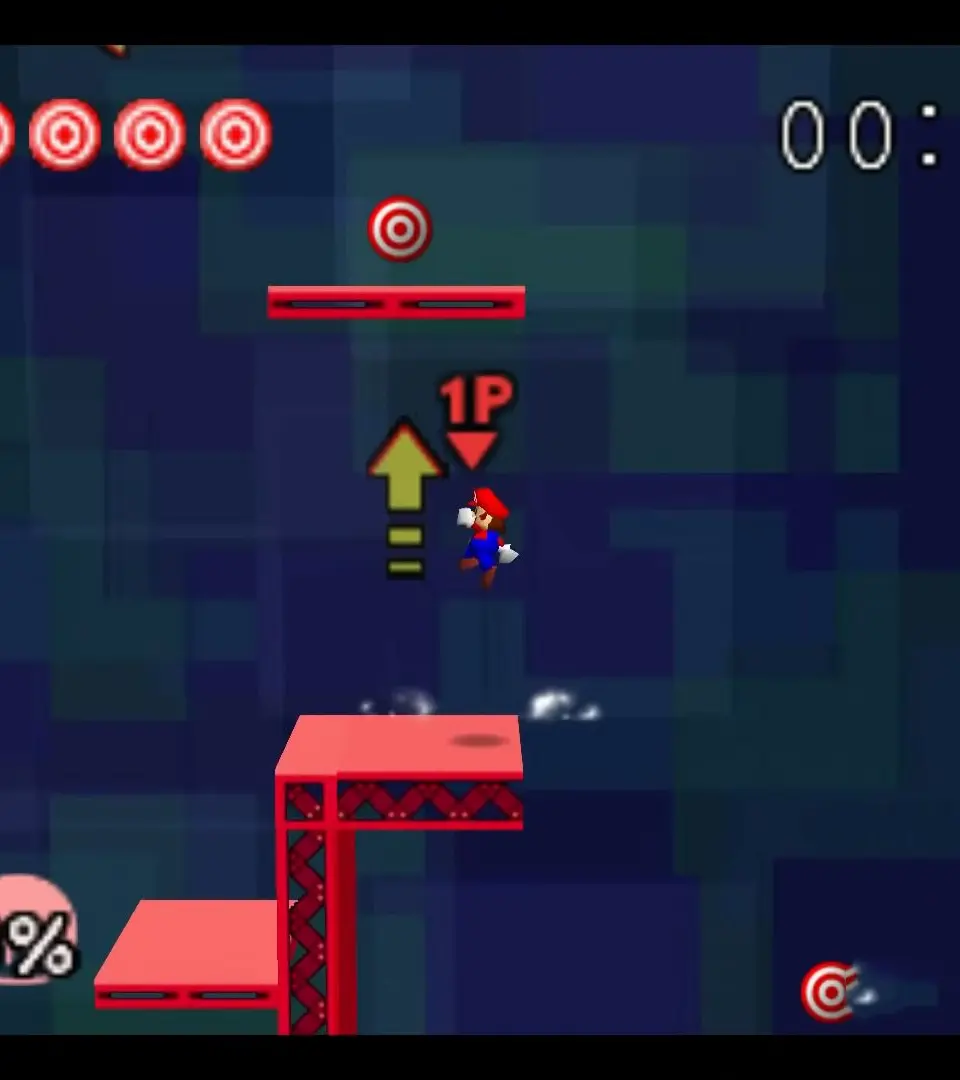
- Movement (Control Stick/D-Pad): Move your character left or right. A quick tap will make you run.
- Jump (X/Y Button or Up on Control Stick): Press to jump. Pressing again in mid-air performs a double jump.
- Standard Attack (A Button): Your basic attack. Combine with directional inputs for different 'tilts' (e.g., Up-A, Side-A, Down-A).
- Special Attack (B Button): Your character's unique special moves. Combine with directional inputs for different specials (e.g., Neutral-B, Up-B, Side-B, Down-B).
- Shield (L/R/Z Buttons): Hold to block incoming attacks. Your shield shrinks with damage and can break, leaving you vulnerable.
- Grab (Z Button or Shield + A): Grab an opponent. You can then throw them in various directions (Up, Down, Side).
- Dodge (Shield + Direction): Perform a quick evasive maneuver. A perfect shield (parry) can leave your opponent open.
Practice these movements in Training Mode to get a feel for your chosen character's mobility and attack timings. Mastering movement is key to positioning and avoiding damage.