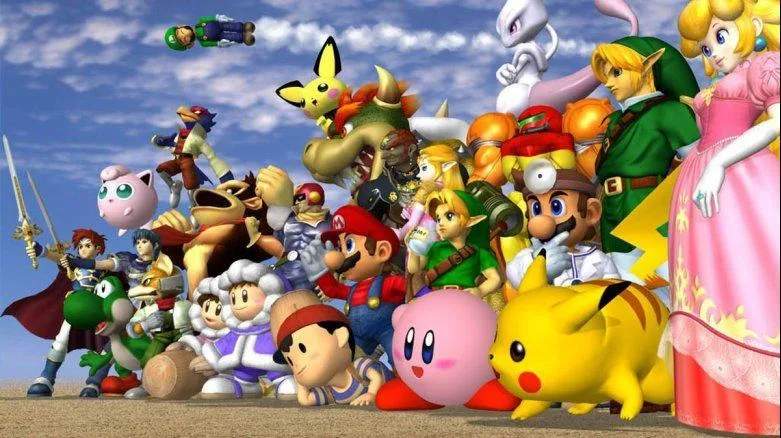
The Super Smash Bros. UI provides crucial information during a match. Familiarizing yourself with these elements will help you make informed decisions and track your progress:
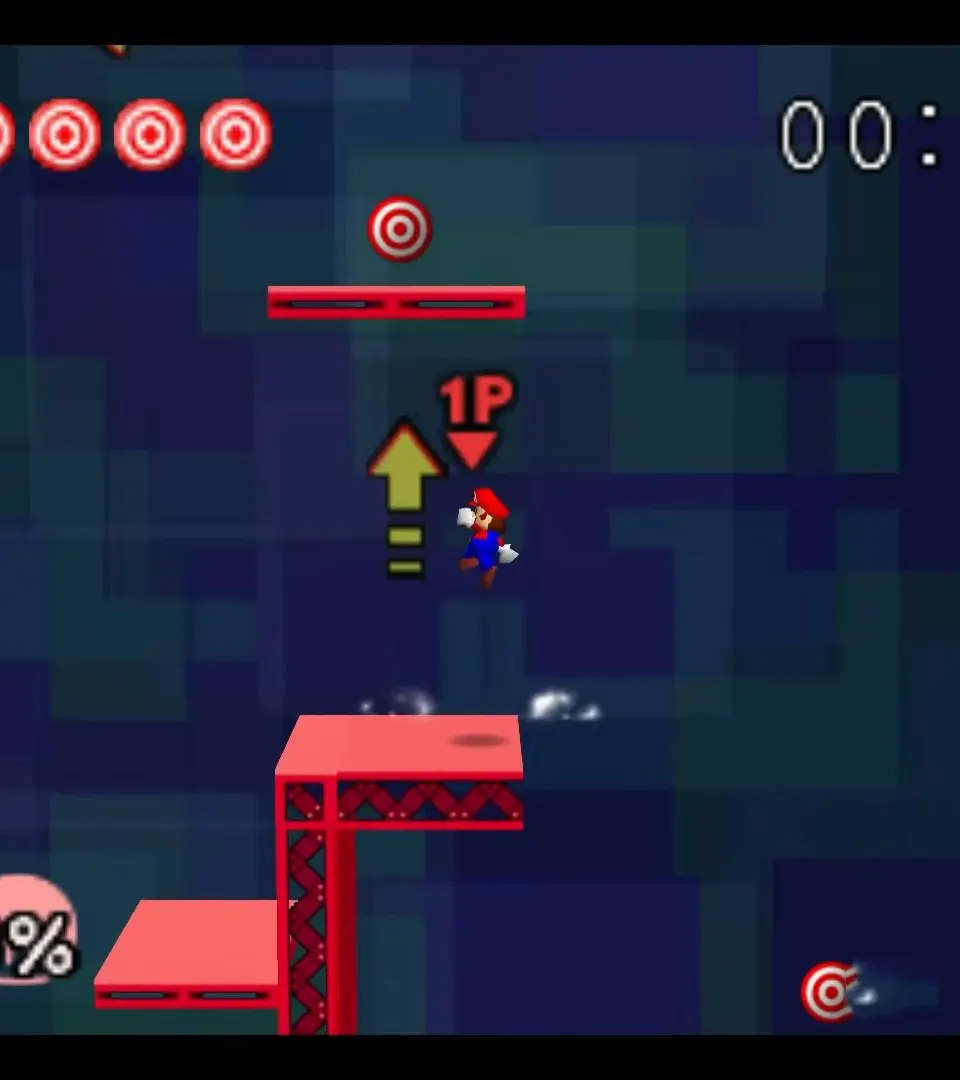
- Character Portrait & Damage Percentage: Located at the bottom of the screen, this shows your character's current damage. The higher the percentage, the easier you are to launch off the stage.
- Stock Count: In Stock battles, this indicates how many lives each player has remaining.
- Time Limit: In Timed battles, this shows the remaining time. You with the most KOs (or least damage if KOs are tied) wins.
- Item Spawns: Icons or visual cues will appear when items are about to drop onto the stage.
- Scoreboard: In certain modes, a scoreboard will display KOs, falls, and other relevant statistics.
Pay close attention to your damage percentage. When it gets high, play more defensively and try to avoid powerful attacks that could send you flying. Conversely, when your opponent's damage is high, focus on landing strong finishing blows.