Supreme Commander: Forged Alliance

Basic Controls & Interface — Supreme Commander: Forged Alliance Guide

Understand the core controls and user interface elements in Supreme Commander: Forged Alliance for efficient gameplay.

·Multi-source verified (60/60)

Mastering the controls is paramount. Use WASD for camera movement, mouse wheel to zoom, and left-click to select units. Right-click issues commands like move, attack, or build. The top-left displays your resources (Mass, Energy, Storage). The bottom-left is your build menu, and the bottom-right is the minimap. Familiarize yourself with hotkeys for efficiency.
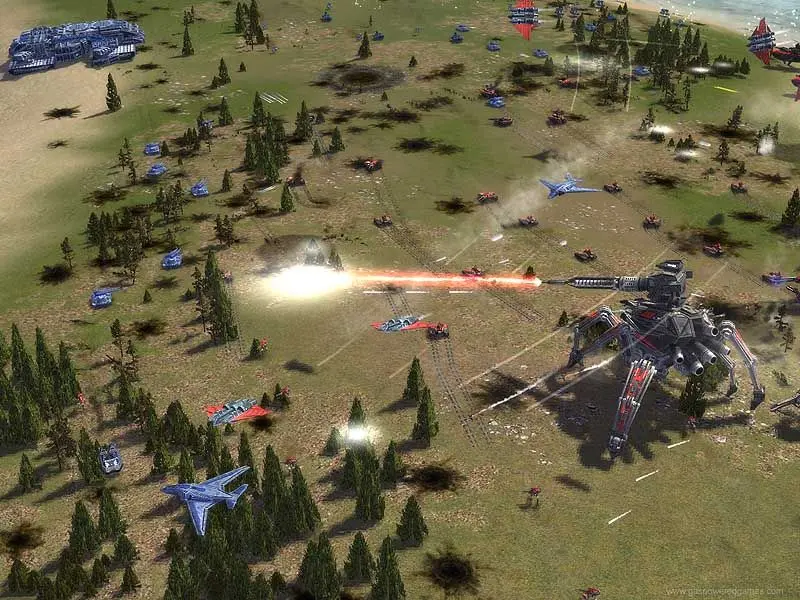
Basic Controls & Interface - Supreme Commander: Forged Alliance screenshot
Basic Controls & Interface
Compare basic controls & interface inAge of Mythology: Retold