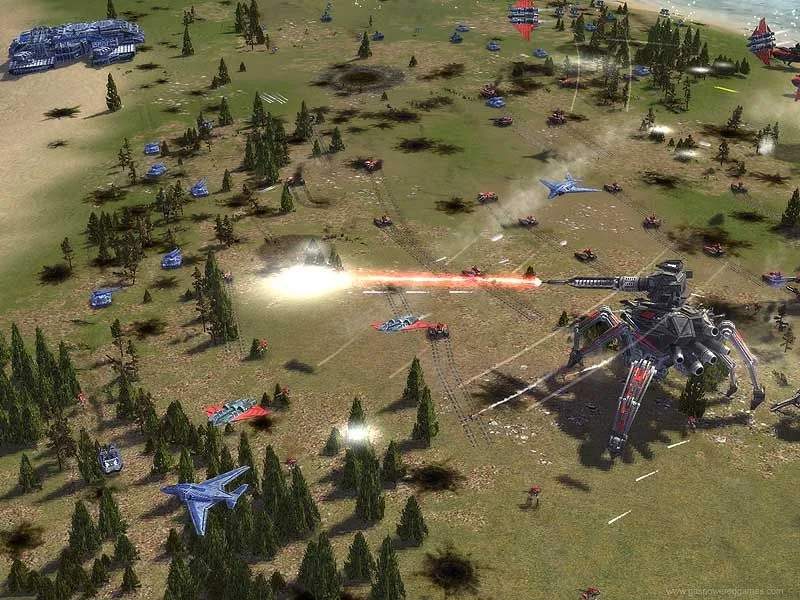
Supreme Commander: Forged Alliance boasts a vibrant modding community, offering a wealth of new units, factions, and gameplay alterations. To begin your modding journey, you'll first need to locate your Supreme Commander installation directory. This is typically found in "C:\Program Files (x86)\Steam\steamapps\common\Supreme Commander Forged Alliance" or a similar path depending on your installation method.
Most mods are distributed as archives (e.g., .zip, .rar) or as .zip files containing specific folder structures. The most common installation method involves placing these mod files into a designated "mods" folder within your Supreme Commander directory. If this folder doesn't exist, you may need to create it. Some mods might require specific installation steps, so always refer to the mod's included readme file for detailed instructions.
Once the mod files are in the correct location, you'll need to enable them. This is usually done through the game's launcher or a separate mod manager. For Forged Alliance, you can often access mod options through the main menu or by launching the game with specific command-line arguments. Some mods might also require specific load orders if you're using multiple modifications. Experimentation is key, but always back up your game files before installing new mods to prevent potential issues.
Common mod types include:
- Unit Packs: Introduce new experimental units, tactical units, or even entirely new unit categories.
- Faction Overhauls: Rework existing factions with new unit dess, abilities, and strategic approaches.
- Gameplay Tweaks: Modify game mechanics such as resource generation, unit stats, AI behavior, or strategic zoom capabilities.
- Campaign Mods: Offer new single-player missions or entirely new campaign narratives.
When encountering issues, the first step is to consult the mod's documentation. If problems persist, try disabling other mods to isolate the conflict. The forums and dedicated modding communities are excellent resources for troubleshooting and finding support from other players.