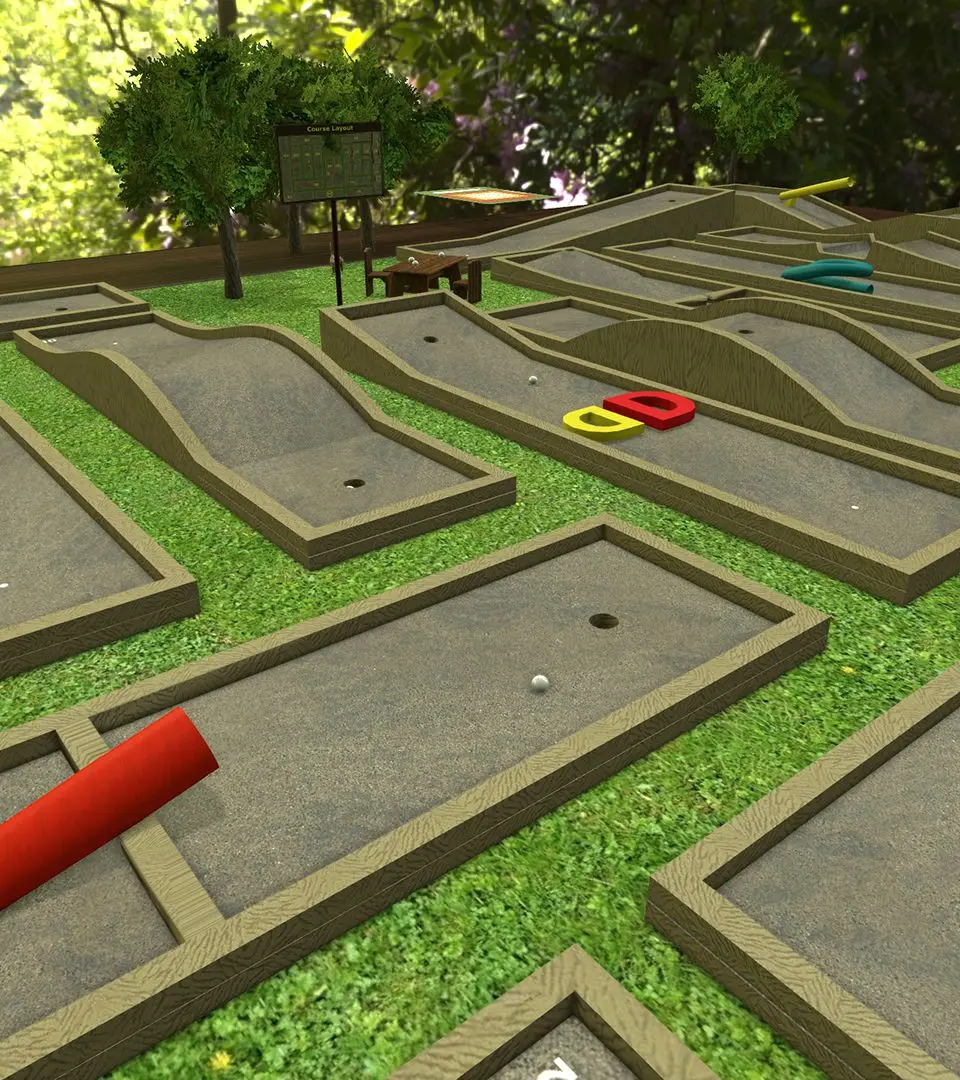
Mastering the controls is crucial for a smooth experience. Use WASD to move the camera horizontally, Q and E to rotate it, and the mouse wheel to zoom in and out. Holding right-click and dragging allows you to pan the camera. To pick up objects, simply left-click and drag. Holding Alt while hovering over an object will magnify it for a closer look, which is incredibly useful for reading card text or examining intricate pieces.