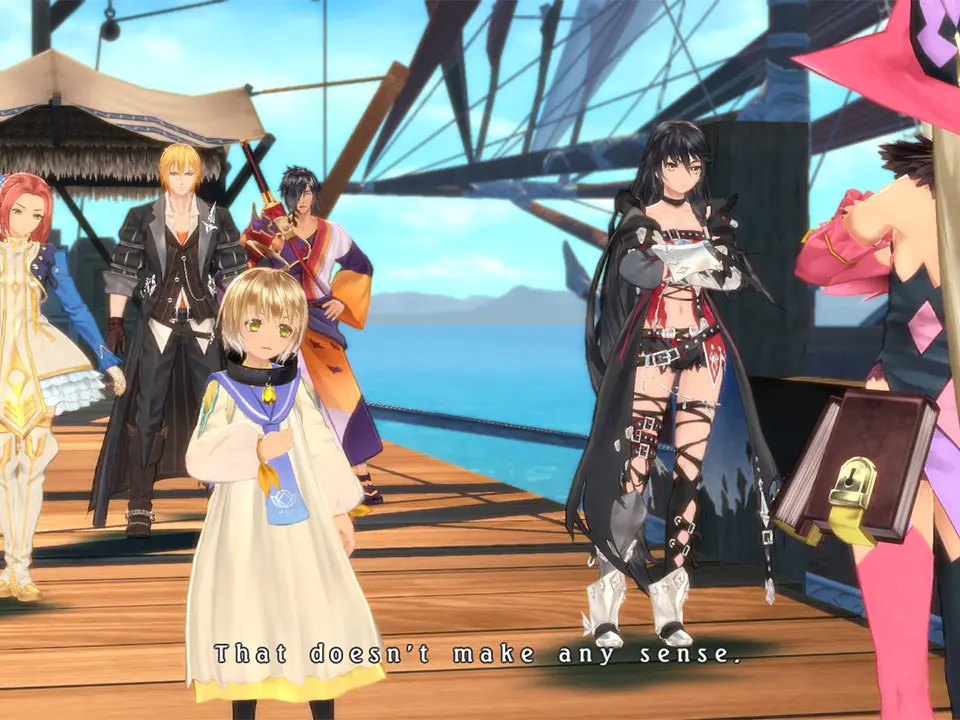
Tales of Berseria utilizes a standard action RPG control scheme. On PlayStation, the left analog stick controls movement, while the right analog stick controls the camera. The X button is for interacting with objects and talking to NPCs. The Square button opens the main menu, where you can access your inventory, equipment, artes, and more. During combat, the left analog stick still moves your character, but the face buttons (Square, Triangle, Circle, X) are mapped to different Artes. The L1 button guards, and R1 is used for quickstepping. Understanding these basic controls is paramount for navigating the world and engaging in combat effectively. Experiment with the camera controls to find a comfortable perspective, especially in tight dungeon corridors.