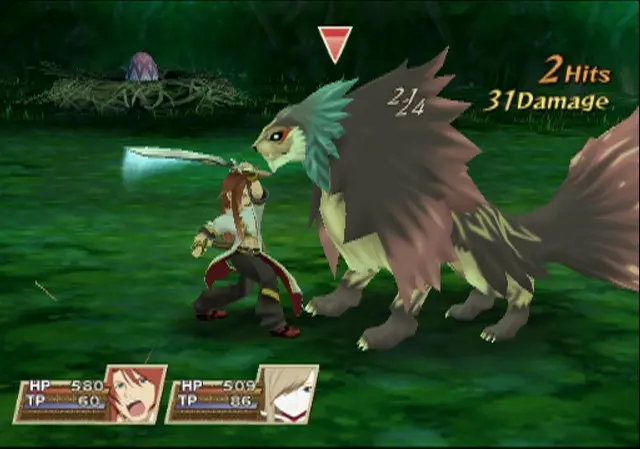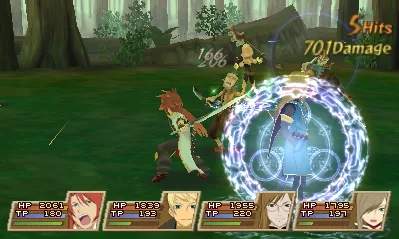
Mastering the controls is your first step to becoming a hero. The PlayStation 2 controller is your primary interface. The left analog stick or D-pad controls character movement on the field and in battle. The right analog stick controls the camera in some areas. The X button is typically for interaction (talking, opening chests), the Square button opens the main menu, and the Triangle button is often used for shortcuts or specific actions like opening the World Map. In battle, the X button performs a normal attack, the Circle button uses Artes, and the Square button guards. The L1/R1 buttons are crucial for Free Run and targeting. The main menu, accessed via Square, allows you to manage your party, equipment, Artes, items, and view the World Map. Pay close attention to the mini-map in the top-right corner, which shows your current location and important points of interest. The battle UI displays character HP/TP, active buffs/debuffs, and the Over Limit gauge. Understanding these elements will significantly improve your gameplay.