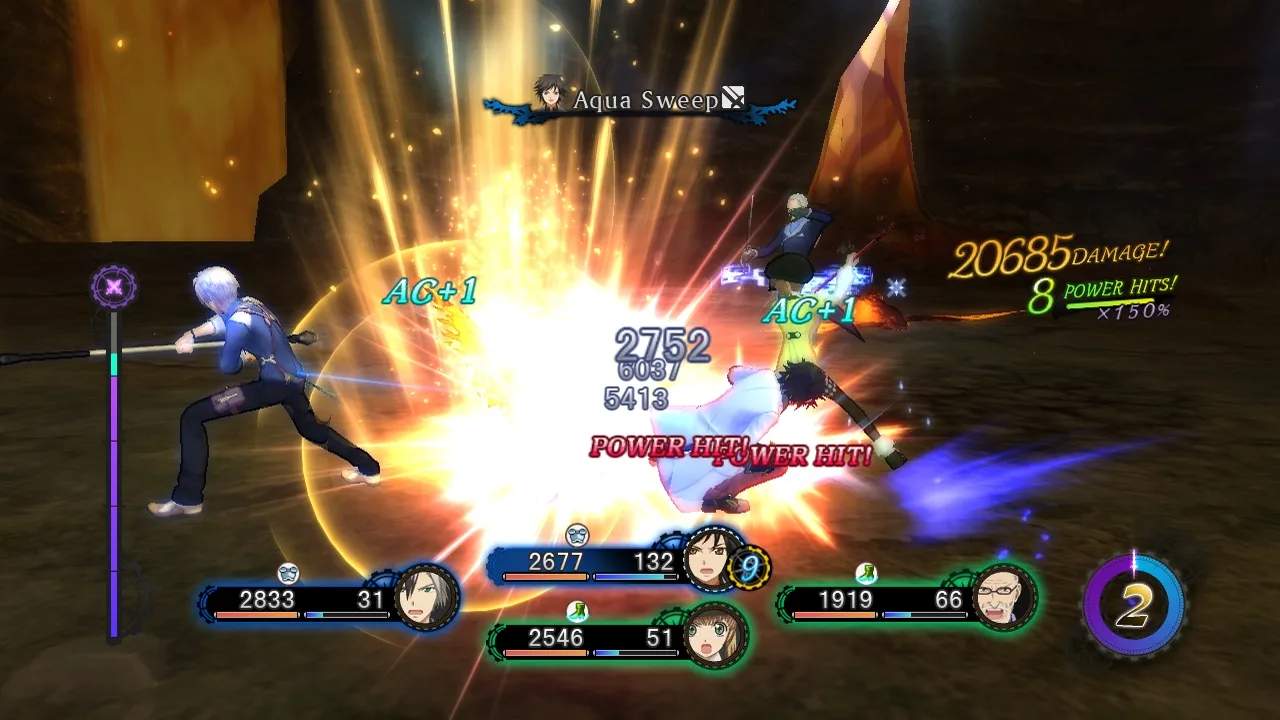
The UI in Tales of Xillia 2 provides vital information during exploration, combat, and menu navigation. On the field, you'll see a mini-map in the corner, your current objective, and sometimes character portraits indicating active party members. In combat, the UI becomes more dynamic: character HP/TP bars are displayed, along with the Over Limit gauge, linked partner's portrait, and a command menu for Artes. The main menu, accessed via the Square/X button, is where you'll spend a significant amount of time. It's divided into several tabs: Items (manage consumables and key items), Equipment (change weapons, armor, accessories), Artes (customize skill sets), Skills (manage Lillium Orb and character skills), Strategy (set AI behavior), Library (view tutorials, character profiles, monster data), System (save, load, options), and Debt (manage your colossal debt). Pay close attention to the debt tab, as it dictates your progress.