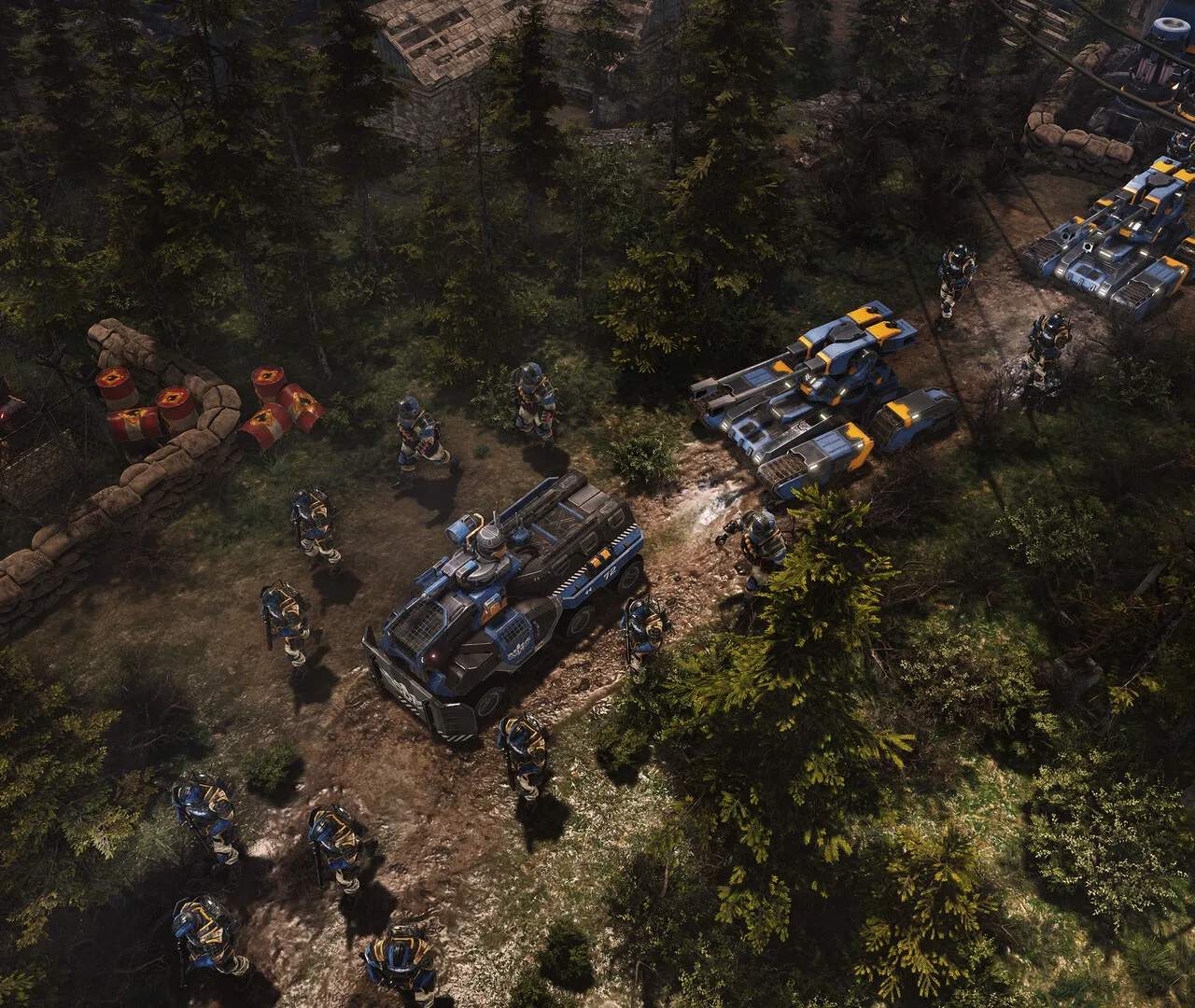
After purchasing Tempest Rising, locate the game in your digital library (e.g., Steam, Epic Games Store) and click 'Install'. Ensure you have sufficient disk space, typically around 30-50 GB. Once installed, launch the game. The first launch will often prompt you to adjust display settings, such as resolution and refresh rate. We recommend setting your resolution to your monitor's native resolution for the best visual experience. You may also be asked to agree to an End User License Agreement (EULA) and privacy policy. Review these documents before proceeding. The game will then load into the main menu, where you can begin your campaign or explore other game modes.