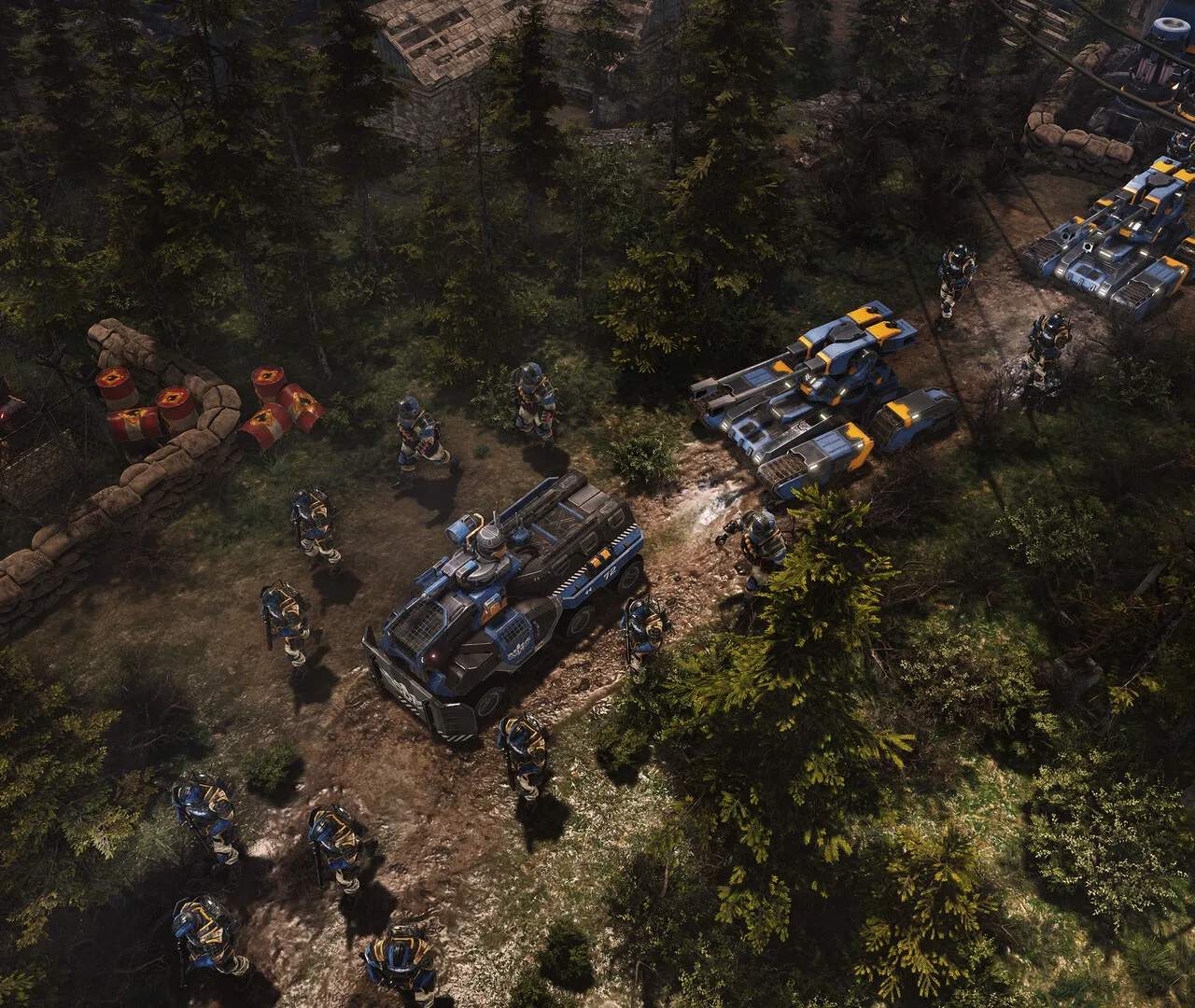
The UI provides vital information at a glance. Here's a breakdown of key elements:
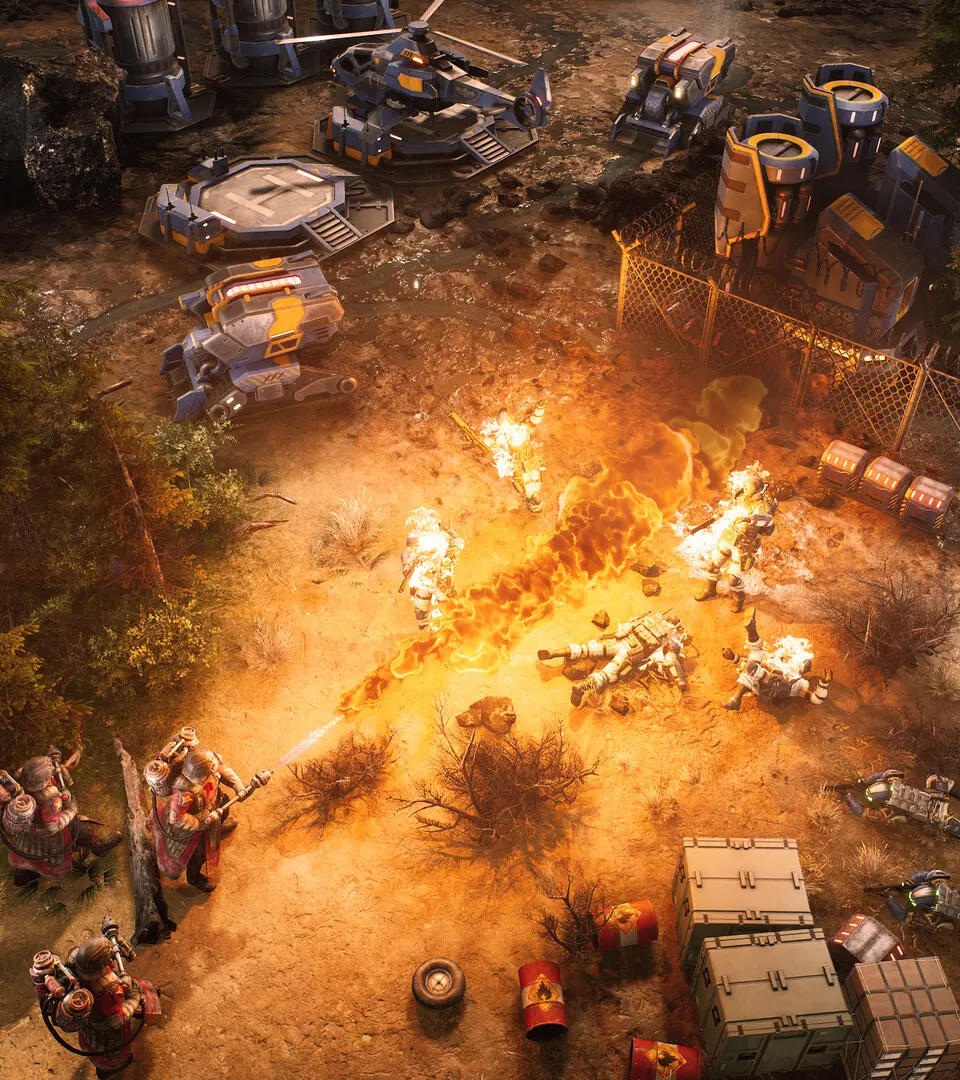
- Top-Left: Mini-map, showing the entire battlefield, unit positions, and resource nodes. Click on the mini-map to quickly jump to a location.
- Top-Center: Current mission objectives and alerts.
- Top-Right: Resource display (Tempest, Power, Supply). Keep an eye on these to manage your economy.
- Bottom-Left: Unit/Building information panel. Displays health, armor, abilities, and upgrades of selected entities.
- Bottom-Center: Command panel. This is where you issue build orders, unit production, and activate abilities. It changes based on what is selected.
- Bottom-Right: Chat window (multiplayer) and game time.
Familiarize yourself with these areas to quickly access information and issue commands without fumbling.