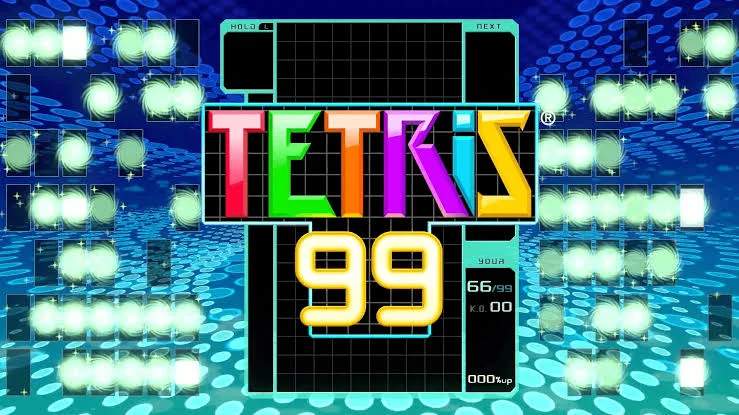
The Tetris 99 UI provides a wealth of information at a glance, crucial for making split-second decisions. Understanding each element will help you track your progress, monitor opponents, and manage incoming garbage.
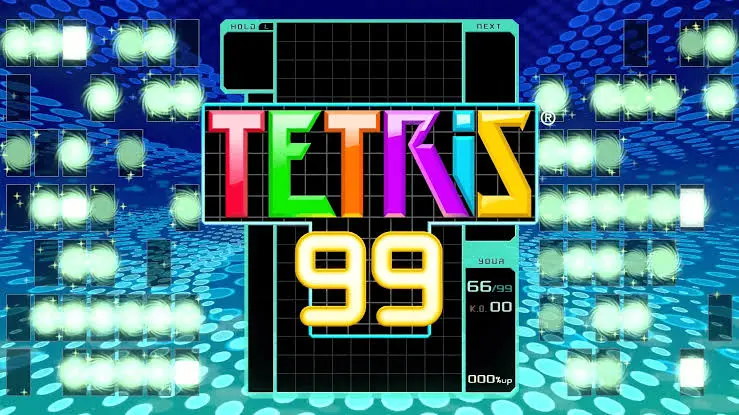
- Your Playfield (Center): This is where you'll be stacking Tetriminos and clearing lines. Keep it as flat and low as possible to avoid topping out.
- Next Queue (Right of Playfield): Shows the next 5 Tetriminos in line. Use this to plan your placements and anticipate future moves.
- Hold Queue (Left of Playfield): Displays the Tetrimino you currently have on hold. Remember to use the Hold feature strategically!
- Garbage Meter (Left of Playfield, below Hold): Indicates how much garbage is incoming. Each block represents a line of garbage. When it fills, the garbage will appear at the bottom of your playfield.
- K.O. Counter (Top Left): Shows how many opponents you have K.O.'d. Each K.O. grants you a Badge.
- Badges (Top Left, below K.O. Counter): Displays your collected Badges. More Badges mean your attacks send more garbage.
- Opponent Mini-Screens (Around your Playfield): These small screens show the playfields of other players. They turn red when an opponent is close to topping out, indicating a good target for attack.
- Targeting Indicator (Above your Playfield): Shows your current targeting strategy (Random, K.O.s, Attackers, Badges) and the number of players currently targeted.
- Player Count (Top Center): Displays the remaining number of players in the match.
- Time (Top Right): Shows the elapsed time in the current match.