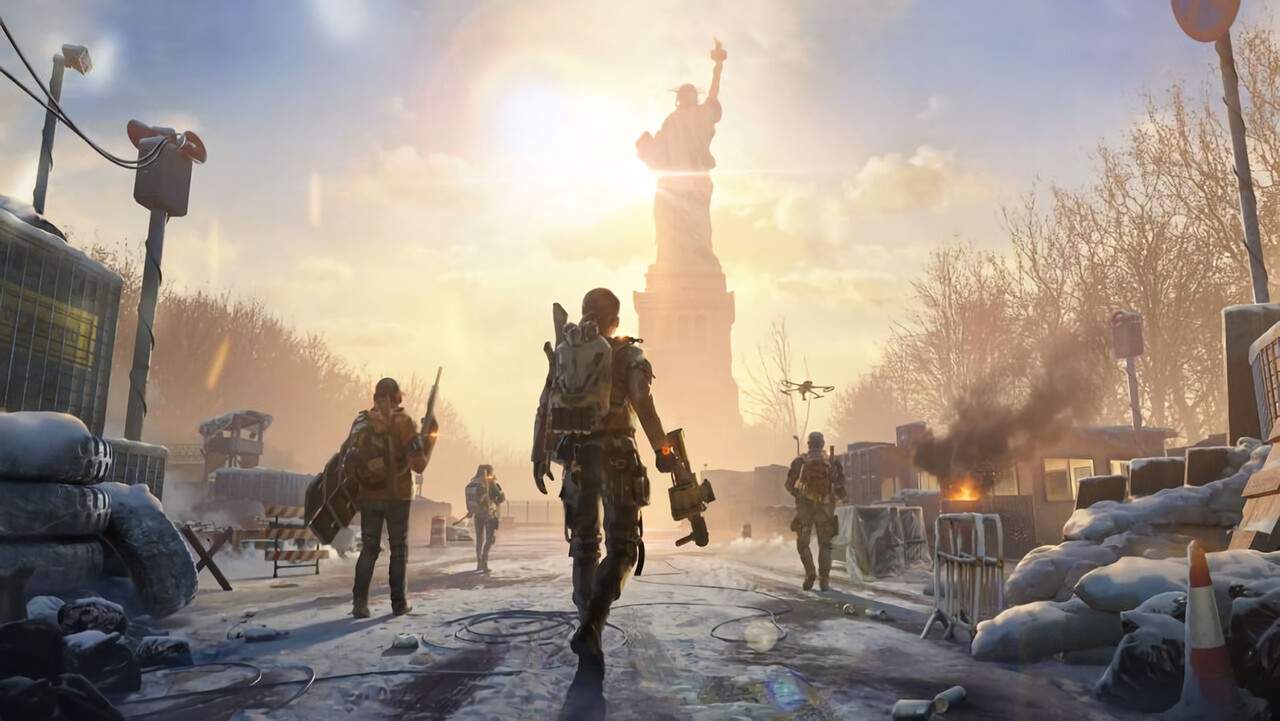
Optimizing your settings in The Division Resurgence is crucial for a smooth and responsive AAA experience on your mobile device. While the game offers a visually rich urban open-world of New York City, pushing graphical fidelity too high can lead to frame rate drops and input lag, especially during intense combat encounters. Our tech team recommends using an attachment like the Backbone or a Bluetooth controller for enhanced control, but even with these, optimal settings are key. Prioritizing frame rate over graphical bells and whistles will ensure you can react effectively to threats and execute your strategies without delay. This involves carefully adjusting various graphical options to strike a balance between visual clarity and performance.
When configuring your settings, start by lowering general graphics quality. This includes reducing texture detail, shadow quality, and environmental effects. While the massive urban open-world of New York City is a draw, these elements are often the most demanding on mobile hardware. Look for options like "Low" or "Medium" for these settings. Additionally, consider disabling or reducing post-processing effects such as motion blur, bloom, and depth of field. These effects, while adding to the visual polish, can sificantly impact performance. Frame rate capping should be set to the highest stable option your device can consistently maintain, ideally 60 FPS if possible. If your device struggles, aim for 30 FPS as a minimum for a playable experience. Resolution scaling is another powerful tool; reducing it slightly can yield substantial performance gains with minimal visual degradation. Experiment with these settings systematically, testing each change in a demanding area of the game, such as a crowded street or during a firefight with multiple Hollow Soldiers, to find the sweet spot for your specific device.