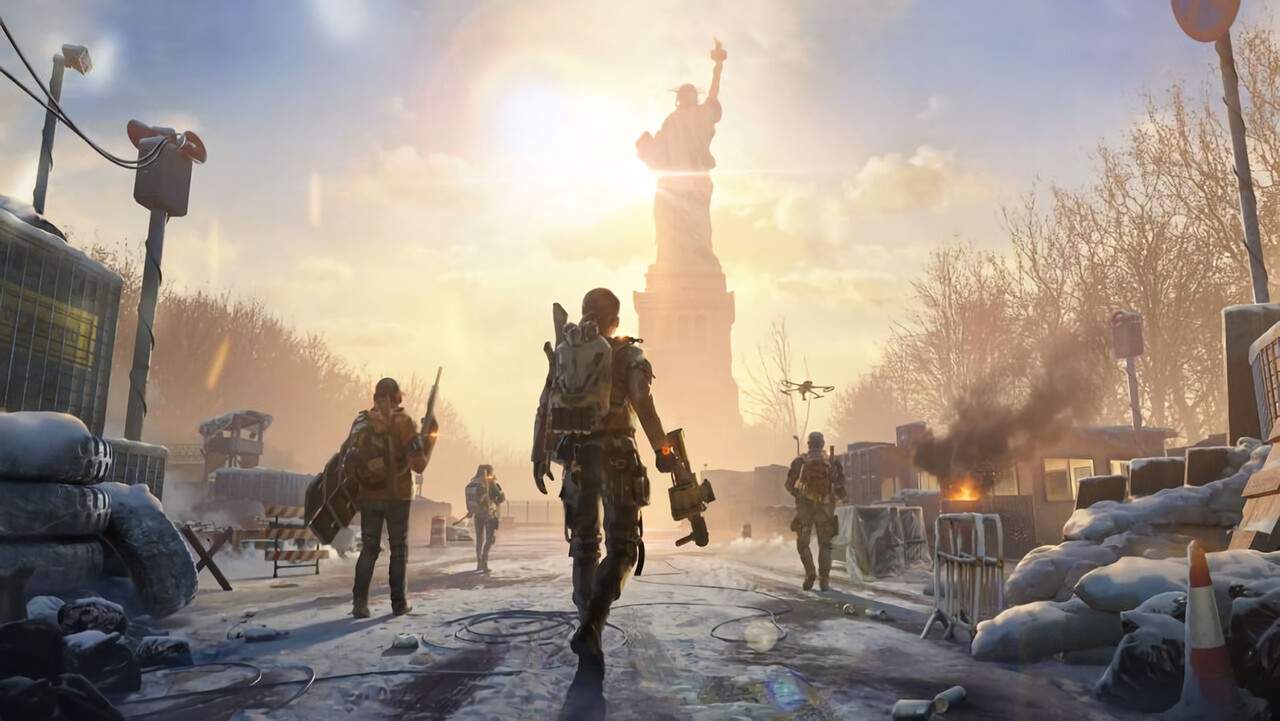
Welcome to The Division Resurgence, a groundbreaking AAA action experience meticulously crafted for your mobile devices. This new installment brings the acclaimed gameplay of the franchise to a new audience, featuring a compelling new storyline set against the backdrop of the iconic, massive urban open-world of New York City. As you step into the role of a Division Agent, you'll be tasked with restoring order amidst chaos, utilizing a range of skills, gear, and tactical prowess. Understanding the fundamental controls and the Heads-Up Display (HUD) is paramount to your success in this challenging environment. This section will familiarize you with the essential elements that govern your interaction with the game world, ensuring you can react swiftly and effectively to the threats that emerge from the shadows of Manhattan.
Mastering the basic controls and the information presented on your HUD is the first crucial step towards becoming an effective agent. The Division Resurgence offers a fluid and responsive control scheme desed for mobile play, whether you opt for on-screen touch controls or a preferred external controller. The HUD, in turn, provides vital real-time information about your agent's status, available skills, ammunition count, and the surrounding environment. A thorough understanding of these elements will allow you to make informed decisions under pressure, from engaging in intense firefights with hostile factions like the True Sons to navigating the treacherous streets of New York City. This foundational knowledge is key to surviving and thriving in the unforgiving landscape of The Division Resurgence.