Initial Download & Updates
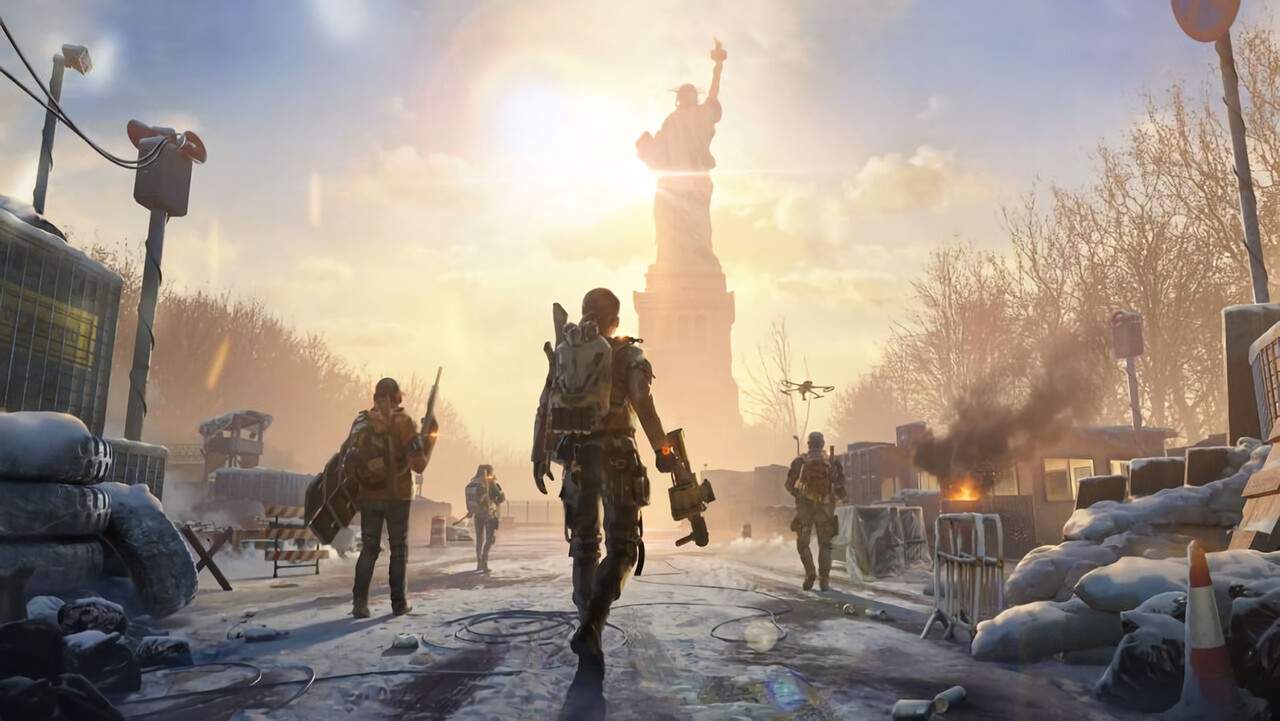
The journey into The Division Resurgence begins with the initial download and installation of the game. As a AAA title, the game client is substantial in size, requiring a stable and robust internet connection, preferably Wi-Fi, to download efficiently. anticipate a download size that can range from 10 to 15 GB or more, depending on the specific version and any pre-download content. Once the initial download is complete, the game may require further data to be downloaded upon first launch. This additional data often includes essential game assets, high-resolution textures, and core gameplay files necessary to experience the new storyline and the massive urban open-world of New York City. It is highly recommended to perform these downloads in an environment with a strong Wi-Fi sal to avoid excessive mobile data usage and potential interruptions. After the initial setup, the game will automatically check for updates. Keeping The Division Resurgence updated is crucial, as updates frequently introduce new content, balance changes, bug fixes, and performance optimizations that enhance the overall gameplay experience and ensure compatibility with your device. Regularly checking for and installing these updates will allow you to enjoy the game at its best and access the latest features and improvements.
Staying current with game updates is not just about new content; it's also about maintaining the stability and performance of The Division Resurgence. Developers regularly release patches that address issues such as game crashes, graphical glitches, or network connectivity problems. These updates can also include adjustments to weapon balancing, skill effectiveness, and enemy AI, ensuring a fair and engaging combat experience. For instance, an update might rebalance the damage output of a specific weapon type or adjust the cooldown of a popular skill like the tactical scanner. Furthermore, updates often pave the way for future content drops, such as new missions, gear sets, or even expansions to the open-world. By ensuring your game is always up-to-date, you are guaranteeing that you have access to the latest iteration of the game's mechanics, including any refinements to the progression systems or the introduction of new specializations. This proactive approach to updates ensures that your experience with the new storyline and the tactical combat against factions like the Black Tusk remains as smooth and enjoyable as possible, allowing you to fully immerse yourself in the world of The Division Resurgence.
Downloading the Game Client
The initial download of The Division Resurgence is the first hurdle to overcome before you can begin your Agent's journey. Access the game through your device's respective app store (Apple App Store for iOS or Google Play Store for Android). Locate The Division Resurgence and initiate the download. It is strongly advised to connect to a stable Wi-Fi network before starting this process, as the game's file size is considerable, often exceeding 10 GB. Downloading over a cellular data connection could lead to sificant data charges and potential interruptions if your sal is weak. Once the download is complete, the game will install automatically. Upon the first launch, The Division Resurgence may prompt you to download additional game data. This secondary download is essential for the game to function correctly and includes core assets, textures, and other necessary files. Again, a Wi-Fi connection is highly recommended for this stage. Ensure you have sufficient free storage space on your device, typically at least 15 GB, to accommodate both the initial download and any subsequent data or updates. A smooth download process is key to a positive first impression of the game's AAA quality and its massive urban open-world.
Managing Game Updates and Patches
Keeping The Division Resurgence updated is crucial for a stable and enjoyable gaming experience. The game will typically notify you when an update is available, either through the app store or directly within the game client. It is recommended to download and install these updates as soon as possible. Updates often contain critical bug fixes that resolve issues such as game crashes, performance problems, or connectivity errors. They also frequently include balance adjustments to weapons, skills, and enemy encounters, ensuring a fair and engaging gameplay experience. For example, an update might tweak the damage of the M4 carbine or adjust the duration of the riot foam skill. Furthermore, game updates are the primary method for introducing new content, such as additional story missions, new gear sets, or even expansions to the game's mechanics. By staying up-to-date, you ensure that you are playing the most refined version of the game and have access to all the latest features and improvements. Regularly checking your device's app store for pending updates for The Division Resurgence is a good practice to ensure you don't miss out on important patches or new content that enhances your experience with the new storyline and tactical combat in the massive urban open-world of New York City.