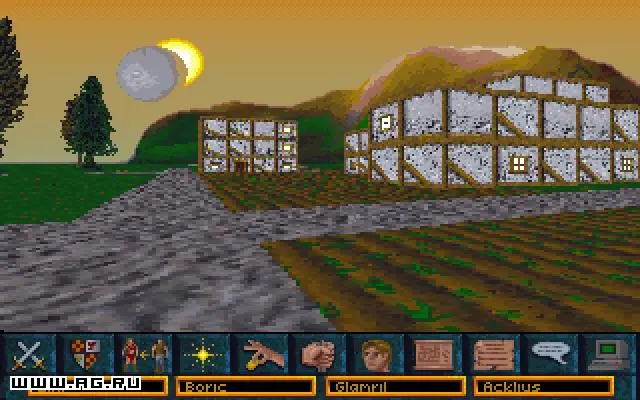
Arena's controls are largely mouse-driven, with keyboard shortcuts for efficiency. Movement is handled by the arrow keys or WASD (if configured in DOSBox or a wrapper). The mouse controls your view and interaction. Left-click to interact with objects, attack, or select menu options. Right-click often brings up context-sensitive menus or cancels actions. The main UI consists of your health and magic bars, a compass, and various icons for inventory, spellbook, map, and character sheet. Pay close attention to the message log at the bottom of the screen for crucial information and quest updates. Understanding these elements is vital for navigating dungeons and engaging in combat effectively.