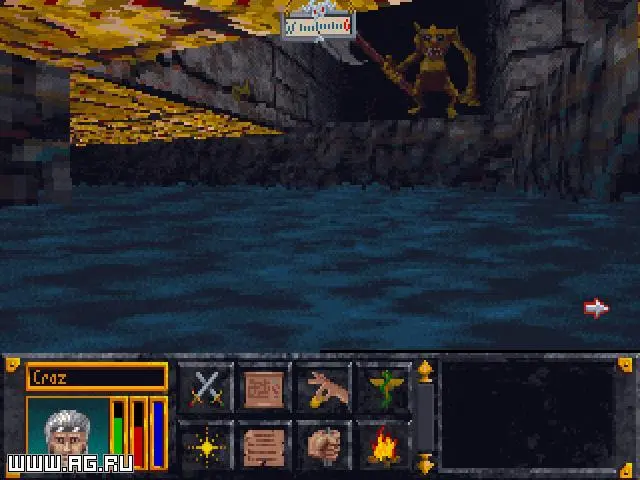
While Arena is an older title, modern systems often require a DOSBox emulator for proper functionality. Ensure you have DOSBox installed and configured. Mount your game directory (e.g., mount c C:\ARENA) and then navigate to it (c:). Run the game executable, typically ARENA.EXE. You may need to adjust cycles in DOSBox (Ctrl+F11/F12) for optimal performance, aiming for a smooth framerate without excessive speed. Familiarize yourself with DOSBox's keybindings for pausing, screenshots, and other emulator functions, as these can be invaluable during gameplay.