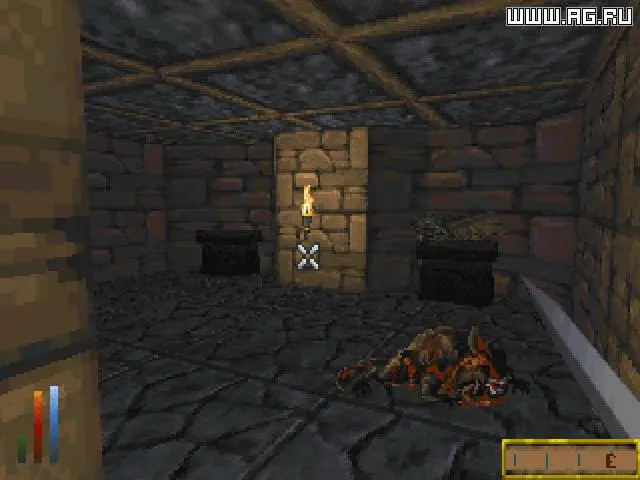
Daggerfall's controls can feel a bit dated compared to modern RPGs, but they are intuitive once you get the hang of them. Movement is typically handled with the WASD keys, with the mouse controlling your camera and aiming. Left-clicking interacts with objects and initiates attacks, while right-clicking brings up context menus or allows you to drag items. The 'I' key opens your inventory, 'M' brings up the map, 'J' accesses your journal, and 'C' opens the character sheet. Pay close attention to the on-screen prompts and the various icons in the user interface. The compass at the bottom of the screen is vital for navigation, and the health/stamina/magicka bars indicate your character's current status. Experiment with the controls in a safe area to familiarize yourself before venturing into dangerous dungeons.