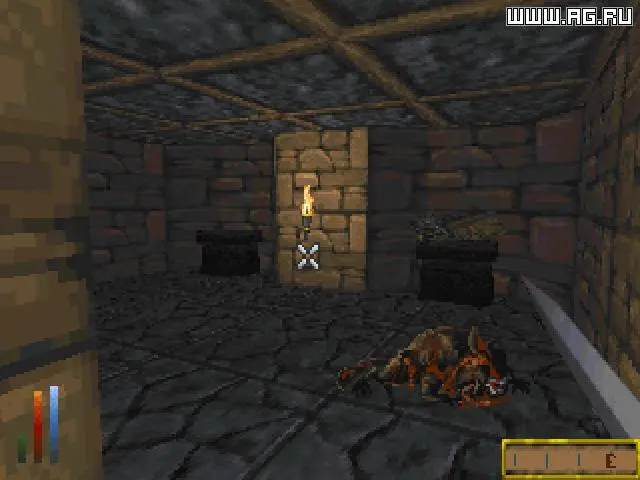
Daggerfall, being an older title, often requires some setup to run smoothly on modern systems. The most common method is to use Daggerfall Unity, a fan-made recreation of the game in the Unity engine that offers significant quality-of-life improvements, bug fixes, and modding capabilities. To install Daggerfall Unity, first download the original Daggerfall game files (often available for free from official sources or digital storefronts). Then, download the Daggerfall Unity executable from its official website. Extract Daggerfall Unity into a folder, and when prompted, point it to your original Daggerfall game files. Follow the on-screen instructions for initial setup, including resolution and control mapping. It's highly recommended to use Daggerfall Unity for the best experience.